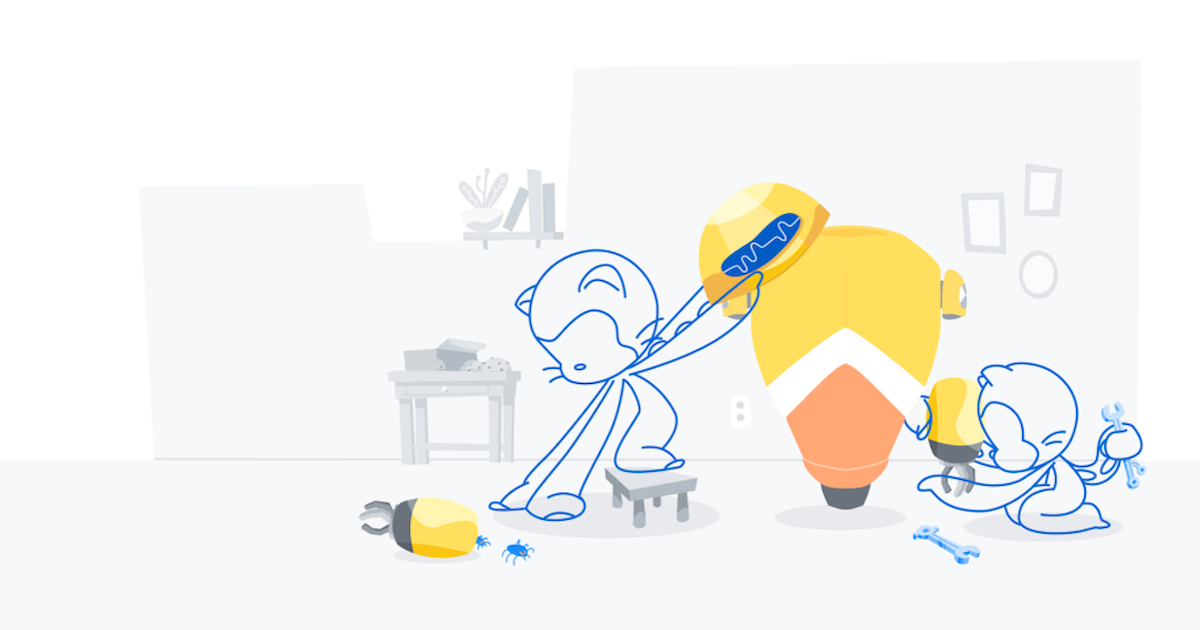
Oh yeah, there’s pull requests now
Last night I pushed out a feature Tom and I have been talking about since day one: pull requests. That’s the short walkthrough. You can use it to tell people…
Last night I pushed out a feature Tom and I have been talking about since day one: pull requests. That’s the short walkthrough. You can use it to tell people…
Editor’s note (July 15, 2026): We updated this post to reflect a revised backport enforcement date. Enforcement for backported versions of actions/checkout has been moved from July 16, 2026 to…
GitHub is updating how GitHub Actions’ pull_request_target and environment branch protection rules are evaluated for pull-request-related events. These changes will take effect on 12/8/2025. They aim to reduce security critical…
Starting today, in Actions workflows, the pull_request_target trigger is now supported for repository rulesets that require a successful workflow run. This is in addition to pull_request and merge_group, making pull_request_target…
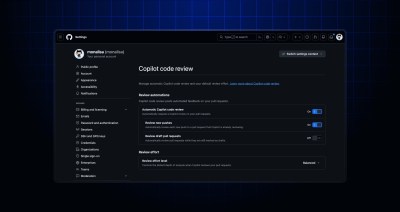
GitHub Copilot code review now offers additional personal configurations to an expanded set of Copilot plans and an enterprise-level default setting. These improvements are now generally available: A dedicated personal…
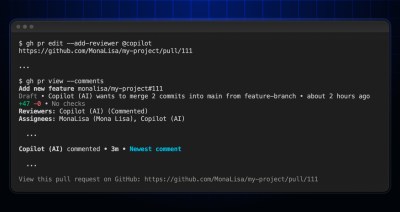
You can now request a review from GitHub Copilot directly from your terminal using the GitHub CLI. Whether you’re editing an existing pull request or creating a new one, Copilot…
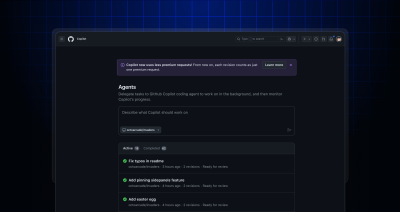
With GitHub Copilot coding agent, developers can tackle tech debt, fix bugs, and even implement new features at scale. Simply delegate tasks to Copilot, and let it work in the…

Learn how to identify which CVE Numbering Authority is responsible for the record, how to contact them, and what to include with your suggestion.

Supply chain attacks exploit our implicit trust of open source to hurt developers and our customers. Read our proposal for how npm will significantly reduce supply chain attacks by signing packages with Sigstore.

Do you worry that a CVE will hurt the reputation of your project? In reality, CVEs are a tracking number, and nothing more. Here’s how we think of them at GitHub.
2022-04-22 Update: Out of an abundance of caution due to the legacy nature of the app, we have moved up the deprecation timeline and the shutdown is effective immediately. The…
A CODEOWNERS file defines the users or teams responsible for different parts of your repository, and helps ensure the right people are included in pull request reviews. We’ve shipped some…
The GitHub Social Impact and Policy teams are issuing a Request for Proposal (RFP) for a researcher to define a list of publicly available GitHub platform usage metrics by country for international development, public policy and economics disciplines.
API requests made by a GitHub App on behalf of a user that has authorized the app are known as user-to-server requests. The resources that can be accessed by these…

We’ve acquired Pull Panda to help teams create more efficient and effective code review workflows on GitHub.
The icon used when requesting changes in a pull request review has now been updated. Learn more about pull request reviews

Review requests are a great way to ask for review on software, and with the addition of team requests you can get the feedback you need faster. To make it…
Review requests are a great way to get the people you need to look at your work. Now with team requests, you can find the right group of people and…
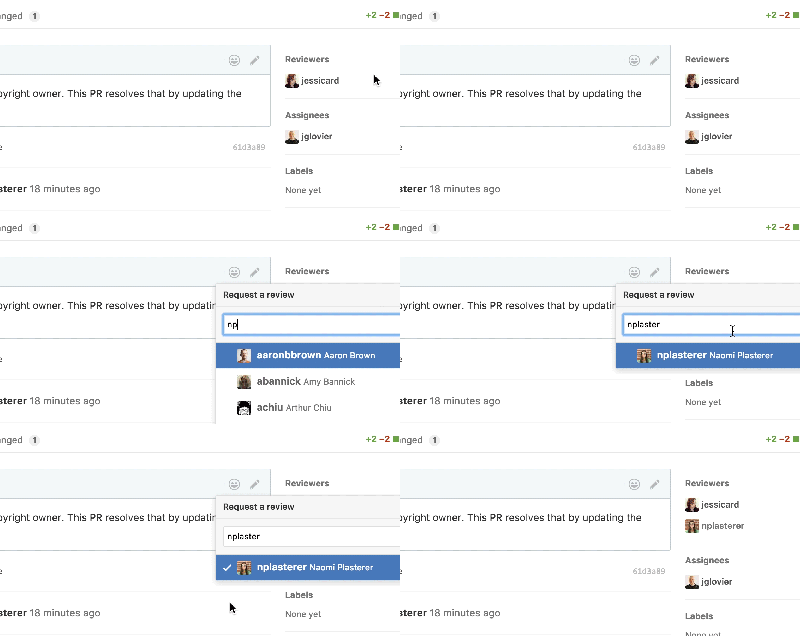
You can now request a review explicitly from collaborators, making it easier to specify who you’d like to review your pull request. You can also see a list of people…
GitHub Flavored Markdown is getting a little Task List flavoring. Today, we’re shipping an enhancement to our Markdown pipeline to support task lists. Task lists are lists with items marked…

We’re launching ReviewBench, a benchmark for code review agents built on representative GitHub pull requests, multi-source ground truth, calibrated evaluation, and production-aligned metrics.

Build what’s next on GitHub, the place for anyone from anywhere to build anything.

Join us October 28-29 in San Francisco or online for GitHub Universe, our flagship developer event uniting people, agents, and the world’s code.

