Pin your favorite repositories to your dashboard
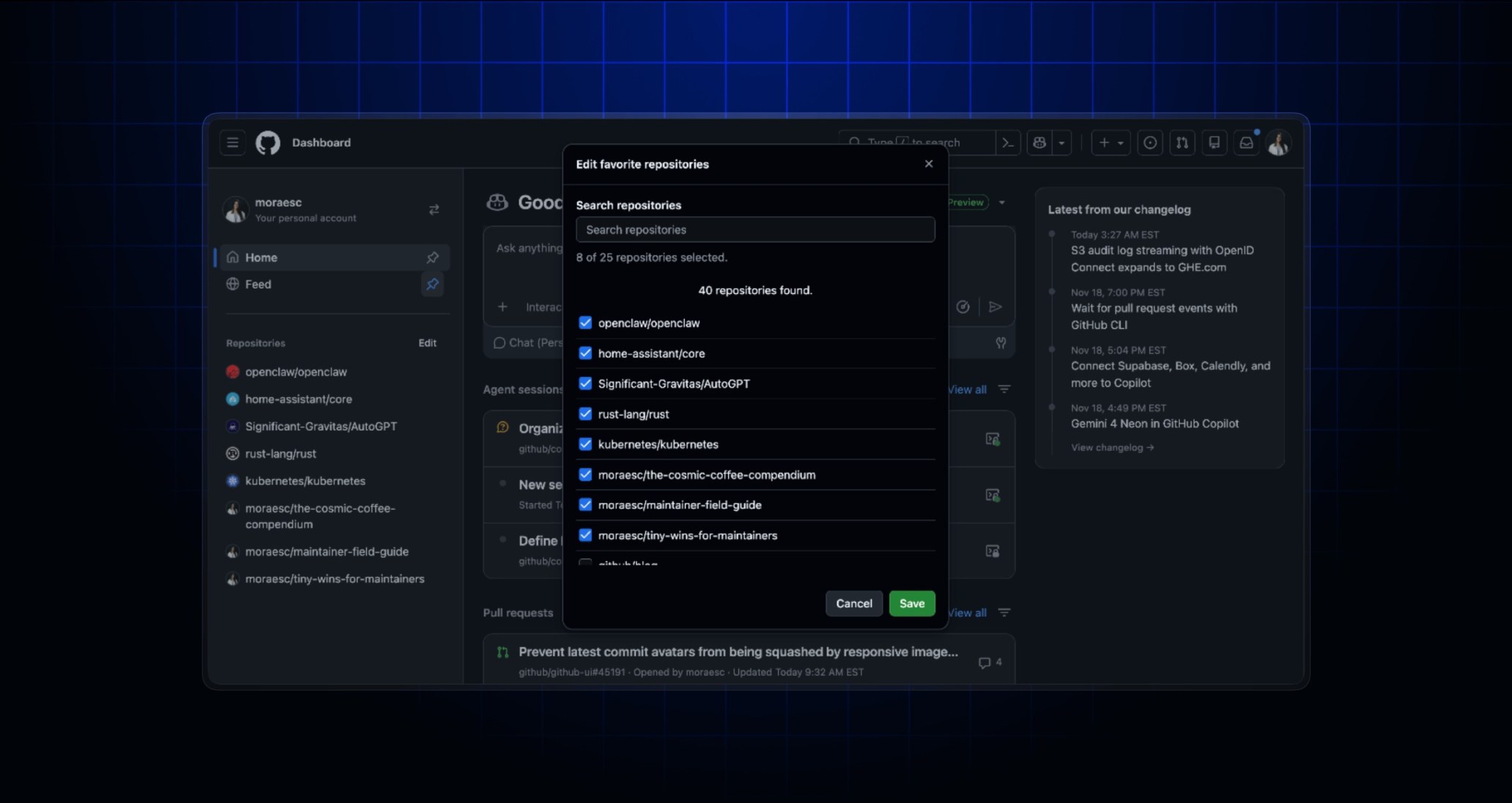
Choose which repositories appear on the Dashboard with the new Favorite repositories section. If the new dashboard experience isn’t enabled, Top repositories remains unchanged.
Select Edit or Add repositories to open the picker. Search for repositories and select or deselect them. Your selections stay visible as you search. Select Save to apply your changes. New favorites are added to the end of your list. To discard your changes, select Cancel.
Your favorites sync with your pinned repositories in GitHub Mobile. Changes you make in either place appear in the other after you refresh. You can pin up to 25 repositories across both experiences. If saving would put you over the limit, you’ll see an error and your list won’t change.
Leave your feedback in the GitHub Community discussion.