Let GitHub Copilot interact with your browser
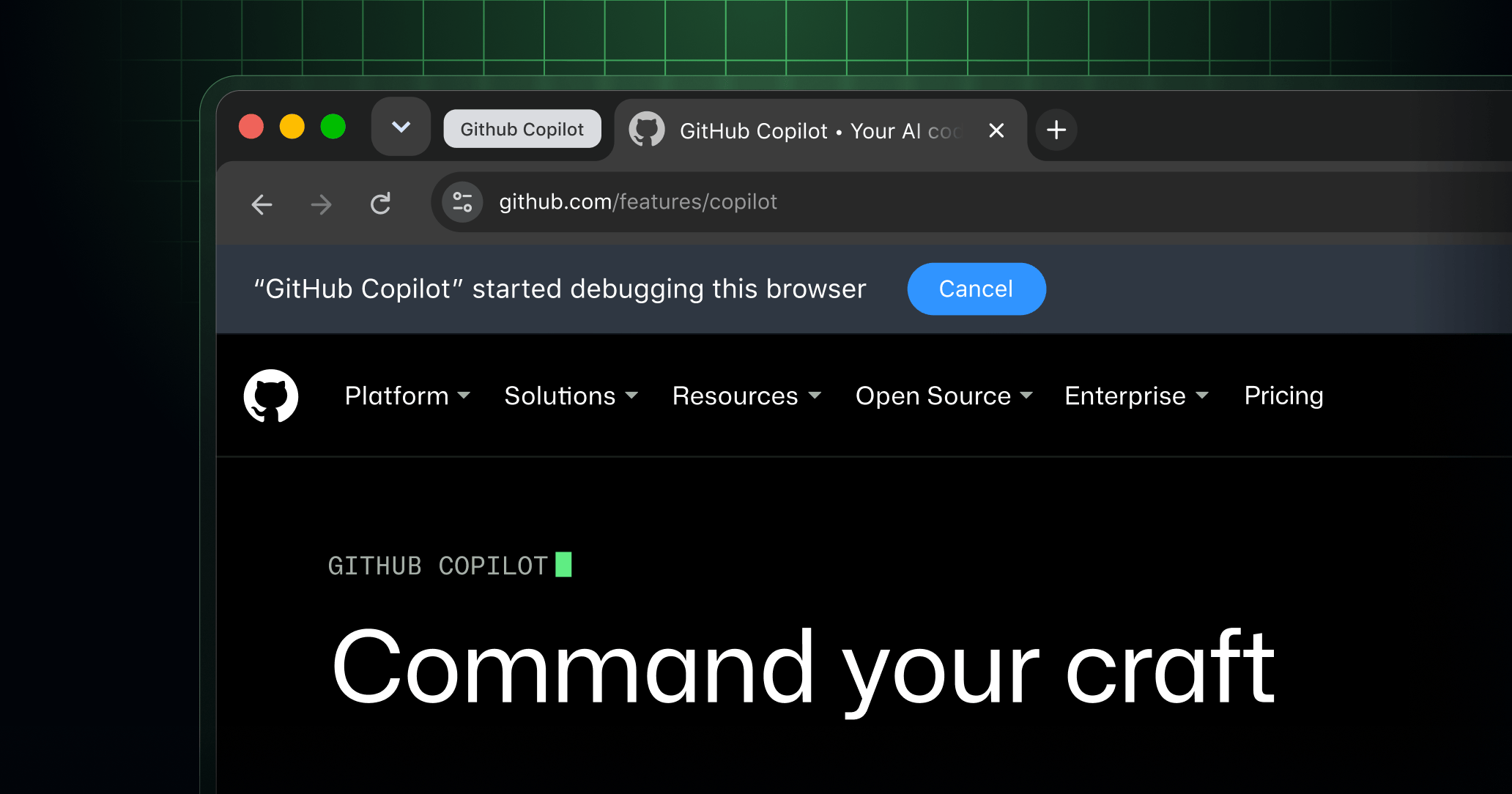
Paired with the GitHub Copilot Chrome extension, browser use is now available in public preview in GitHub Copilot CLI, GitHub Copilot app, VS Code and JetBrains. This is part of our ongoing effort to bring computer use into developers’ everyday workflows, making it easier to work with Copilot in the tools they already use. Browser use can be used together with computer use to give Copilot more direct access to workflows in a web browser.
Bring browser use into your daily workflow. You can ask Copilot to control the browser, debug web apps in real time, automate browser tests, and handle complex web tasks, all alongside the tools you already use.
Prerequisites:
- Install GitHub Copilot in Chrome
To get started:
- Enable browser use in your Copilot client:
- Copilot CLI: enter
/plugin, then find and enable browser use. You can then start a new session to use it.
- Copilot app: Go to Settings > Computer Use > Enable Browser Use
- VS Code/JetBrains: Go to Settings > Enable Browser Use.
- Copilot CLI: enter
- Click the browser extension to check if its state is Connected.
-
Ask Copilot to use your browser to complete a task.
-
You can also use the extension’s settings to manage permission levels and turn on experimental features.
Learn more
Learn more in the browser use documentation.
Share your feedback
Your feedback drives improvements. We’d love to hear about your experience in the feedback form.