GitHub Copilot CLI adds Microsoft Entra sign-in as a preview
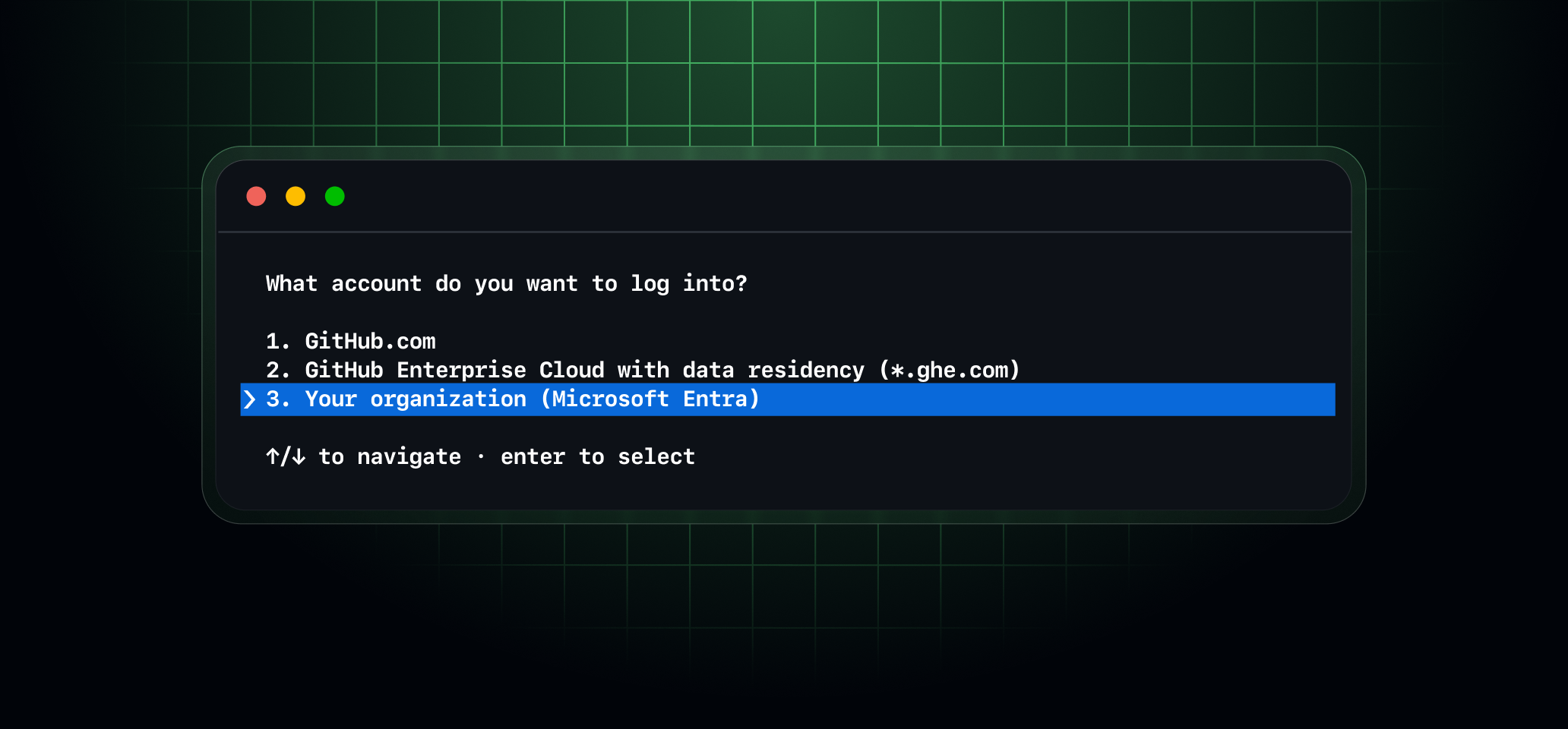
GitHub Copilot CLI now supports Microsoft Entra authentication in public preview. You can sign in with your Microsoft Entra account to silently authenticate to a linked GitHub Enterprise Managed User (EMU) account, use your Microsoft 365 Copilot license, or both, depending on your organization’s entitlements.
Microsoft Entra authentication for both EMUs and Microsoft 365 Copilot is currently supported on Windows and macOS. Linux support will follow.
Enterprise Managed User support
For enterprises using EMUs via OIDC, GitHub Copilot CLI now supports silent SSO using Microsoft Entra authentication. You can access GitHub from GitHub Copilot CLI using your Microsoft Entra identity without a separate GitHub sign-in. You must have an assigned Copilot Business or Copilot Enterprise license, and your organization must enable the Copilot CLI policy. In this scenario, GitHub Copilot CLI uses GitHub inference, and usage is governed by the organization’s GitHub Copilot plan.
This SSO experience is currently limited to GitHub Copilot CLI and VS Code and is available only to enterprises using OIDC for EMU.
To enable Enterprise Managed Authorization for your enterprise on GitHub Enterprise Cloud, see the Enterprise Managed Authorization documentation.
Microsoft 365 Copilot license support
If your organization is in Frontier and has a Microsoft 365 Copilot license with usage-based billing, Microsoft Entra authentication lets you access models available through Microsoft Copilot directly from the terminal. In this scenario, GitHub Copilot CLI uses Microsoft 365 inference rather than GitHub inference, and you don’t need a GitHub account. Model access and usage limits are managed through your organization’s Microsoft 365 Copilot settings, not GitHub.
You can also use the Work IQ MCP server to give Copilot access to your Microsoft 365 work data as context. For more information, see the Work IQ MCP overview.
Get started
To take advantage of these capabilities, GitHub Copilot CLI version 1.0.113 or later is required. You can update the CLI by running copilot update in your terminal.
Steps for enabling each capability in the CLI are provided in the GitHub Copilot CLI documentation.