Saved replies keyboard shortcuts
For almost two years you have been able to use saved replies to quickly respond to multiple issues and pull requests. Now saved replies have keyboard shortcuts to make them…
For almost two years you have been able to use saved replies to quickly respond to multiple issues and pull requests. Now saved replies have keyboard shortcuts to make them even easier to use.
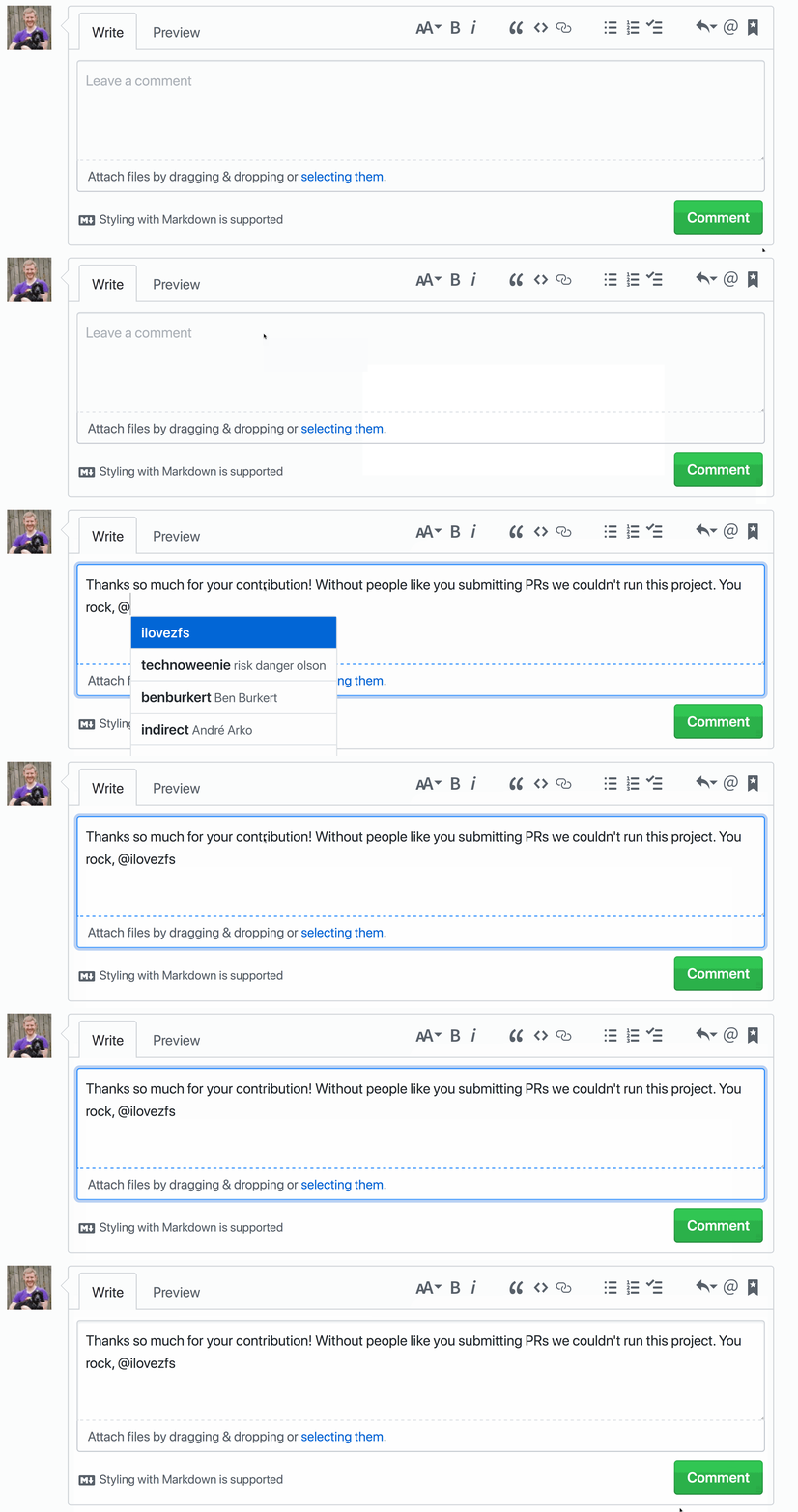
To activate your saved replies press Ctrl . when composing or replying to an issue or pull request. Select the saved reply of your choice with a number, for example Ctrl 2.
Note if your saved reply ends with a # or @ after inserting the saved reply it will attempt to autocomplete an issue or pull request number or username. Check out the documentation to learn more.
Written by

Related posts

10 technical talks I’m excited about at GitHub Universe 2026
From verifying AI-written code to securing npm dependencies, these are the sessions I’m building my Universe agenda around.

Developer policy update: Transparency, state policy, and what’s ahead
Explore GitHub’s latest transparency data and learn more about policy updates affecting developers and open source.

Developers want more efficient software. Here’s what over 1,000 GitHub users told us they need.
New research from GitHub and Yale Program on Climate Change Communication finds strong demand for tools, measurement, and practical guidance that can help developers reduce wasted compute.