Introducing split diffs in GitHub Desktop
The latest version of GitHub Desktop includes split diffs, PRs with Actions status, more control over stashing, and discarding changes from files.
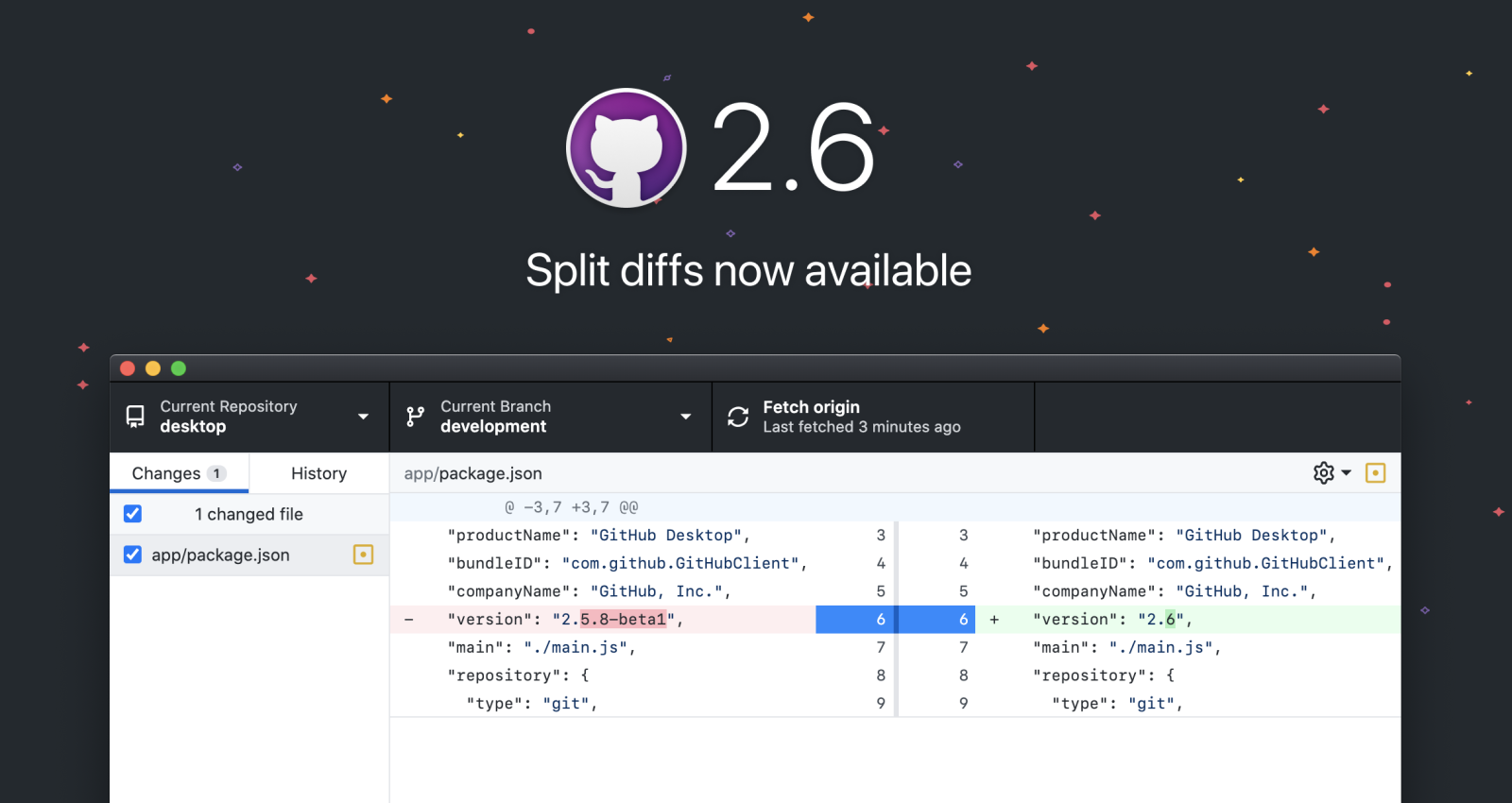
GitHub Desktop lets you focus on shipping great products instead of fighting with Git. You can do all the things you can do from the command line – check out branches, review code, make changes, commit, push, and even check out CI status – but from a beautifully-designed desktop interface. And you can easily jump back and forth between GitHub Desktop and your favorite code editor.
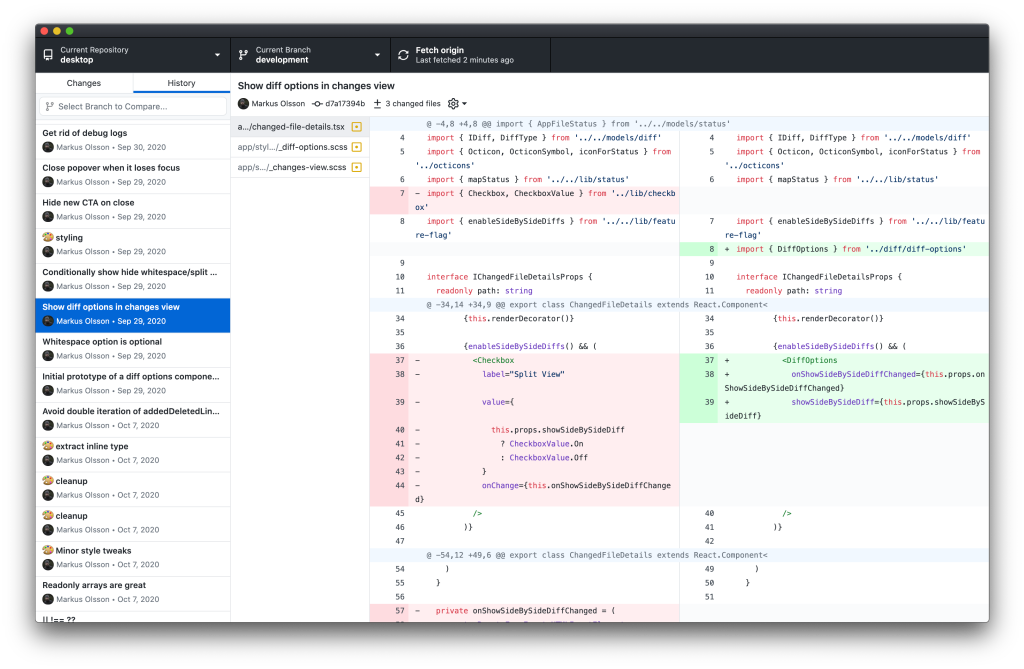
Today’s release includes split diffs, one of the features most requested by the community over the past year. GitHub Desktop now lets you optionally visualize code changes in a side-by-side, or split, view. For many people, this makes it a lot easier to see what’s changed – and with GitHub Desktop’s syntax highlighting, split diffs give you even more power and context than you have in your terminal.
Growing the GitHub Desktop community
GitHub Desktop is free and open source, and the community has grown dramatically since we released the current version of the app in 2017. More than 1 million people now use GitHub Desktop every month, making it by far the most widely used desktop Git client in the world. Hundreds of people have contributed to GitHub Desktop directly, and thousands more have shared feedback to make the product even better.
Split diffs are just one powerful feature that we’ve released in response to this feedback. And there are many more in this release, including Actions statuses in the app, more control over when to stash changes, and easily discarding lines from a file.
Download the newest version of GitHub Desktop today.
Tags:
Written by

Related posts

GitHub Universe 2026: Evolving every layer of the stack
Today, we laid out our vision for GitHub as the most comprehensive, end-to-end software delivery system in the world.
Octoverse: Commits, pushes, reach new highs in 2026 as developers build with agents
See how a record year of growth reached every industry, every field, and every kind of builder in the 2026 Octoverse report.

The next developer interface is ambient intelligence
AI, agents, voice, and physical controls are shifting software development from operating tools to expressing intent—and helping developers stay focused on building.