GitHub Desktop 2.4 introduces proxy support and issue creation
GitHub Desktop 2.4 gets you set up to work behind a proxy without having to configure anything manually, allows you to easily create an issue, and brings dark theme out of beta.
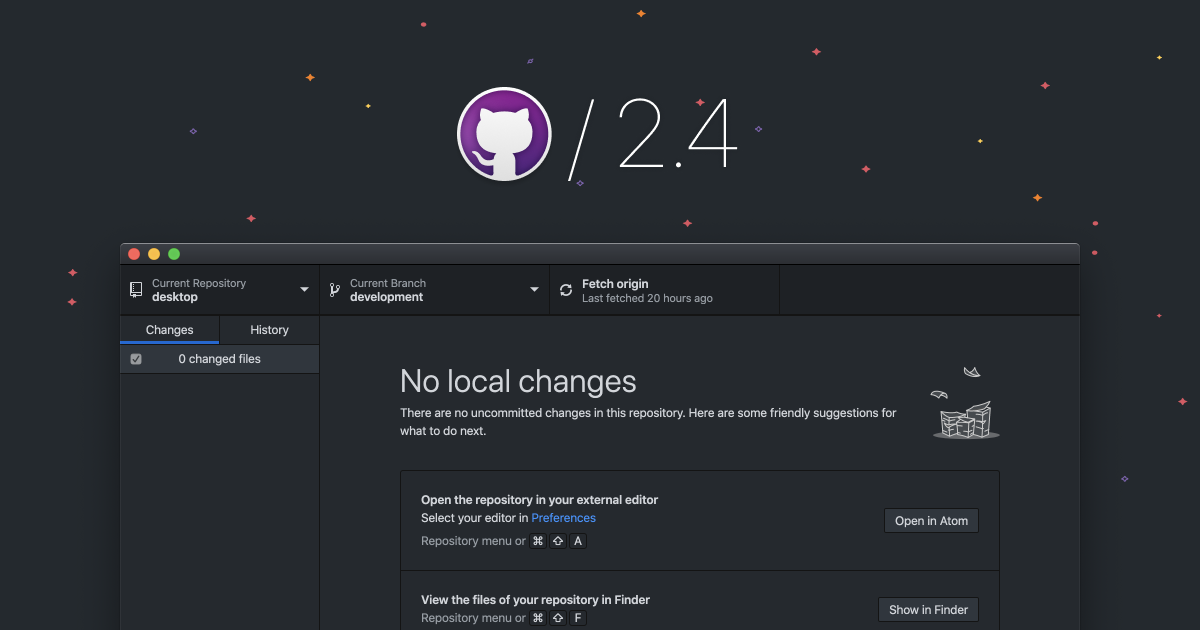
GitHub Desktop helps people get started with Git and GitHub more easily and removes obstacles that add more cognitive overhead to their workflow. The latest release simplifies the experience for people in large organizations, especially those where people are connected to the internet through a proxy. And it allows people to quickly create an issue without having to think about where to go.
Working behind a proxy
Starting a new job and getting your machine set up in a large organization can be stressful, especially as a newer software developer. You get everything installed, go to push or pull a repository from GitHub, and all of a sudden you get an obscure error from Git, usually with the dreaded words, “couldn’t resolve host.”
Hopefully you’re able to figure out why you’re receiving this message, but even when you do, you have to search the web to find the solution and trust that the command you find will work…and won’t get you into trouble. With GitHub Desktop 2.4, we automatically handle setup without needing you to configure anything manually—worry no more!
Creating an issue
GitHub Desktop enables people to easily create a pull request for the current repository of GitHub Desktop, and we’ve heard that developers also want this for issues. Let’s imagine that you’re working on a feature, and you notice an unrelated bug that you want to quickly address by creating an issue. Now, you can use the menu item or keyboard shortcut to immediately get to the “New issue” page, create your issue on GitHub, and get back to work. And, this also takes issue templates into account—if any exist, we’ll automatically route you to the template page.

Dark theme now out of beta
After extensive testing, and with more and more people using it regularly, we’re excited to bring GitHub Desktop’s dark theme out of beta. Many of you have loved using it so far, and thanks to contributions from our community open source contributor @say25, we’ve also enabled the ability to automatically switch between the dark and light themes based on the time of day.

Share your feedback
As always, we’re eager to hear your feedback so we can continue to improve GitHub Desktop. Let us know what you think—comment on an existing issue or open a new one in our open source repository. Stay tuned for more updates focused on simplifying releases and making your workflow easier by bringing GitHub.com to your local machine.
Learn more about GitHub Desktop
Tags:
Written by

Related posts

The next developer interface is ambient intelligence
AI, agents, voice, and physical controls are shifting software development from operating tools to expressing intent—and helping developers stay focused on building.

GitHub availability report: September 2026
In September, we experienced two incidents that resulted in degraded performance across GitHub services.

10 technical talks I’m excited about at GitHub Universe 2026
From verifying AI-written code to securing npm dependencies, these are the sessions I’m building my Universe agenda around.