Self-service credential revocation for incident response
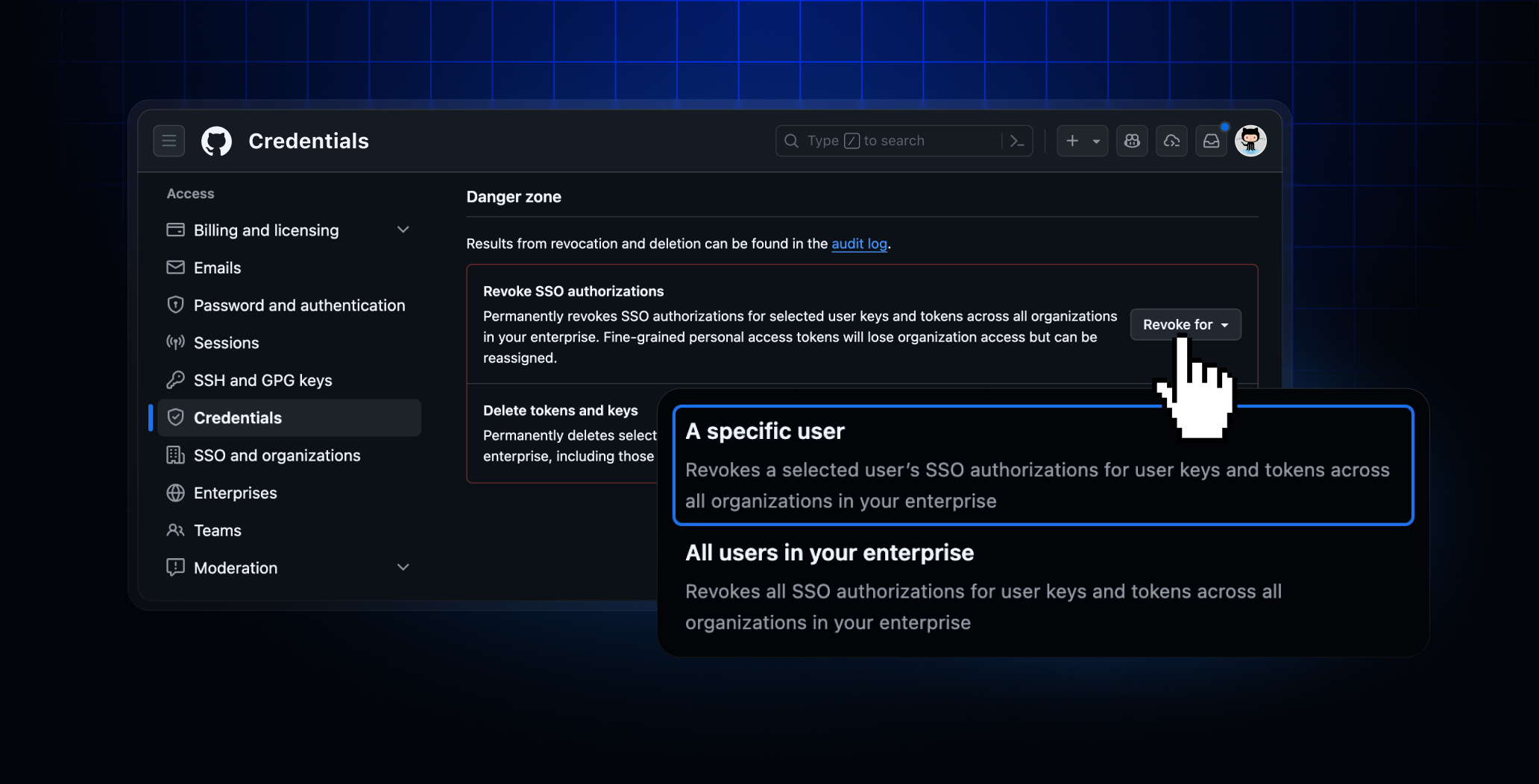
For a timely response to security incidents involving compromised accounts or stolen credentials, GitHub Enterprise owners can now use new “break-glass” capabilities to instantly revoke all credentials for a given user. This builds on the enterprise-wide credential management tools for incident response released earlier.
With this release, enterprise owners and members with the fine-grained permission Manage enterprise credentials can trigger the following bulk actions for all users or for a specific user in their enterprise:
- Revoke SSO authorizations for user credentials (personal access tokens, SSH keys, and OAuth tokens) across your enterprise.
- Delete user tokens and SSH keys across your enterprise, even if they don’t have an SSO authorization. This action is available only for EMU accounts.
- List and revoke SSO authorizations for user credentials across a specific organization. These actions are only supported programmatically through the org-level rest APIs.
Additionally, we have introduced a new self-service revocation experience for individual enterprise members as part of Settings -> Credentials view, which enables you to:
- Review counts of credentials that are generated or authorized via SSO by your personal account.
- Self-service revoke or delete all of your credentials and authorizations in a single action without going token-by-token or key-by-key.
Enterprise owners and affected users can review details about revoked and deleted credentials via audit logs and email notifications generated by each of the new actions above.
To learn more, see our documentation around how to respond to security incidents in your enterprise and GitHub credentials reference.
Join the discussion within GitHub Community.