Shape Copilot code review around your team
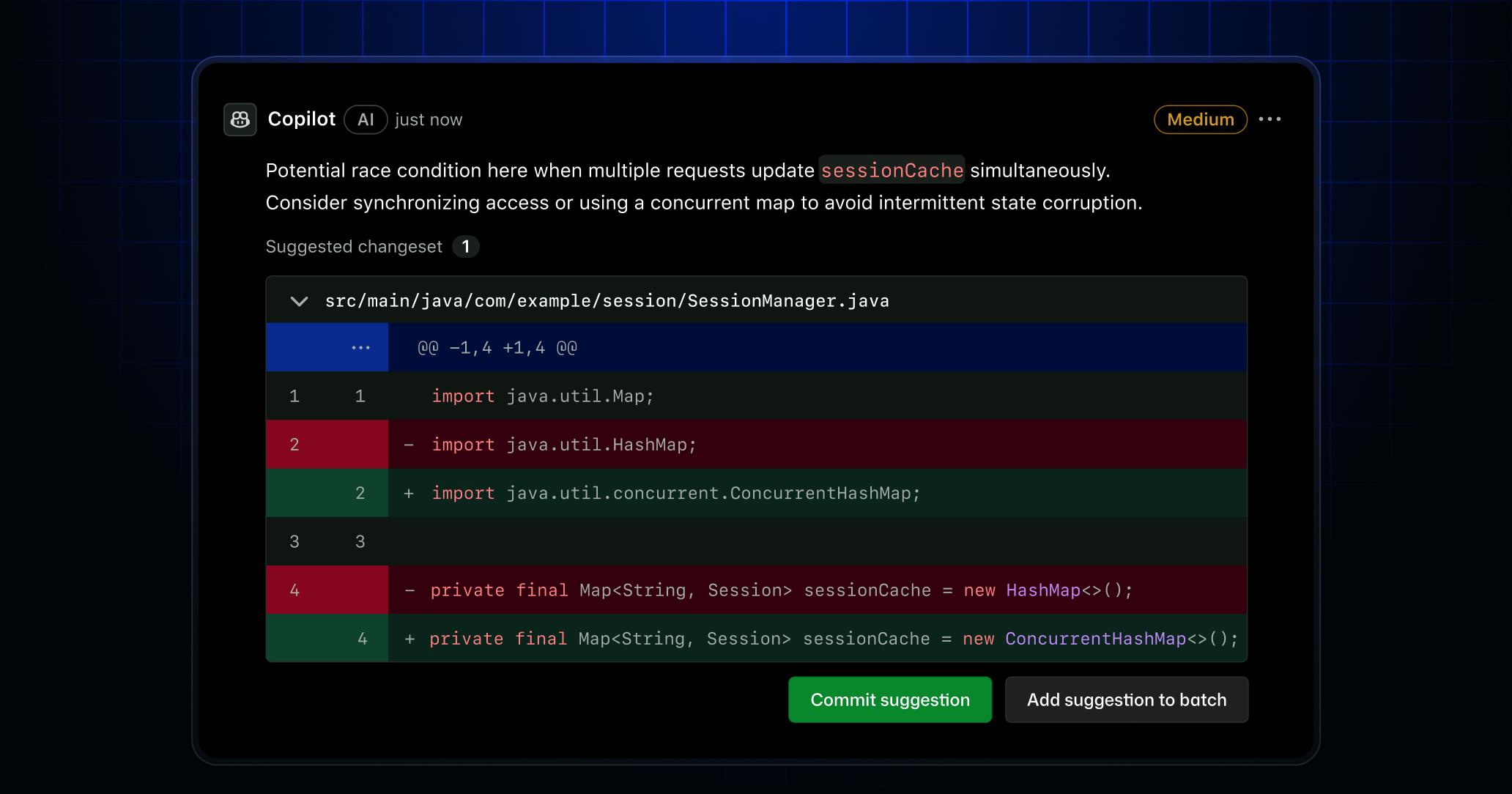
Copilot code review adapts to your team’s tools and standards and scales its depth to the complexity of each change. Today we’re shipping two public previews:
- Agent skills and MCP support that bring your organization’s context into every review
- A new medium analysis tier that routes complex pull requests to a higher-reasoning model
Bring your tools and standards into every review with skills and MCP
A lot of what reviewers need to know lives in other tools, not in the diff itself. Agent skills and MCP bring that context into Copilot’s reviews, ensuring that reviews don’t stall on questions already answered elsewhere. This means senior engineers stop being the bottleneck for consistency across repositories.
- Custom agent skills invoke your team’s internal tools and standards during a review, extending Copilot beyond its built-in analysis.
- MCP server connections, once configured, pull context directly into the review from the third-party platforms and internal systems your team already uses, including issue tracking, documentation, service catalogs, and incident tooling.
- Configurable Actions workflows give you control over the compute and environment Copilot uses for review.
- Shared configuration across review and cloud agent means platform teams invest once and get consistent behavior across both agents.
Match review depth to complexity with the new medium analysis tier
Review depth should scale with the complexity of the change. The new Medium tier routes pull requests to a higher-reasoning model purpose-built for deeper analysis of complex logic, security-sensitive code, and cross-service changes. Low remains a fast, cost-efficient default for straightforward work like docs and small repositories. This enables you to invest compute where it matters most and conserve it everywhere else.
- Admins set Low or Medium per repository to align review intensity with code complexity and business value.
- Medium delivers more actionable comments with fewer false positives and catches subtle bugs lighter reviews miss.
- Medium consumes more AI Credits than Low, with clear cost signals so admins can manage spend under usage-based billing.
Getting started
These features are available in public preview for existing Copilot Pro, Pro+, Business, and Enterprise users. Copilot code review can also be enabled for non-Copilot users via Direct Org Billing.
Setting up MCP servers for Copilot code review
- Add your desired JSON MCP configuration under repository settings → Copilot → MCP servers.
- Store your token required for MCP authentication under repository settings → Secrets and variables → Agents.
Note: Any existing MCP configurations for Copilot cloud agent will now apply to Copilot code review automatically.
Read the docs to find examples of common MCP configurations you can get started with.
Setting up agent skills for Copilot code review
- If one does not exist within your repository, create a
.github/skillsdirectory. - Under
.github/skills, create acode-reviewor similarly named directory to ensure that Copilot code review will read and utilize the skill. - Create a
SKILL.mdfile containing the relevant context and instructions you want Copilot code review to utilize.
Note: Existing agent skills within the
.github/skillsdirectory will automatically be available to use by Copilot code review if relevant to the review.
For more information, read our docs on agent skills.
View and change your review tier
- Navigate to repository settings → Copilot → Code review → Review effort level.
- Select your desired review depth in the dropdown.
For more details, read our docs on medium tier reviews.
Join the discussion within GitHub Community.