Turn notifications into code with the GitHub app in Teams
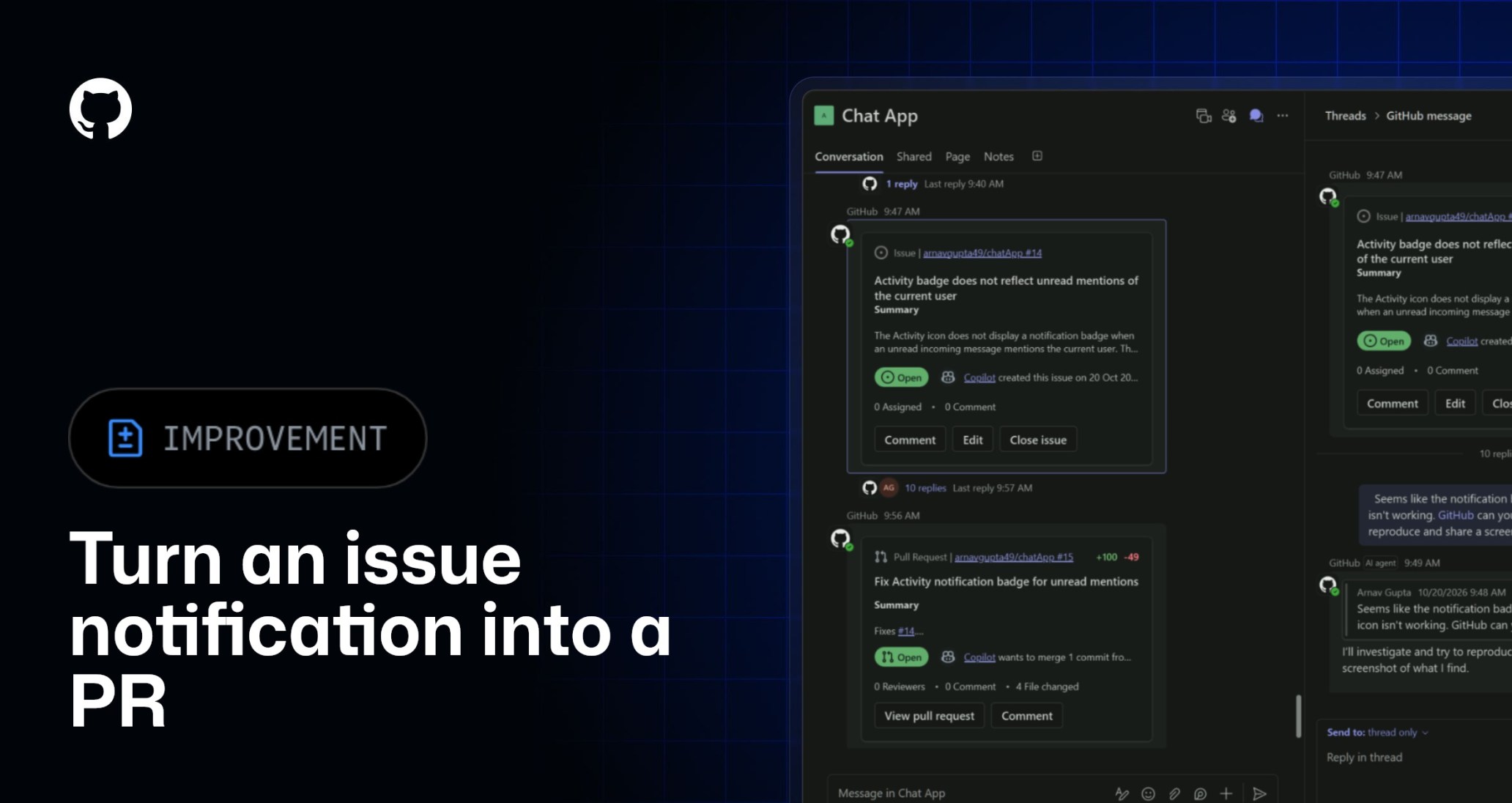
The new GitHub app in Teams brings notifications and copilot together, helping teams turn issues into fixes and ship code faster without leaving the conversation.
Get notified in channels, group chats, or private chats, then @mention GitHub to turn updates into action.
Turn an issue notification into a pull request
- Get notified: A bug report arrives in Teams.
- Take action: @GitHub investigates the issue, fixes the bug, and creates a pull request.
- Review and ship: Your team reviews, tests, and merges the fi
Get started
Explore the new GitHub app in Microsoft Teams, previously called GitHub notifications. If you already have GitHub notifications installed, update the app to the latest version. Your existing notification capabilities will continue to work.
If you use the legacy GitHub app, which will be renamed “GitHub (deprecated)” and retired on November 16, install the consolidated GitHub app using the link above to continue using Copilot in Teams. In the consolidated app, mention @GitHub and follow any prompts to connect your GitHub account and select a repository.
Join the discussion within the GitHub Community.