GitHub Actions now supports uploading and downloading non-zipped artifacts
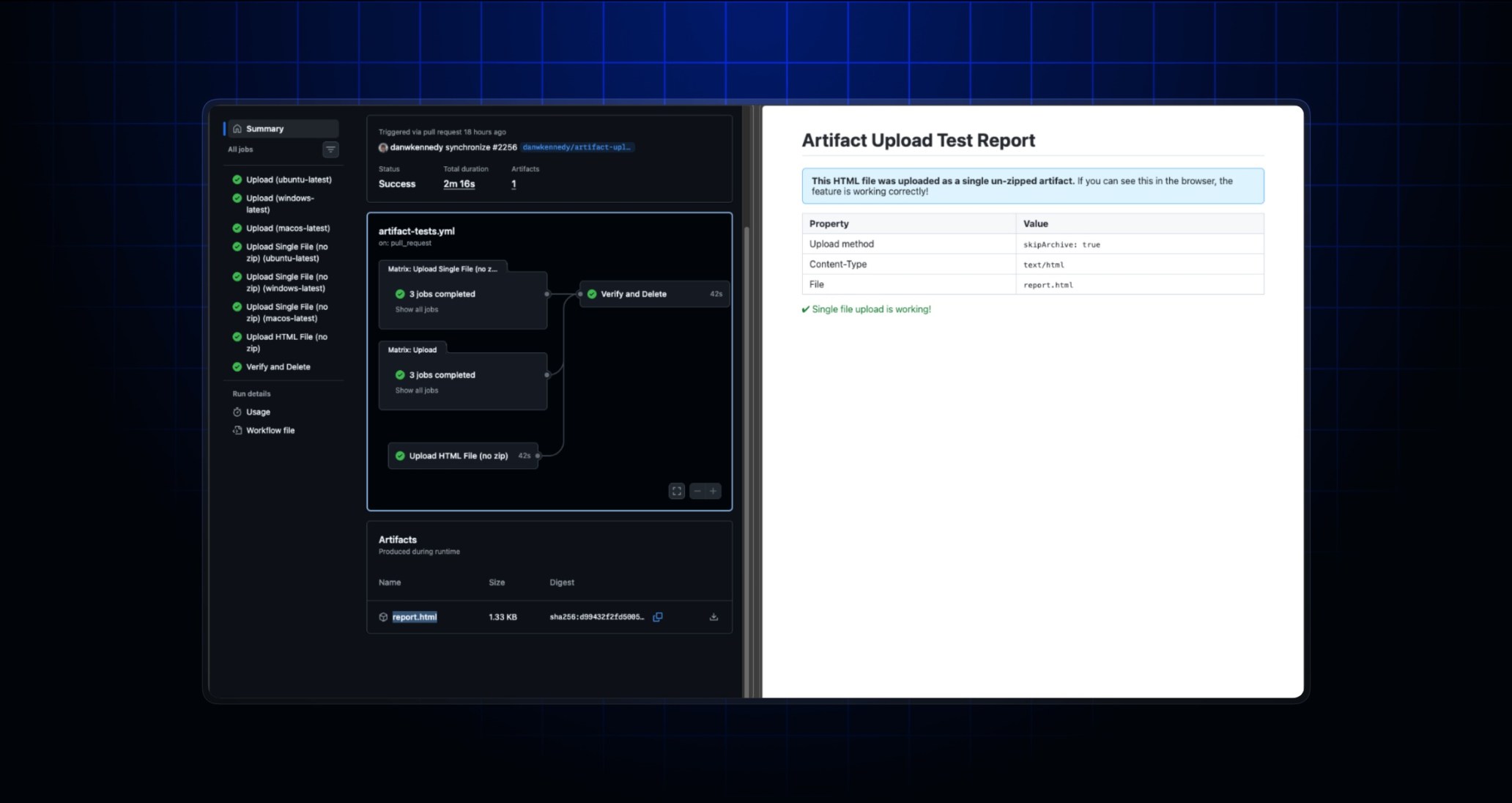
GitHub Actions now supports uploading and downloading non-zipped artifacts within workflows. Previously, when you uploaded an artifact using the actions/upload-artifact action it was automatically zipped. Downloading it using the actions/download-artifact action or directly from the browser would download this file zipped. Many users found this additional compression frustrating and told us it added significant friction to their workflows.
We have added support to these actions so that you can upload unzipped artifacts and also download them unzipped. This solves three major problems that you raised to us:
- You no longer have to unzip when downloading a single file via the browser.
- If your browser supports viewing the file type natively, you can view files directly in your browser. This is great for simple HTML files (without links to CSS or JS), images, or markdown. This includes mobile browsers as well.
- If you upload a compressed file to maintain permissions or reduce size, you no longer have a compressed file within another compressed file (i.e., the double zip problem).
These changes only apply to artifacts uploaded with actions/upload-artifact v7 where you have set the archive parameter to false. This value is currently defaulted to true for backwards compatibility. Previously uploaded artifacts and any artifacts uploaded with older versions of the action will continue to be zipped. You will also need to update to v8 of actions/download-artifact if you use that action.