Delegate tasks to Copilot coding agent from Visual Studio
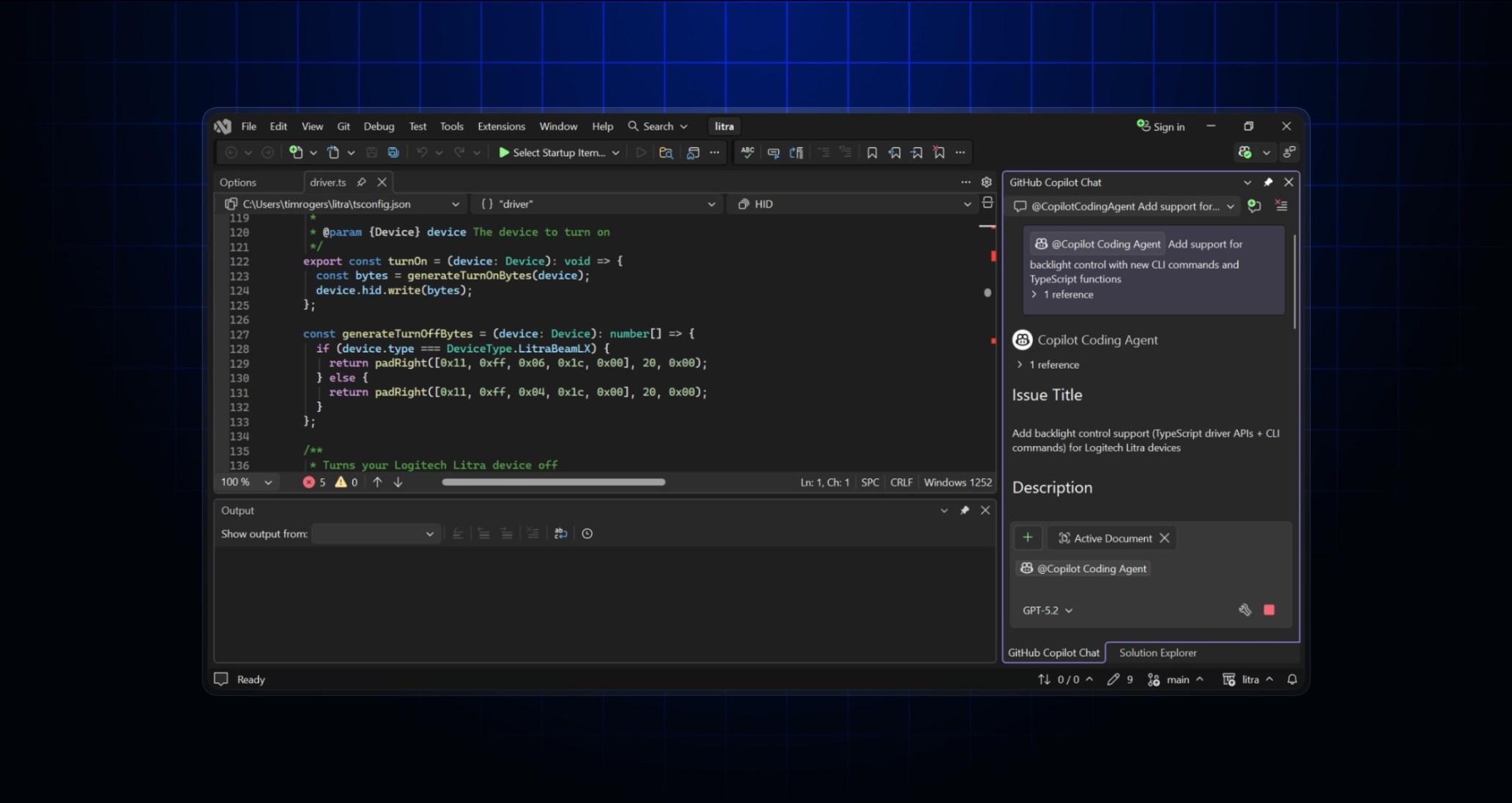
Copilot coding agent is our asynchronous, autonomous background agent. Delegate a task to Copilot, and it opens a draft pull request, works in the background in the cloud, and then requests a review from you.
You can now delegate tasks to Copilot from Visual Studio. To start a background task, enter your prompt in Copilot Chat then click the new Send to Copilot Coding Agent button next to the Send button. Copilot will ask you to confirm, and then will open a pull request and start working in the background.
Copilot coding agent is available to Copilot Pro, Copilot Pro+, Copilot Business, and Copilot Enterprise subscribers. If you’re a Copilot Business or Copilot Enterprise subscriber, an administrator will have to enable Copilot coding agent from the “Policies” page before you can use it.
To start tasks from Visual Studio, you’ll need to update to the latest version of Visual Studio 2026 (at least December Update 18.1.0), and you’ll need to turn on the Enable Copilot Coding agent (preview) setting. To learn more, see “Asking Copilot to create a pull request from Copilot Chat in Visual Studio 2026” in the GitHub Docs.