Run multiple agents at once with /fleet in Copilot CLI
/fleet lets Copilot CLI dispatch multiple agents in parallel. Learn how to write prompts that split work across files, declare dependencies, and avoid common pitfalls.
/fleet lets Copilot CLI dispatch multiple agents in parallel. Learn how to write prompts that split work across files, declare dependencies, and avoid common pitfalls.

I used coding agents to build agents that automated part of my job. Here’s what I learned about working better with coding agents.
A hands-on guide to using GitHub Copilot CLI to move from intent to reviewable changes, and how that work flows naturally into your IDE and GitHub.
Learn how GitHub built an accessible, multi-terminal-safe ASCII animation for the Copilot CLI using custom tooling, ANSI color roles, and advanced terminal engineering.
Explore the GitHub Copilot CLI and try interacting with Copilot directly from your terminal.
Now in technical preview, the GitHub Copilot SDK can plan, invoke tools, edit files, and run commands as a programmable layer you can use in any application.

Run tests, fix code, and get support—right in your workflow. Stay focused and let Copilot handle the busywork.

Copilot’s cross-agent memory system lets agents learn and improve across your development workflow, starting with coding agent, CLI, and code review.
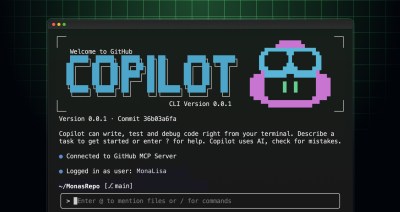
Curious about using GitHub Copilot in your terminal? Here’s our guide to GitHub Copilot CLI, including a starter kit with the best prompts for a wide range of use cases.
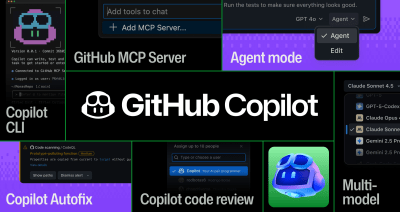
Discover how GitHub Copilot has evolved from a high-powered autocomplete tool to a powerful, multi-model agentic assistant.
Discover how to use GitHub Copilot directly in the terminal. From cloning a repository to opening a pull request, here’s how to streamline your workflow with Copilot CLI.
See how this three-part framework will turn AI into a repeatable and reliable engineering practice.

Build what’s next on GitHub, the place for anyone from anywhere to build anything.

Join us October 28-29 in San Francisco or online for GitHub Universe, our flagship developer event uniting people, agents, and the world’s code.

