How to continue a GitHub Copilot app session in VS Code
Learn how to move an agent session from the GitHub Copilot app into VS Code without losing the conversation, code changes, or working context.
Learn how to move an agent session from the GitHub Copilot app into VS Code without losing the conversation, code changes, or working context.
Learn how to add custom instructions and skills to your repository, use custom agents, and connect MCP servers like Playwright.
Describe the interface you need in plain English, then let the agent build a live surface you can both use and update—so you spend less time adapting to tools and more time getting work done.
What is a developer to do when they need something more tangible than a chat box? Enter canvases.
How we rebuilt the diff surface in the GitHub Copilot app to open a million-line pull request with hundreds of inline review comments.

Checking agent-generated code usually means hopping between tabs. Learn how to view diffs, run terminal commands, and preview web apps side by side in the GitHub Copilot app.
Learn how to run parallel agents in the GitHub Copilot app, and experience the moment it stops feeling scary and starts feeling powerful.
Managing library updates can be tedious at times. Learn how the GitHub Copilot app can handle this type of repetitive task.
If you’re juggling multiple Copilot sessions, use the My work pane to track what’s in flight, what’s done, and what’s next.
Chat is great for intent, but agent work gets lost in the scroll. Here is how I use canvases with my agentic workflows—and why your workflow also deserves a canvas.
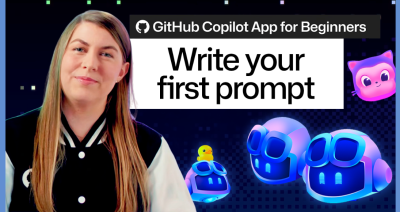
Learn how to write your first prompt in the GitHub Copilot app, choose the right context and model, and start your first task with confidence.
Go beyond chat in the GitHub Copilot app with these slash commands. They’ll help you plan, collaborate, automate, and customize your dev workflow.
Learn how I modernized an old codebase of mine using stacked sessions and pull requests in the GitHub Copilot app.
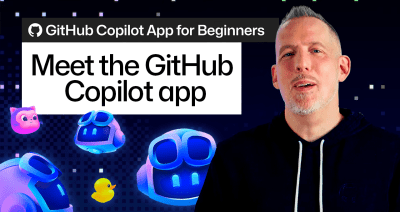
New to the GitHub Copilot app? Learn how to start projects, work with AI agents, explore canvases, and streamline your development workflow.
Canvases turn AI into interactive workspaces where you can visualize information, explore workflows, and take action across complex tasks.

Build what’s next on GitHub, the place for anyone from anywhere to build anything.

Join us October 28-29 in San Francisco or online for GitHub Universe, our flagship developer event uniting people, agents, and the world’s code.

