Zen Writing Mode
At GitHub, we love finding new ways to help people get in the zone. Today we’re excited to announce a feature that we hope will do just that. You’ll now…
At GitHub, we love finding new ways to help people get in the zone.
Today we’re excited to announce a feature that we hope will do just that.
You’ll now find a Zen Mode button on every new comment, issue, and pull
request form across the site.

This will immediately launch you into Zen Writing Mode, removing all
distractions so you can focus completely on writing.
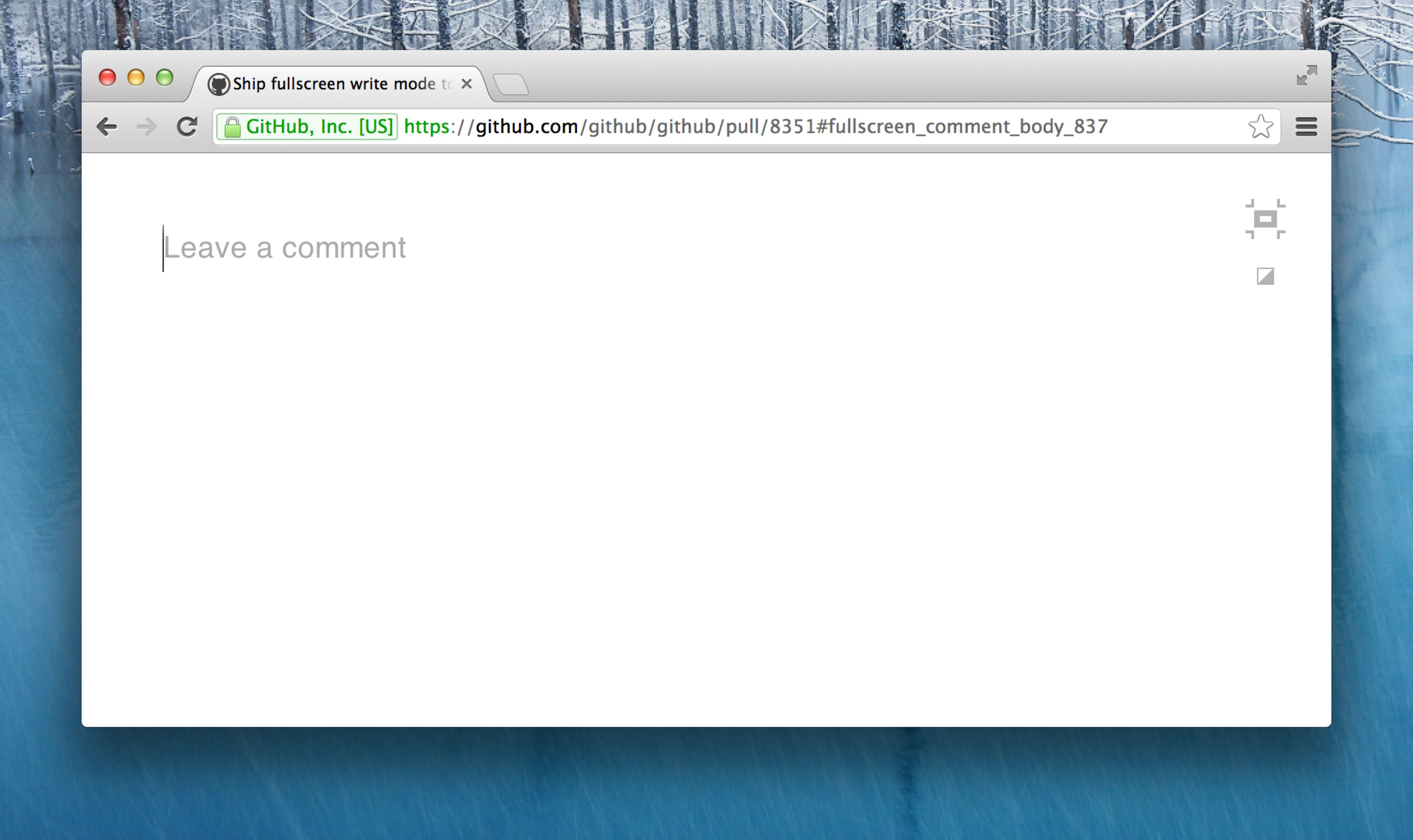
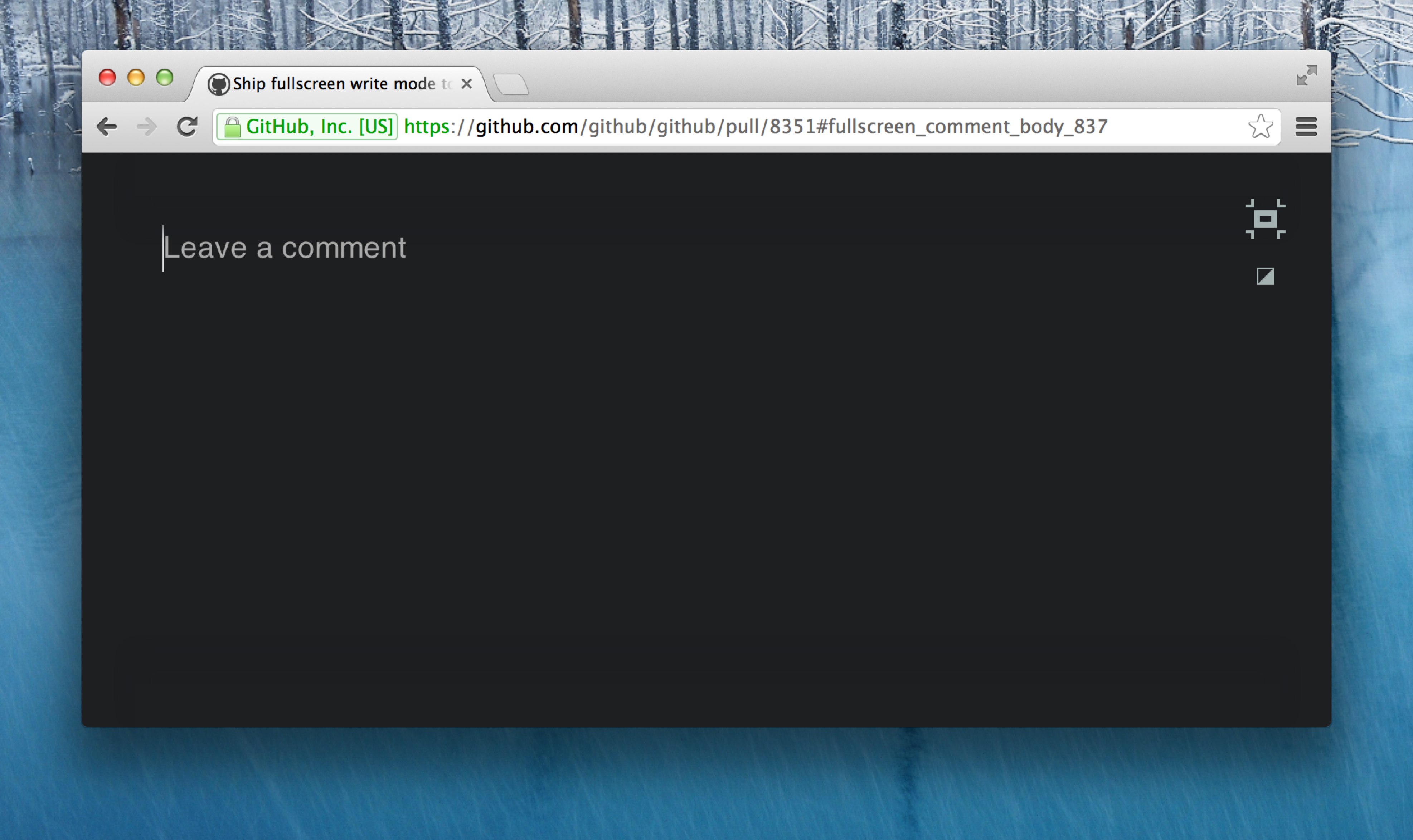
You can choose between two themes—light (above), or dark (below).
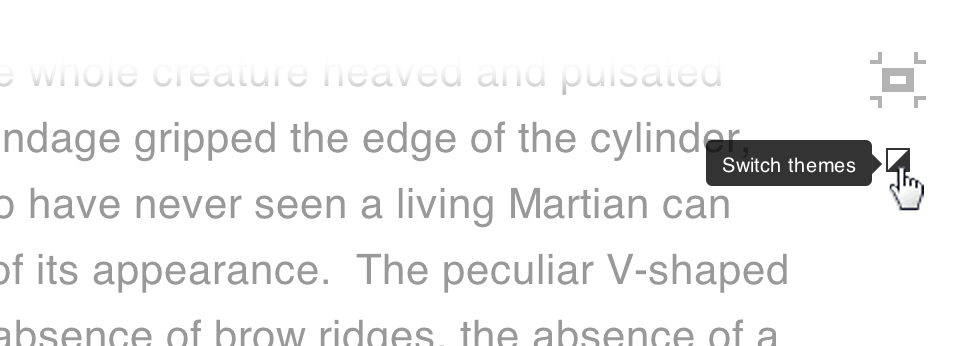
To change your theme, use the switcher at the top right of your window:
Zen Mode file editing
Zen Writing Mode is designed to work best when composing regular content
rather than code, so it’s also a perfect solution for writing documentation
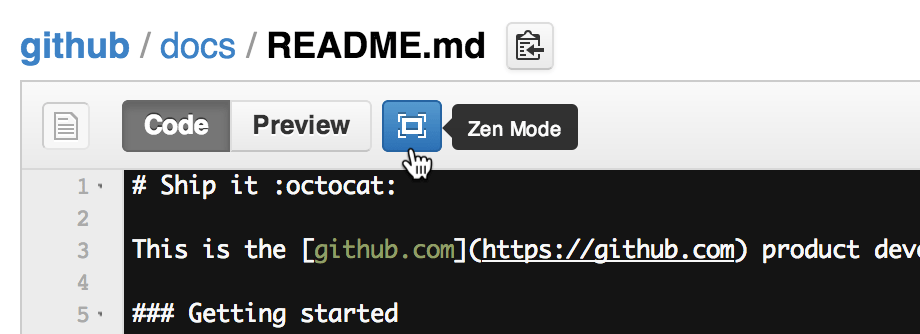
within your projects. For this reason, we’ve made it available when
creating and editing
files. Simply use the Zen Mode button above the file box:
Autocomplete
We all love emoji,
@mentions, and issue
autocompletion, so you’ll be
glad to know that they’ve all been invited to the party.

Written by

Related posts

GitHub availability report: August 2026
In August, we experienced five incidents that resulted in degraded performance across GitHub services.

The August 17 outage, and the work ahead
An update on the August 17 outage and the steps we’re taking to improve reliability.

Your guide to GitHub Universe 2026 is here: The schedule just launched!
The GitHub Universe session catalog is live. Explore interactive workshops, community talks, demos, and panels. Plus, register before August 19 to save $300.