Wikis: now with more love
Documenting the code you share on GitHub can contribute tremendously to the success of your project. When your documentation is easy to access and read, people can better understand how…
Documenting the code you share on GitHub can contribute tremendously to the success of your project. When your documentation is easy to access and read, people can better understand how to work with your code and how to contribute as collaborators.
Today we’re shipping several UI improvements that make it easier to create, edit, and interact with GitHub Wikis. These changes also make wiki content more consistent with other repository features and pave the way for future updates.
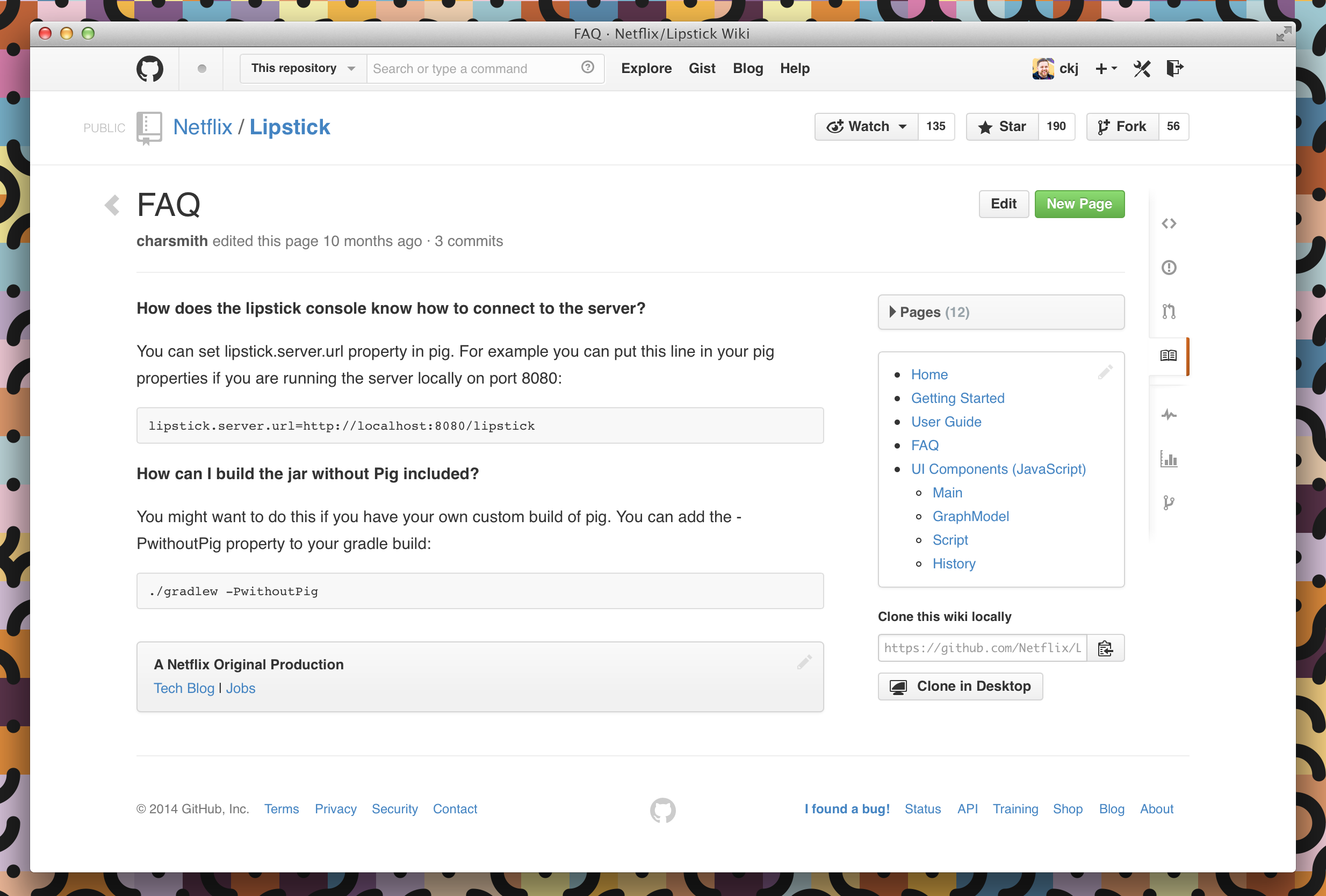
GitHub Wikis now feature:
- an upgraded sidebar that lists all of the pages in your wiki along with any custom content you’d like to include
- more consistent rendering of wiki content alongside other markup in a repository
-
emoji
👍 - task lists

If you haven’t yet enabled a wiki for your project, we’ve published a Guide to help you get started, and have compiled a showcase of projects that have fantastic wikis for inspiration. Need more help? Check out our revamped documentation articles.
Written by

Related posts

Developers want more efficient software. Here’s what over 1,000 GitHub users told us they need.
New research from GitHub and Yale Program on Climate Change Communication finds strong demand for tools, measurement, and practical guidance that can help developers reduce wasted compute.

GitHub availability report: August 2026
In August, we experienced five incidents that resulted in degraded performance across GitHub services.

The August 17 outage, and the work ahead
An update on the August 17 outage and the steps we’re taking to improve reliability.