Subversion Importing!
Double plus update: Check out our help documentation for full details on importing from SVN. Update: There have been reports of hanging on the import authors page and the import…
Double plus update: Check out our help documentation for full details on importing from SVN.
Update: There have been reports of hanging on the import authors page and the import itself. The bug has been fixed, if you were having trouble, please try your import again.
Importing a subversion repository into git, while not overly difficult, can definitely be streamlined, especially when your goal is to host it on GitHub.
There is now a link on the ‘Next Steps’ page after you’ve created your repository that’ll let you import your hosted subversion repository.
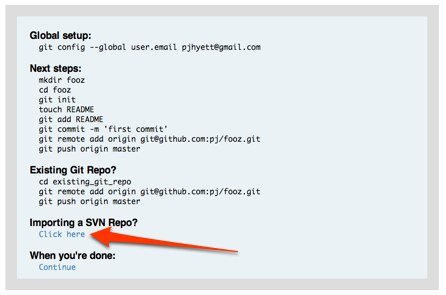
All you need is your svn repo’s url and we’ll take care of the rest.
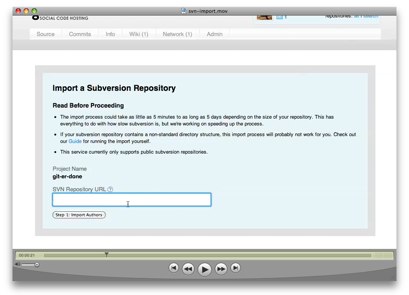
Check out the screencast below to watch the magic happen (turn up your speakers). Enjoy!
Written by

Related posts

The next developer interface is ambient intelligence
AI, agents, voice, and physical controls are shifting software development from operating tools to expressing intent—and helping developers stay focused on building.

GitHub availability report: September 2026
In September, we experienced two incidents that resulted in degraded performance across GitHub services.

10 technical talks I’m excited about at GitHub Universe 2026
From verifying AI-written code to securing npm dependencies, these are the sessions I’m building my Universe agenda around.