Behold: Image view modes
Now when you view commits that include images you’ll be presented with four ways to view them: 2-up, Swipe, Onion Skin. 2-Up is the default mode, which lets you get…
Now when you view commits that include images you’ll be presented with four ways to view them: 2-up, Swipe, Onion Skin.
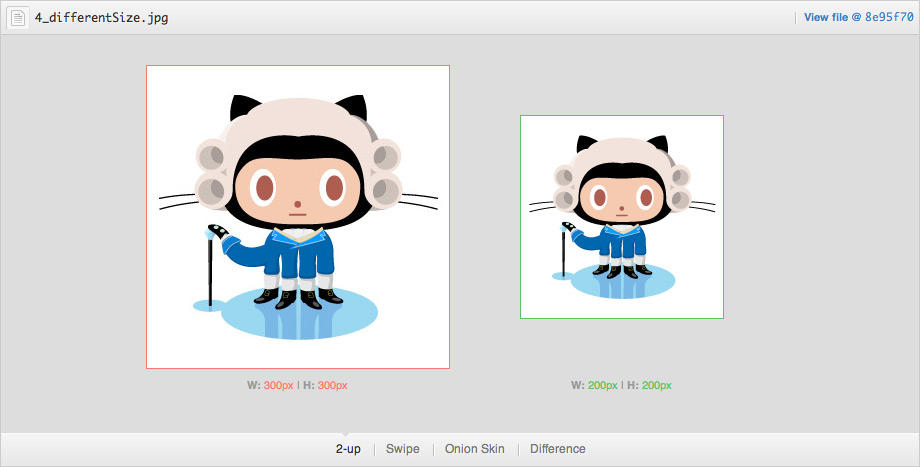
2-Up is the default mode, which lets you get a quick glimpse of both images. In addition, if the image has changed size between versions, the actual dimension change will be displayed. This should hopefully reduce headaches like shifts in UI alignment caused by asset size changes.
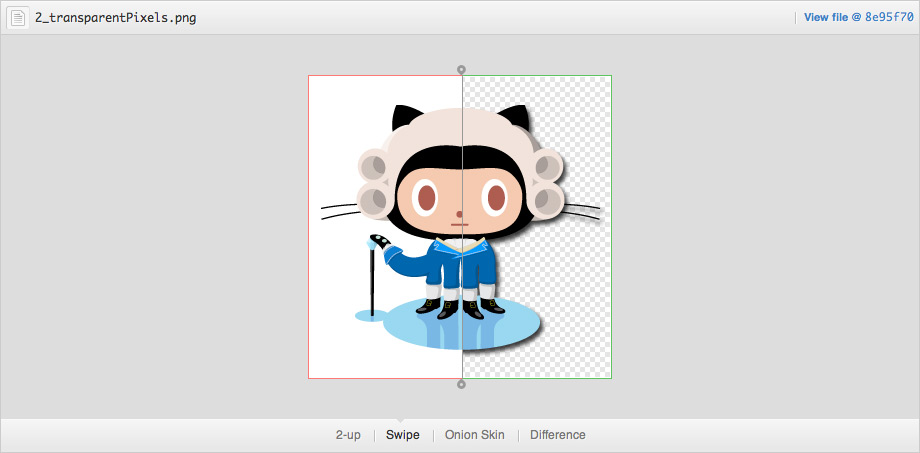
Swipe lets you view portions of your image side by side. Not sure if the colors shifted between versions? Drag the swipe slider over the area in question and compare the pixels for yourself.
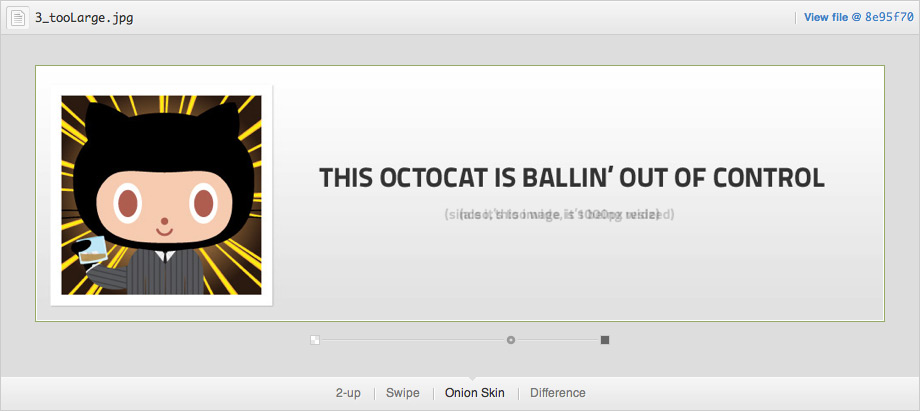
Onion Skin really comes in handy when elements move around by small, hard to notice amounts. Did that icon shift two pixels to the left? Drag the opacity slider back a bit and see if things move around.
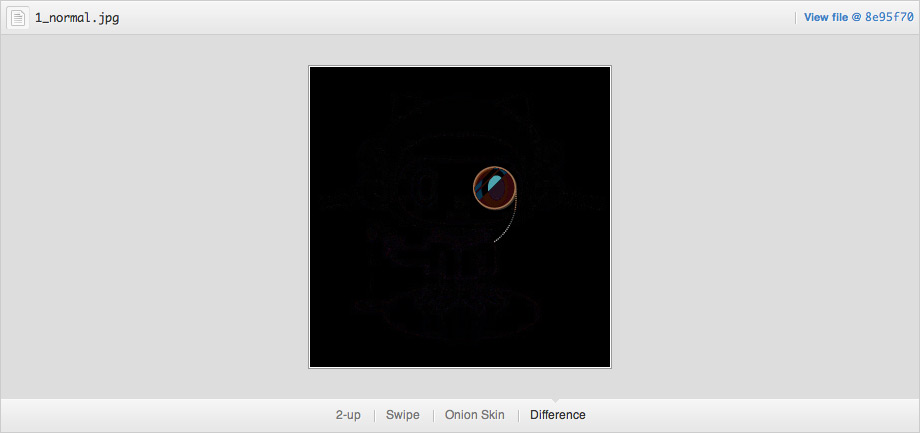
Difference is best used when it’s not particularly obvious if something has changed. It will highlight only pixels that are different between the two images, making it the go-to view mode for finding those single pixel changes in a file.
All four modes are supported in the latest versions of the most common browsers. Versions of Internet Explorer before version 9 don’t support canvas unfortunately, so Difference mode won’t show up if you use those browsers.
I should also mention that the Difference mode is possible thanks to @Phrogz’s awesome context-blender project that replicates Photoshop blend modes.
Want to try it for yourself? Check out the demo.
Written by

Related posts

GitHub availability report: August 2026
In August, we experienced five incidents that resulted in degraded performance across GitHub services.
The August 17 outage, and the work ahead
An update on the August 17 outage and the steps we’re taking to improve reliability.

Your guide to GitHub Universe 2026 is here: The schedule just launched!
The GitHub Universe session catalog is live. Explore interactive workshops, community talks, demos, and panels. Plus, register before August 19 to save $300.