File editing on GitHub Mobile keeps leveling up
Commit an update to a pull request, or start a new branch to squash a bug at any time, wherever you are using the GitHub Mobile apps.
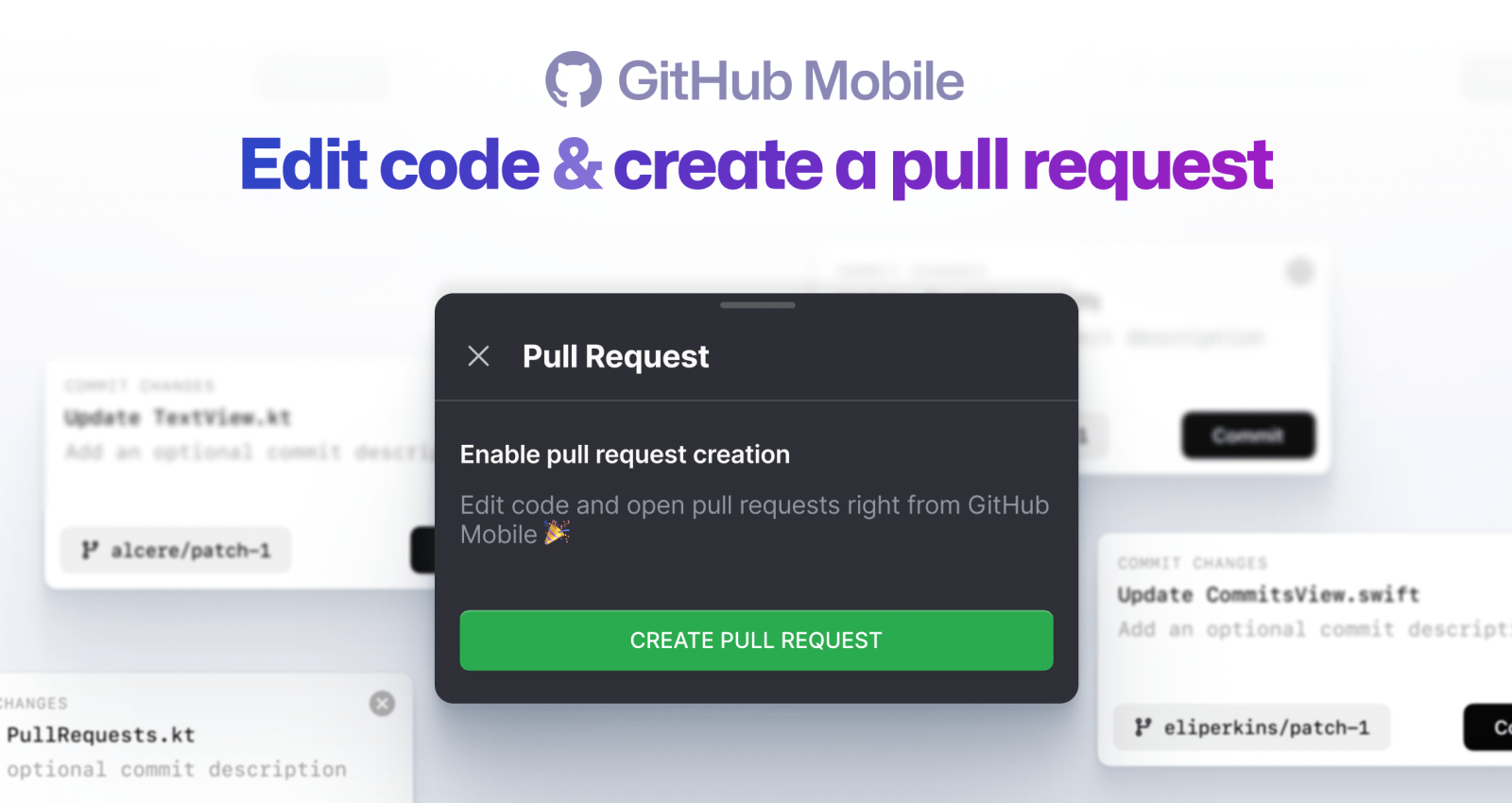
Pull requests are at the heart of GitHub. They represent the spirit of contributions and are essential to creating and growing communities.
On the GitHub Mobile team, one of our missions is to bring your code to you–whenever you are. In the last few months, we’ve brought file editing and pull request creation to your mobile device, so that you can keep contributing on the go. Let’s take a look at what’s new.
Tweak your README
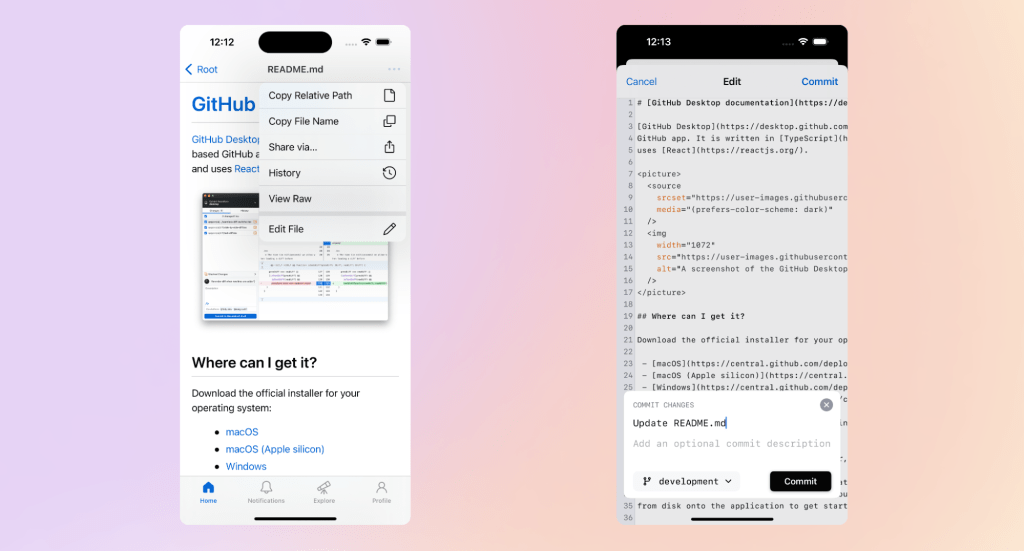
We know how important it is to keep README files up to date with the latest state of your project. Now you can edit your READMEs even if you’re away from the computer. In the GitHub Mobile app, navigate to your README by tapping “Browse code” in the repository view. Then, you can edit it by selecting the dropdown in the top right hand corner. Once you are done with your changes, tap “Commit” while keeping the branch you are browsing selected, and your modifications will be applied to your repository README file.
Editing a repository README is just one example of what you can achieve with file editing on GitHub Mobile. You can now edit any file containing text, code, or Markdown.
Group your changes using different commits
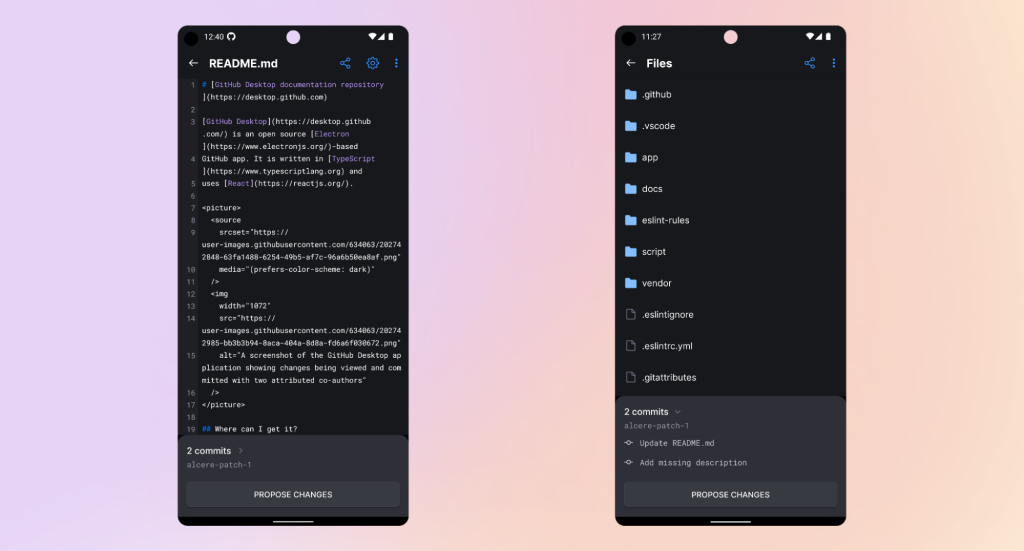
Updating a repository README is great, but we also know that sometimes you need more elaborate modifications that require some structure and more than one commit. For that goal, we offer the option to create a new branch during the commit creation process; once you have done that, you can create as many commits as you need here and check the list of changes on that branch at any time during the process.
Propose changes to the team
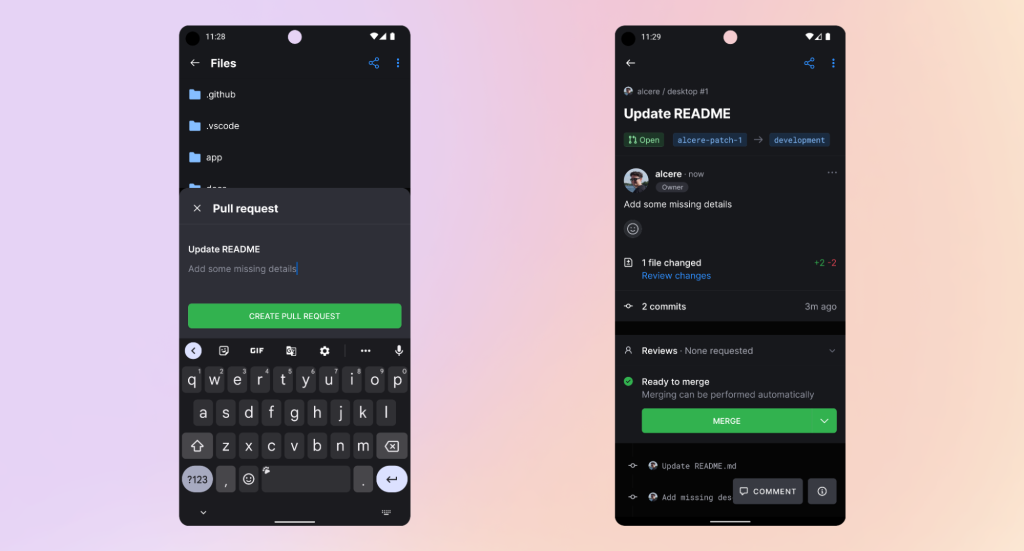
Once you are done creating the commits and ready to continue, creating a pull request is just one tap away! Use the “Propose changes” button to create the pull request in the repository.
Bonus points: fix those NITs on the go
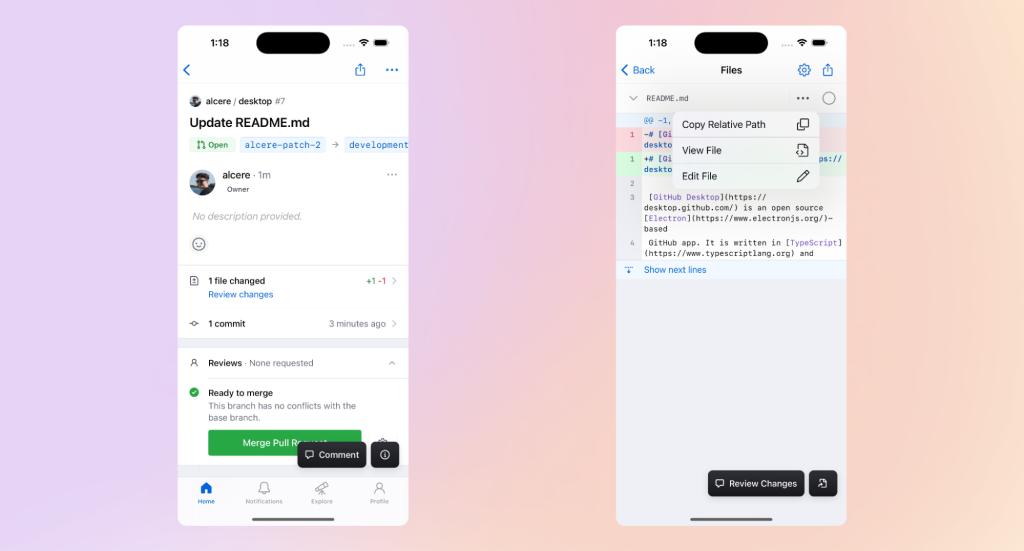
Forgot something important while creating the pull request? Don’t worry, we got you covered! You can also edit files right away within an open pull request and get rid of those extra empty lines, and re-run your build without ever opening your laptop.
Tell us what you think
There’s a lot more to come, and we’re excited to keep you updated as we make GitHub Mobile even better.
If you haven’t checked out our mobile apps, you can learn more at github.com/mobile or download them directly for iOS and Android. If you’ve got any feedback for us, head to our public feedback community (reachable via Settings->Share Feedback within the apps). We’d love to hear from you!
Tags:
Written by

Related posts

GitHub availability report: August 2026
In August, we experienced five incidents that resulted in degraded performance across GitHub services.

The August 17 outage, and the work ahead
An update on the August 17 outage and the steps we’re taking to improve reliability.

Your guide to GitHub Universe 2026 is here: The schedule just launched!
The GitHub Universe session catalog is live. Explore interactive workshops, community talks, demos, and panels. Plus, register before August 19 to save $300.