Locking Conversations
Starting today, you can lock the conversation on an issue or a pull request. If you’re a collaborator on a repository, click the lock in the sidebar of an issue…
Starting today, you can lock the conversation on an issue or a pull request. If you’re a collaborator on a repository, click the lock in the sidebar of an issue page to lock the thread:

This will be reflected in the conversation timeline:

Users who aren’t collaborators on the repository won’t be able to comment further:
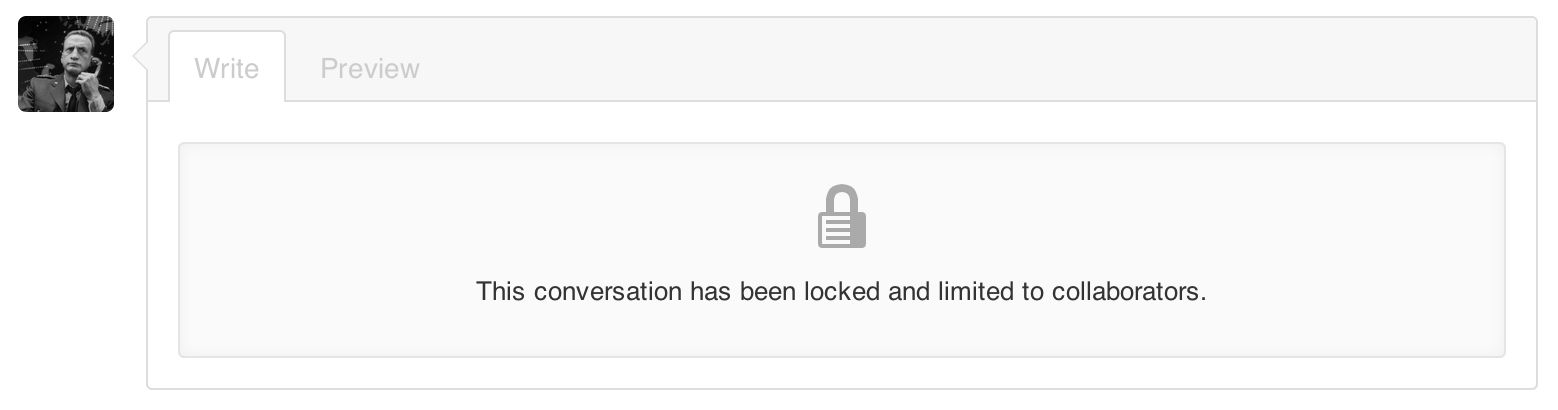
Repository collaborators will still be able to continue the conversation on a locked thread if they’d like.
Remember that, in addition to conversation locking, you can also block or report users to help keep GitHub a safe community for everyone.
Written by

Related posts

10 technical talks I’m excited about at GitHub Universe 2026
From verifying AI-written code to securing npm dependencies, these are the sessions I’m building my Universe agenda around.

Developer policy update: Transparency, state policy, and what’s ahead
Explore GitHub’s latest transparency data and learn more about policy updates affecting developers and open source.

Developers want more efficient software. Here’s what over 1,000 GitHub users told us they need.
New research from GitHub and Yale Program on Climate Change Communication finds strong demand for tools, measurement, and practical guidance that can help developers reduce wasted compute.