Locking Conversations
Starting today, you can lock the conversation on an issue or a pull request. If you’re a collaborator on a repository, click the lock in the sidebar of an issue…
Starting today, you can lock the conversation on an issue or a pull request. If you’re a collaborator on a repository, click the lock in the sidebar of an issue page to lock the thread:

This will be reflected in the conversation timeline:

Users who aren’t collaborators on the repository won’t be able to comment further:
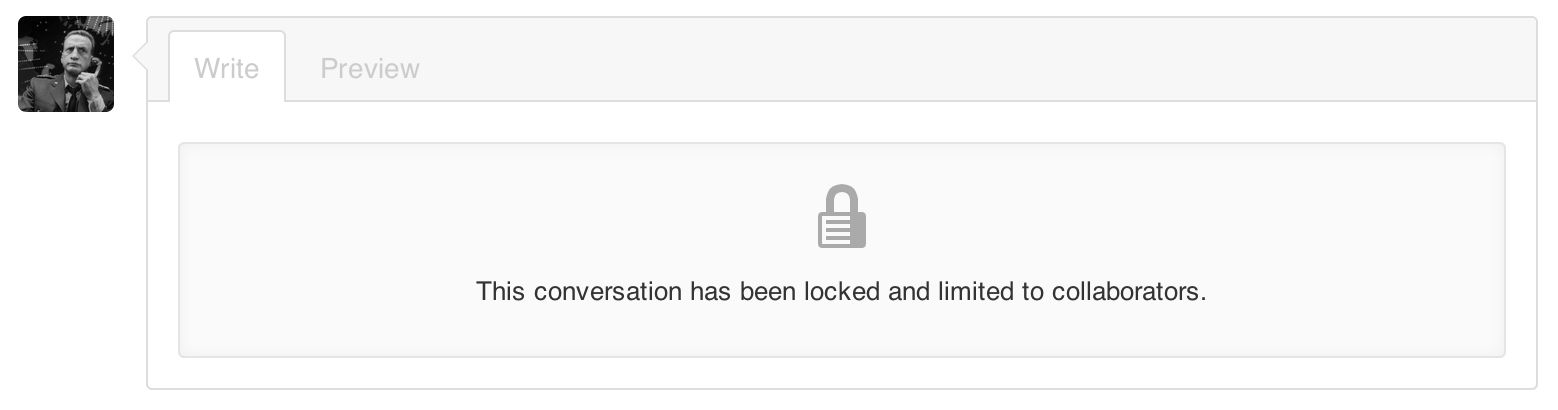
Repository collaborators will still be able to continue the conversation on a locked thread if they’d like.
Remember that, in addition to conversation locking, you can also block or report users to help keep GitHub a safe community for everyone.
Written by

Related posts

GitHub availability report: August 2026
In August, we experienced five incidents that resulted in degraded performance across GitHub services.

The August 17 outage, and the work ahead
An update on the August 17 outage and the steps we’re taking to improve reliability.

Your guide to GitHub Universe 2026 is here: The schedule just launched!
The GitHub Universe session catalog is live. Explore interactive workshops, community talks, demos, and panels. Plus, register before August 19 to save $300.