Inline comments in GitHub for Visual Studio
GitHub for Visual Studio 2.3 adds the ability to comment on pull requests directly from your IDE. Simply open a pull request in the GitHub pane in Visual Studio, and…
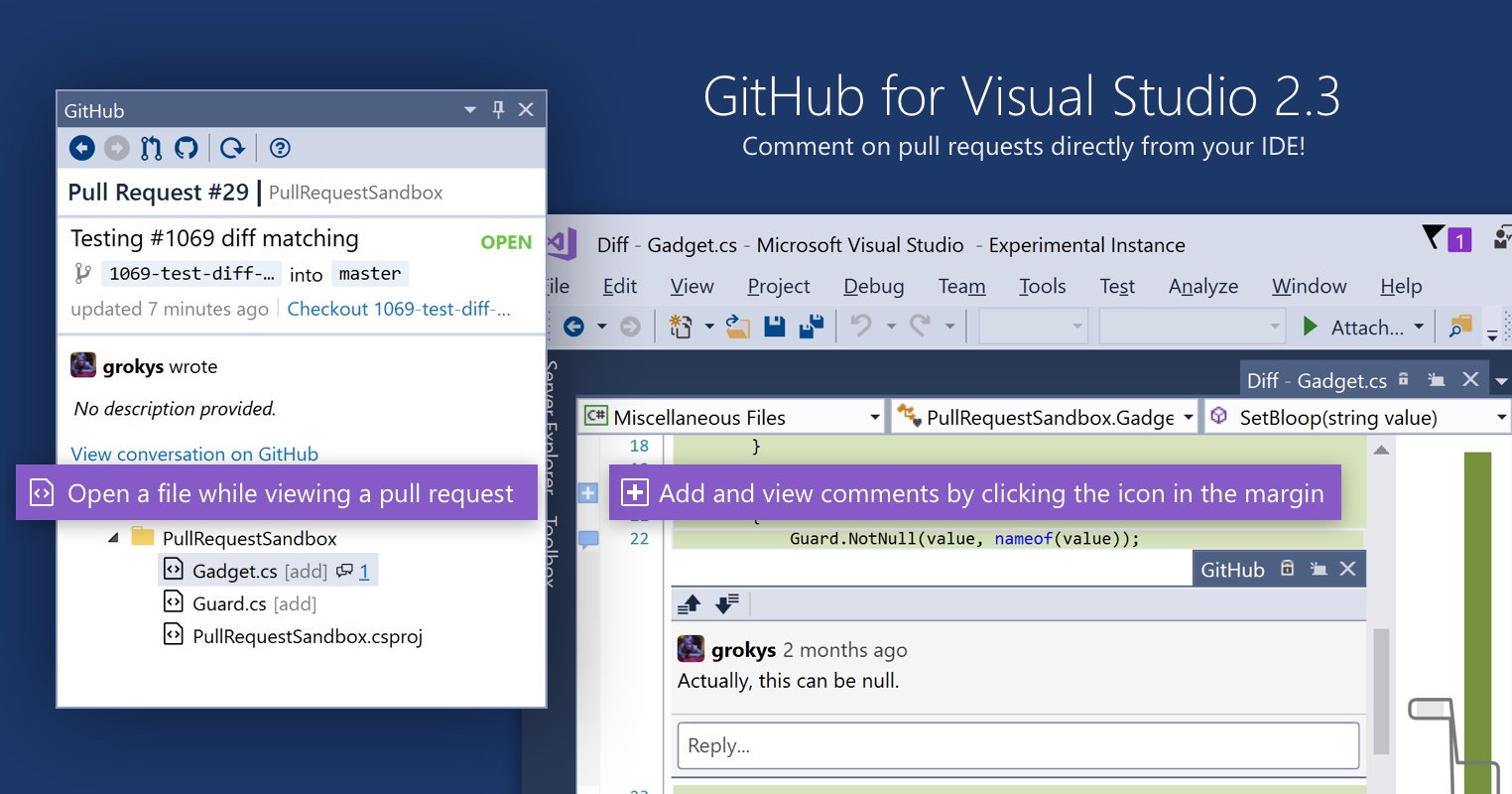
GitHub for Visual Studio 2.3 adds the ability to comment on pull requests directly from your IDE. Simply open a pull request in the GitHub pane in Visual Studio, and open a compare view, and you’ll see existing comments right there in the editor. Click the icon in the margin to add new comments.
The functionality is limited right now to adding single comments, but we’re hoping to bring the whole GitHub review experience right into Visual Studio soon!
On top of that, we’ve shipped a whole bunch of new features and bugfixes. To find out more check out the release notes.
Written by

Related posts

10 technical talks I’m excited about at GitHub Universe 2026
From verifying AI-written code to securing npm dependencies, these are the sessions I’m building my Universe agenda around.

Developer policy update: Transparency, state policy, and what’s ahead
Explore GitHub’s latest transparency data and learn more about policy updates affecting developers and open source.

Developers want more efficient software. Here’s what over 1,000 GitHub users told us they need.
New research from GitHub and Yale Program on Climate Change Communication finds strong demand for tools, measurement, and practical guidance that can help developers reduce wasted compute.