Deleting files on GitHub
You know all those files you’ve been creating, editing, moving, and renaming? Well, you’ll be glad to know that you can now remove them using the web-based interface too! Simply…
You know all those files you’ve been creating,
editing,
moving, and renaming?
Well, you’ll be glad to know that you can now remove them using the
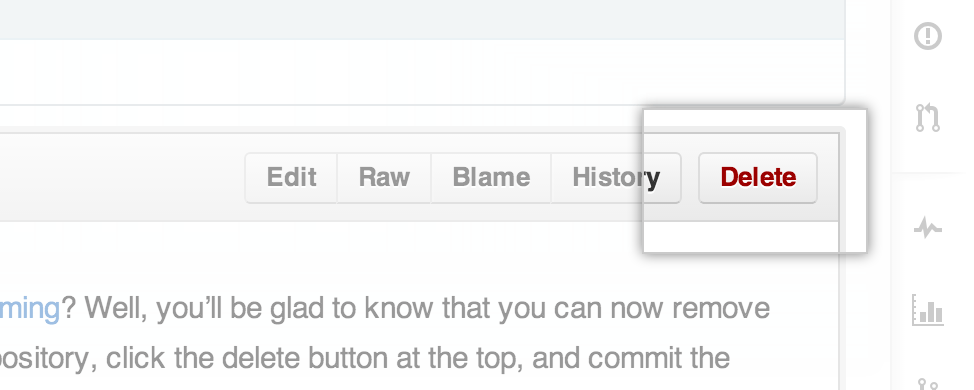
web-based interface too! Simply view any file in your repository, click the
delete button at the top, and commit the removal just like any other web-based edit.
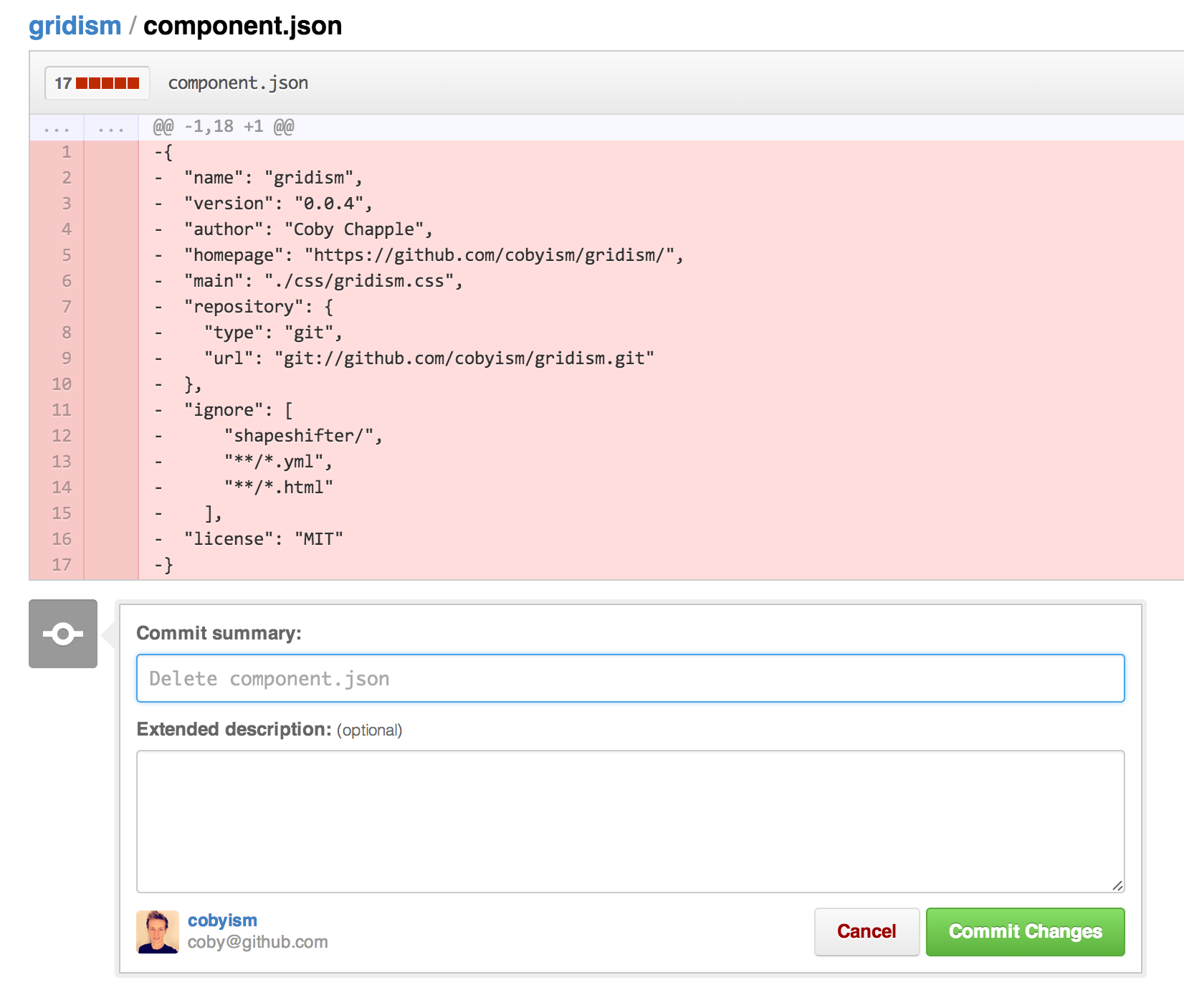
And just like that,
For help with these features, be sure to read our help articles on
creating,
moving,
renaming,
and deleting
files.
Note: Since it’s a version control system, Git always has your back if you need
to recover the file later. If you really, really need to completely
delete a file from a repository for some reason, say a secret key or other sensitive
file that was accidentally commited, you may need to consider
Written by

Related posts

Hack the World: Why hackathons are still the best place to learn to build
The barriers to building software have collapsed. Today, anyone can build. Hackathons are a great place to start learning.

AI is changing developer work. Here are three skills to strengthen.
Learn to direct AI agents, critically review their output, and keep technical judgment at the center of your workflow.

From coder to orchestrator: How agents shift the role of a developer
Developers are owning more of the delivery system around code, not just code itself. Join us during GitHub Universe to meet other devs, learn something new, and explore what’s next.