Push protection beyond predefined secret patterns
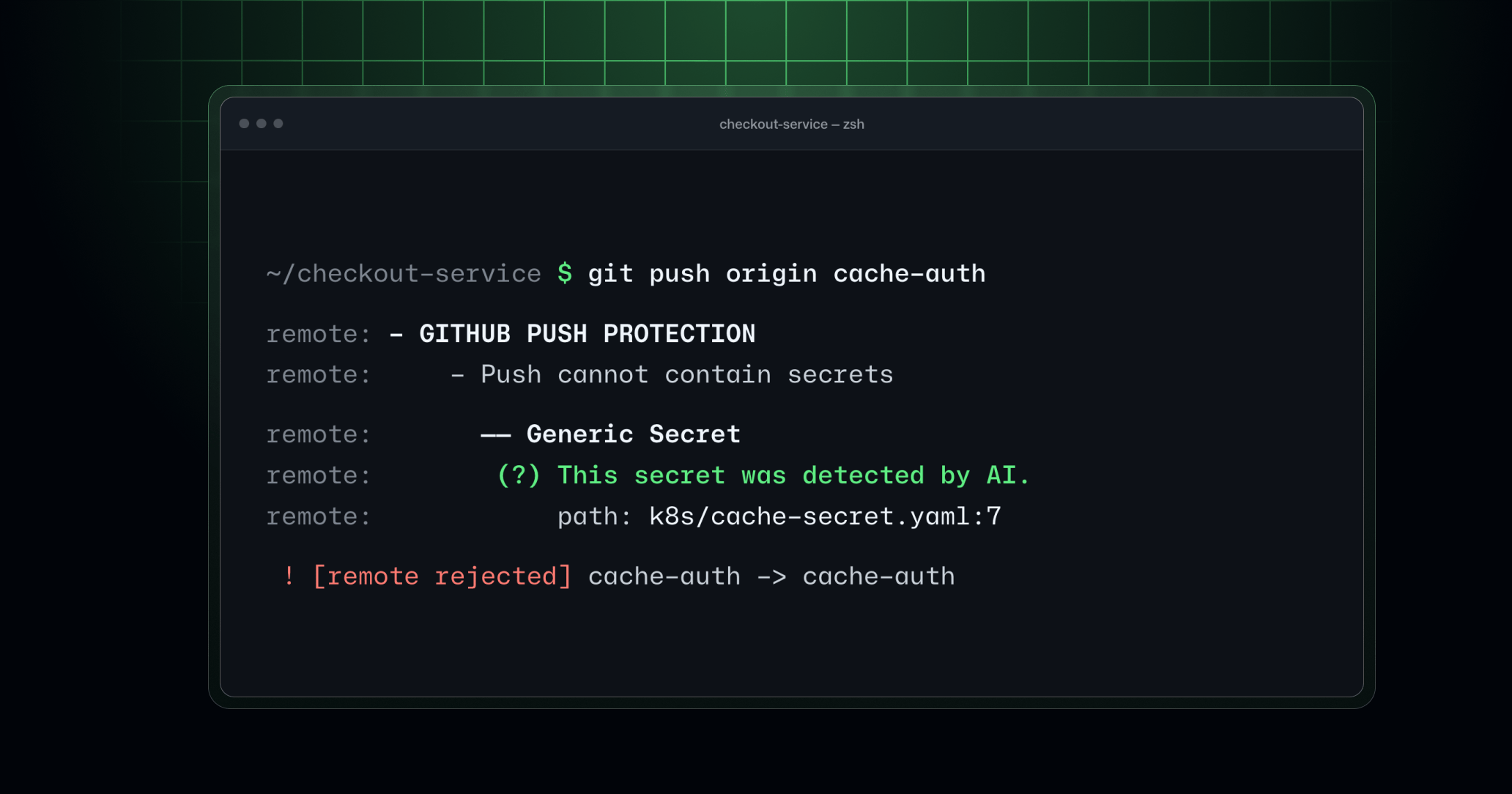
GitHub push protection is expanding beyond secrets with predefined formats.
Developed in collaboration with Microsoft Applied Sciences, our new purpose-built classifier evaluates how potential secrets are used in surrounding code, allowing GitHub to block secrets even without a known and recognizable format.
What’s new
Starting today, you can enable push protection for AI-detected secrets for repositories with both push protection and AI-detected secret scans already enabled. The feature is available in public preview.
Until now, push protection relied on predefined patterns to recognize secret types. Our new classifier introduces context-aware detection directly into the push path, allowing developers to catch and block more secrets before they enter repository history. Once enabled, it runs alongside pattern-based detectors, extending their coverage for new pushes, commits in the GitHub UI, and file uploads. If it detects a secret, GitHub rejects the change and reports the location of the secret.
In early results, the classifier more than doubled the number of pushes where push protection caught a secret, with a user-reported precision rate rivaling that of issuer-defined detectors from our secret scanning partners.
To resolve a block, remove the secret from every commit in the push and try again. Existing bypass and delegated bypass workflows still apply. Agents must get authorization before bypassing or working around a block.
Availability and enablement
The classifier is off by default in push protection. The feature can be enabled for repositories, organizations, enterprises, and enterprise-managed users.
To enable the feature, a repository must have both AI-detected secrets and push protection already enabled.
Repository admins can enable the feature from their repository settings page: Settings > Advanced Security > Secret Protection > AI-detected secrets > Block AI-detected secrets.
Organization and enterprise admins can enable the feature from security configurations: Settings > Advanced Security > Security Configurations > Secret Protection > Secret scanning > AI-detected secrets > Block AI-detected secrets. Create or edit a custom security configuration with GitHub Secret Protection (GHSP) or GitHub Advanced Security (GHAS) and secret scanning enabled. Set each of the following settings to Enabled in the UI, or enabled through the security configurations REST API:
| UI setting | REST API field |
|---|---|
| AI-detected secrets | secret_scanning_generic_secrets |
| Push protection | secret_scanning_push_protection |
| Block AI-detected secrets | secret_scanning_generic_secrets_push_protection |
Apply the configuration to the repositories you want to protect.
The preview is available to organizations with GitHub Secret Protection or GitHub Advanced Security on github.com. AI detection in push protection consumes AI credits. Billing begins once you opt in to the public preview and enable the feature. AI-detected secret alerts from post-push scanning remain included with GHSP and GHAS at no additional charge.
Learn more about secret scanning and push protection in our product documentation.