Create and manage Copilot Automations in Visual Studio Code
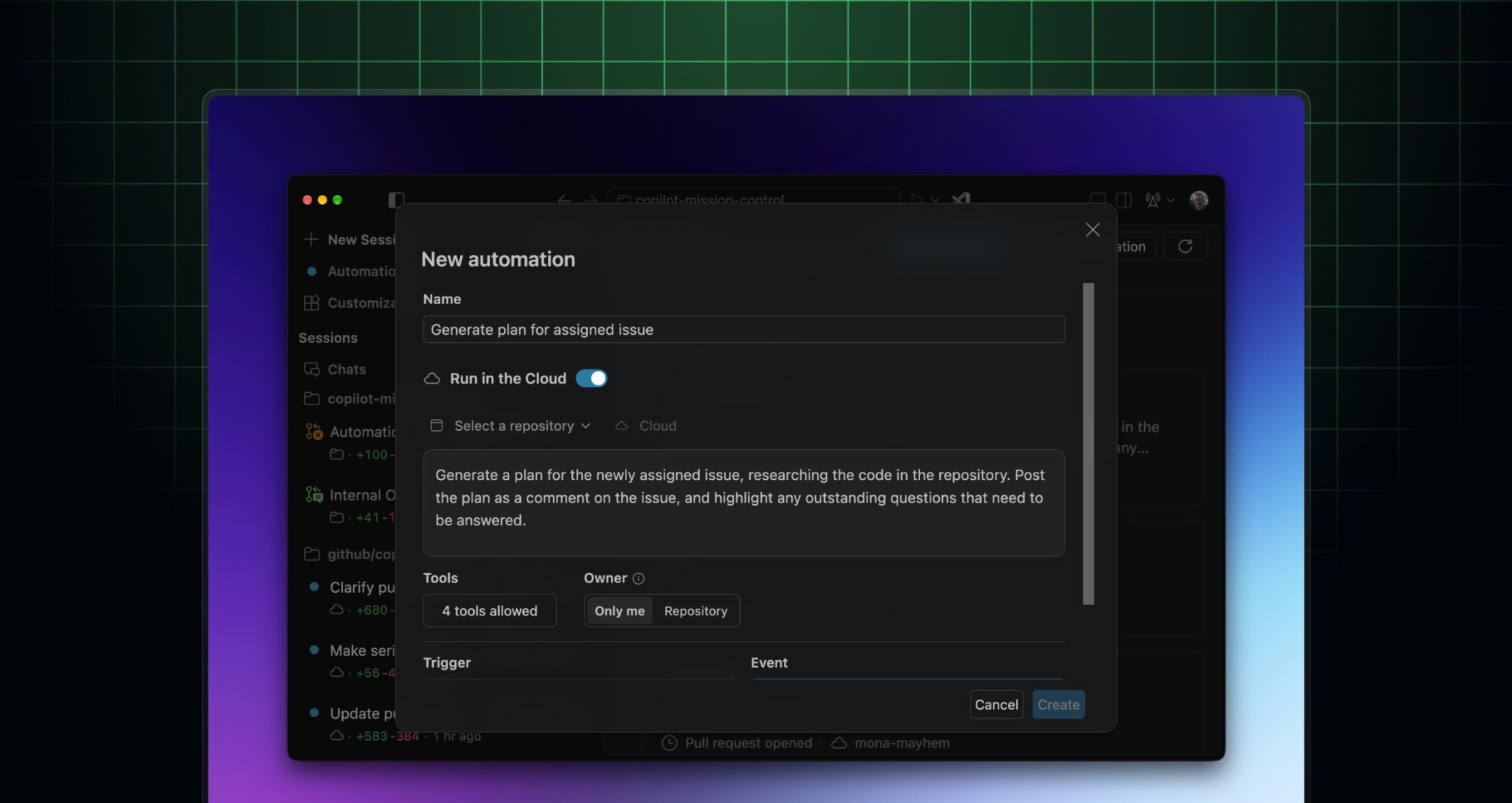
Copilot Automations in Visual Studio Code can now run in the cloud. You can create and manage cloud automations from the Agents window without leaving your editor.
With Copilot Automations, you combine prompts, triggers, and tools to design workflows around the way you work. Pick when an automation should run and what it is allowed to do, then write a prompt telling Copilot how to complete the task.
Visual Studio Code already supports personal automations that run locally on a schedule. With cloud automations, you can now:
- Run personal scheduled automations even when Visual Studio Code is closed: Cloud automations keep running when your computer is asleep or turned off, so recurring work does not depend on your machine being available.
- Set up personal automations that run in response to events on GitHub: Act automatically when activity happens in your repository (e.g., an issue being assigned to you or a pull request being opened).
- Build shared workflows in the cloud with your team: Create automations visible to everyone with access to the repository and act as Copilot.
To get started, update to Visual Studio Code 1.144 and enable the chat.automations.cloud.enabled setting. You’ll find automations in the Automations tab in the Agents window. To learn more, see “Create and manage agent automations” in the Visual Studio Code docs.
Copilot Automations is available with Copilot Pro, Pro+, Max, Business, and Enterprise plans.
Join the discussion within GitHub Community.