Enterprise managed-settings.json is generally available
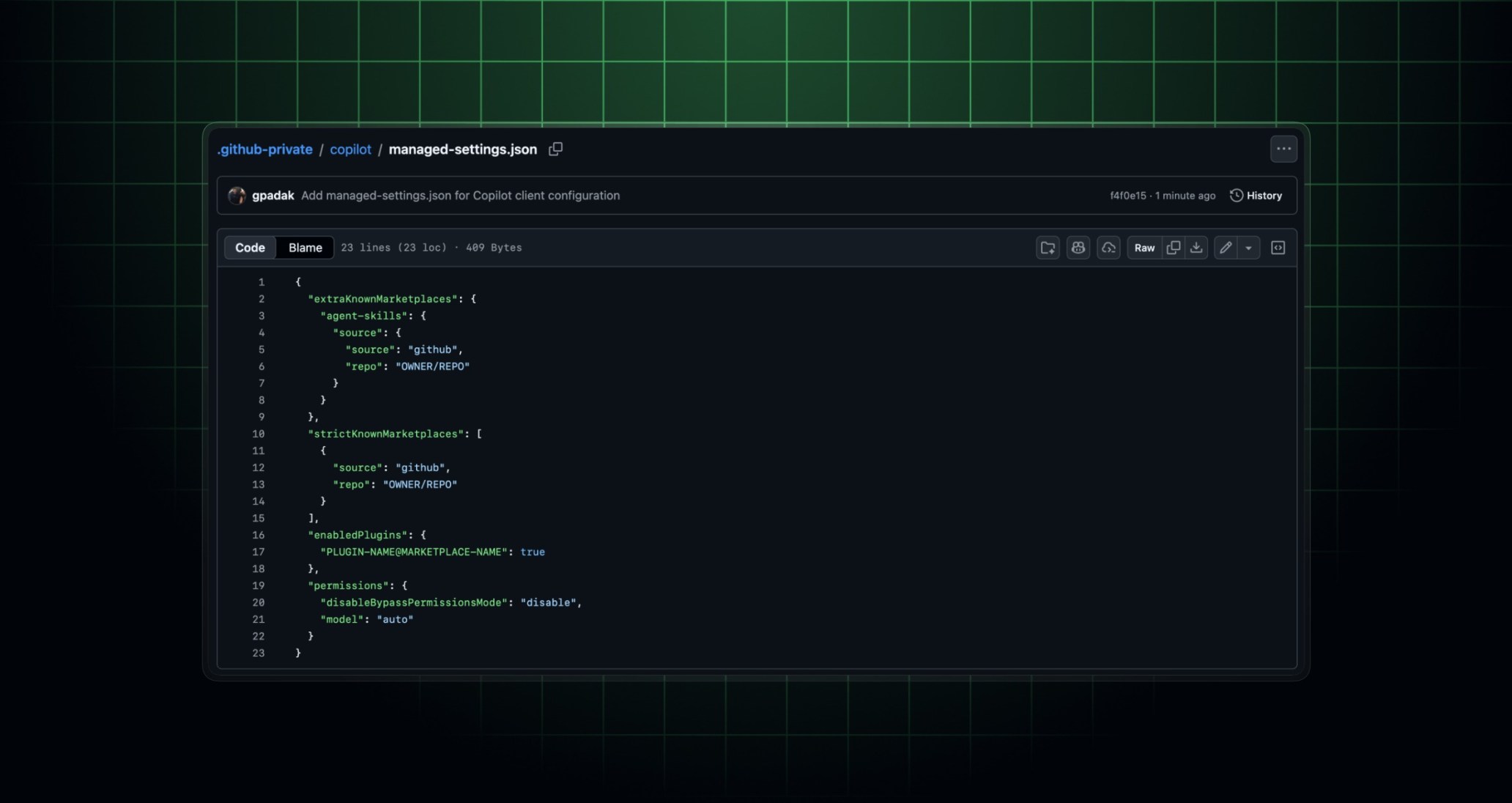
GitHub Enterprise Cloud customers can configure AI standards through a managed-settings.json file maintained in a .github-private repository in a selected organization. This allows the enterprise to define new governance and extensibility flows that apply to Copilot clients such as VS Code or Copilot CLI. The configuration in managed-settings.json is in addition to the policies available in the AI Controls tab in enterprise settings.
managed-settings.json takes precedence over file-based configuration set by users in their clients for the supported keys. The configuration is fetched from the server by Copilot every time a user authenticates, stored in memory, and refreshed hourly.
Supported keys
All defined keys are optional so that you may choose what configuration applies best for your governance and extensibility strategy. Additional keys will be continuously added over time.
extraKnownMarketplacesenabledPluginsstrictKnownMarketplacesdisableBypassPermissionsModemodel
Supported clients
Today the configuration defined in managed-settings.json is enforced in VS Code and Copilot CLI whenever a user has a Copilot Business or Copilot Enterprise license issued from the enterprise or one of its organizations. We are working to extend this support across all Copilot clients through the Copilot SDK.
Getting started
To start using enterprise managed settings, you’ll need to select an organization to host your configuration in the AI Controls tab in enterprise settings or via the API. Copilot looks for managed-settings.json in the organization’s .github-private repository. In the source organization’s .github-private repository, create the managed settings file at copilot/managed-settings.json. Add any of the supported keys and values and commit the file to the default branch for the configuration to take effect in VS Code and Copilot CLI.
Backward compatibility
- The supported path for AI standards source is
copilot/managed-settings.json, with backward compatibility for.github/copilot/settings.json. - If you’ve already configured a source organization for custom agents, this setting uses that same
.github-privaterepository. You can confirm that your configuration is active on the Agents page under AI controls in your enterprise settings.
To learn more, see configuring enterprise managed settings.
Join the discussion within GitHub Community.