Copilot code review: Analysis depth and efficiency updates
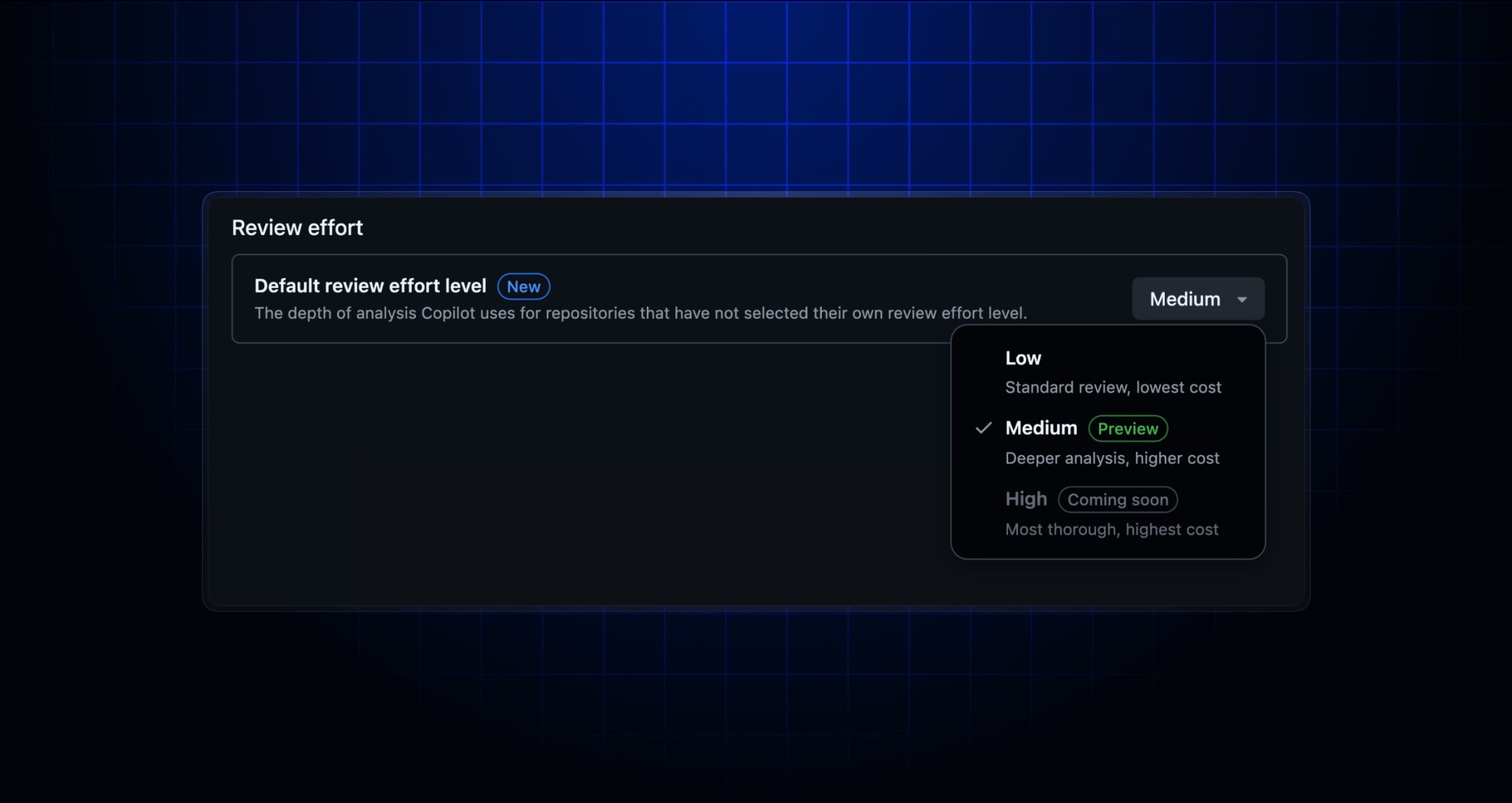
Copilot code review now uses the built-in file exploration tools available in the Copilot CLI and SDK, significantly improving review cost efficiency with no change to your existing workflow. If you’re in the Medium analysis depth public preview, you’ll also see some new updates centered around configurability and visibility of review depth.
Configure Medium analysis depth for your organization
If you’re opted into the Medium review effort level public preview, you now get two updates:
Mediumattribution in the pull request overview comment: Copilot code review now labels medium analysis depth runs in its pull request overview comment so you can quickly confirm which level generated the review.-
Organization-level default level setting: Organizations can now set a default review level for unconfigured repositories. Repositories under an organization that has configured the default review level will continue to be able to override that default setting if desired.
Behind the scenes: CLI-based file tools in Copilot code review
Copilot code review now uses the grep, rg, glob and view tools from the Copilot CLI and SDK for exploring the source code in its review path. These replace custom tools previously used for file exploration. This capability, along with careful tuning of instructions behind the scenes, has resulted in a more focused review where Copilot finds the code that matters, quickly.
These efficiency gains have reduced Copilot code review costs by about 20% while maintaining the same standard of review quality. This has been observed in both offline and online evaluation.