GitHub Copilot app support for BYOK
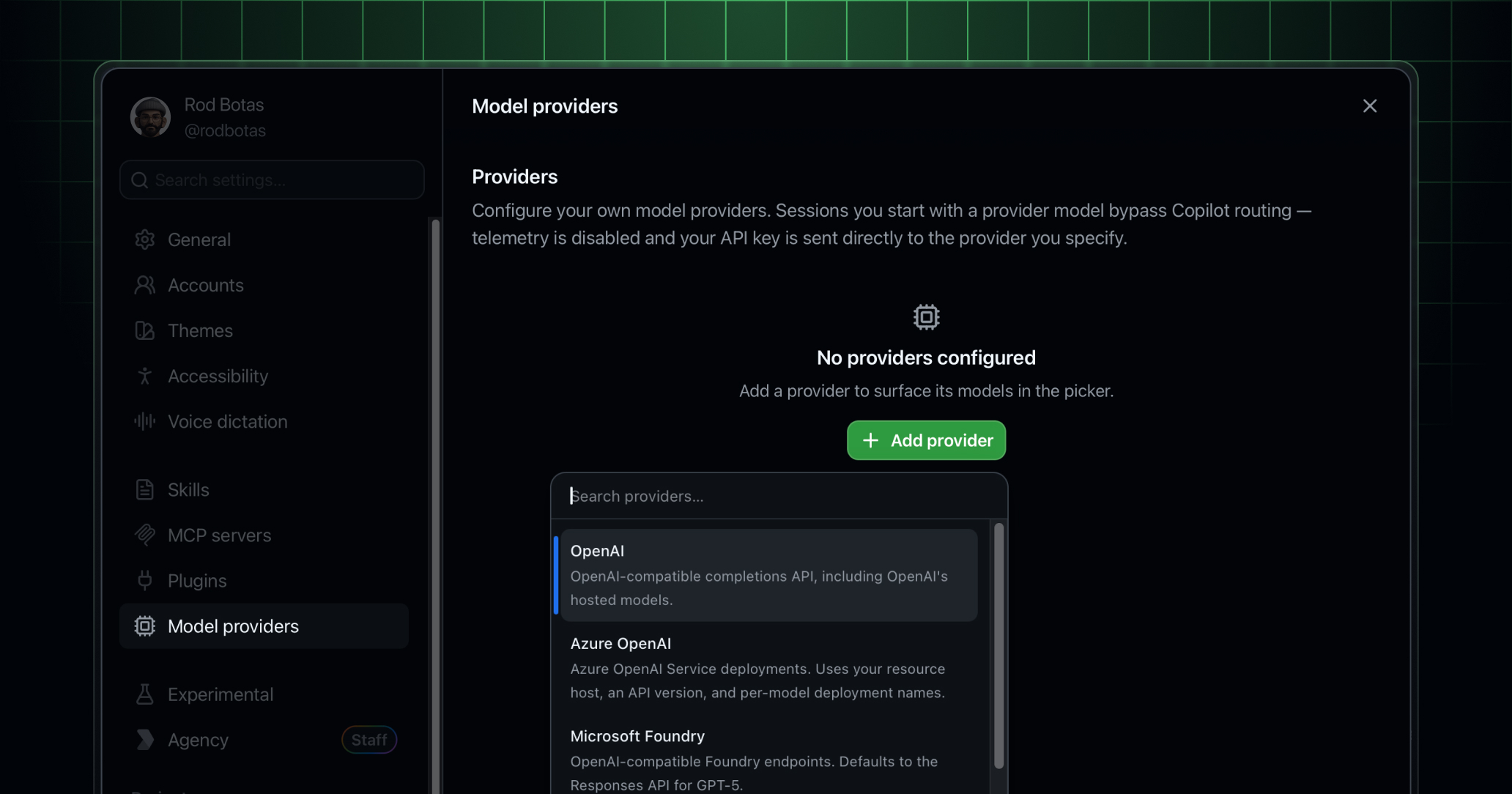
The GitHub Copilot app now supports bring your own key (BYOK), so you can run agent sessions against your own model providers, including OpenAI, Azure OpenAI, Microsoft Foundry, Anthropic, LM Studio, Ollama, and any OpenAI-compatible endpoint.
Add a provider in Settings → Model Providers with your endpoint and API key, or just a host for LM Studio or Ollama. Once added, your provider’s models appear in the model picker alongside Copilot-hosted models, and you choose which one to use each session. Keys are stored in the local OS keychain and are never read back by the UI.
With BYOK you can:
- Connect the providers you already use: Add Azure OpenAI, Anthropic, self-hosted Ollama, LM Studio, or any OpenAI-compatible gateway, then choose the right model for each session while keeping your existing billing, quotas, regions, and data-handling terms.
- Mix frontier and local models: Pair a frontier model with a local or self-hosted model. Frontier models handle complexity. Local models handle execution.
- Keep traffic in your tenant: Route inference through your own cloud account, tenant, or internal gateway for enterprise and regulated environments with stricter data-boundary requirements.
Download the GitHub Copilot app to start your first session.
Want to learn more? Read the docs about getting started with the GitHub Copilot app and the docs on using your own LLM models (BYOK).
Note: To access the GitHub Copilot app on a Copilot Business or Enterprise plan, your organization or enterprise admin must have the Copilot CLI enabled in policy settings.
Join the discussion within GitHub Community.