Improvement
Disable commit comments across your organization
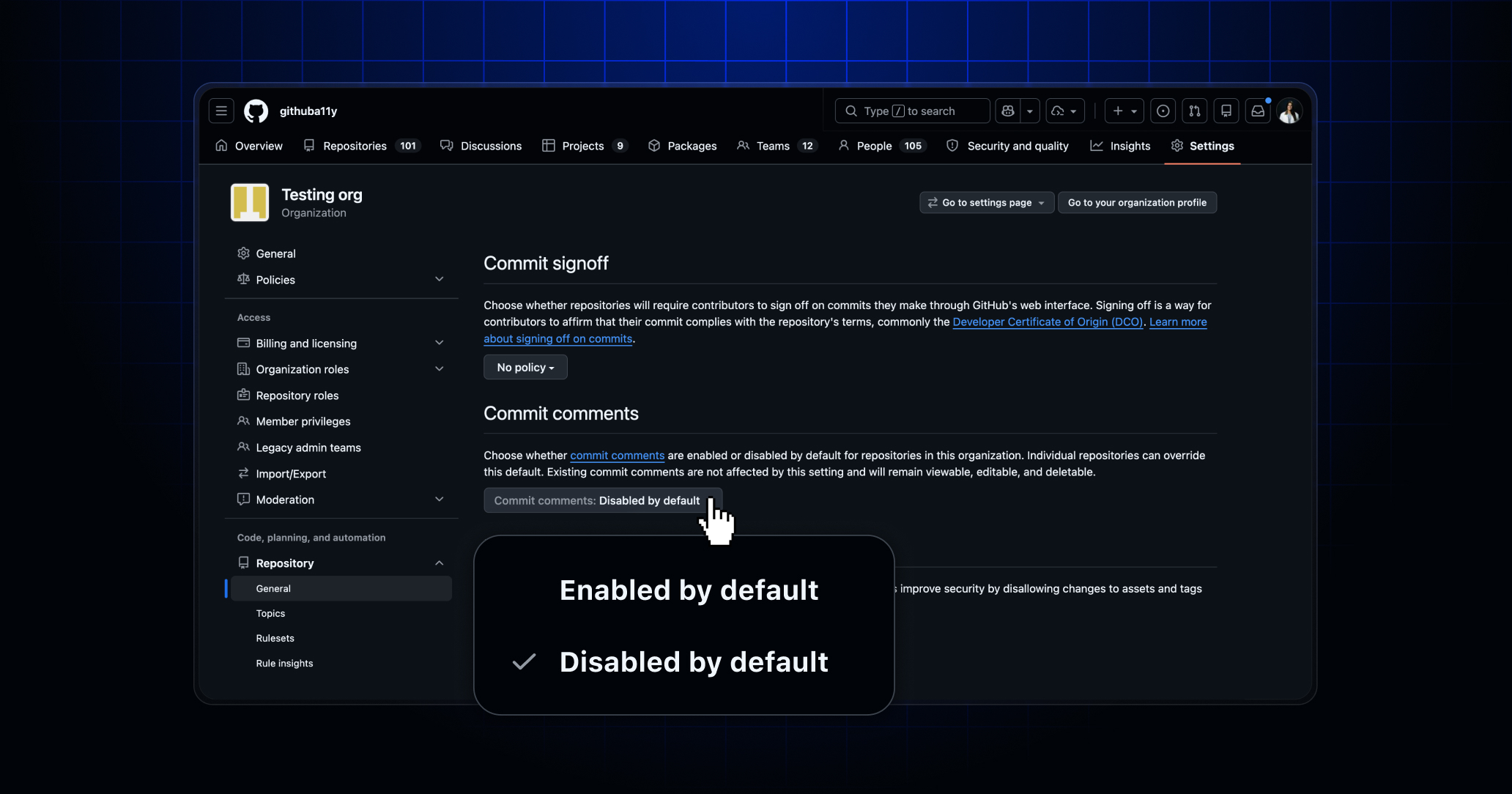
You can now disable commit comments at the organization level—no more manually updating every repository one by one.
A few weeks ago, we added the ability to disable commit comments on individual repositories. Now, organization owners can turn off commit comments across all repositories in their organization from a single setting, saving significant time for organizations managing large numbers of repositories.
To disable commit comments for your organization:
- Navigate to your organization’s Settings.
- Under “Repository”, go to “General” and find the “Commit comments” section.
- Toggle to Disabled by default.
To leave your feedback, join our Community discussion.