SBOM exports are now computed asynchronously
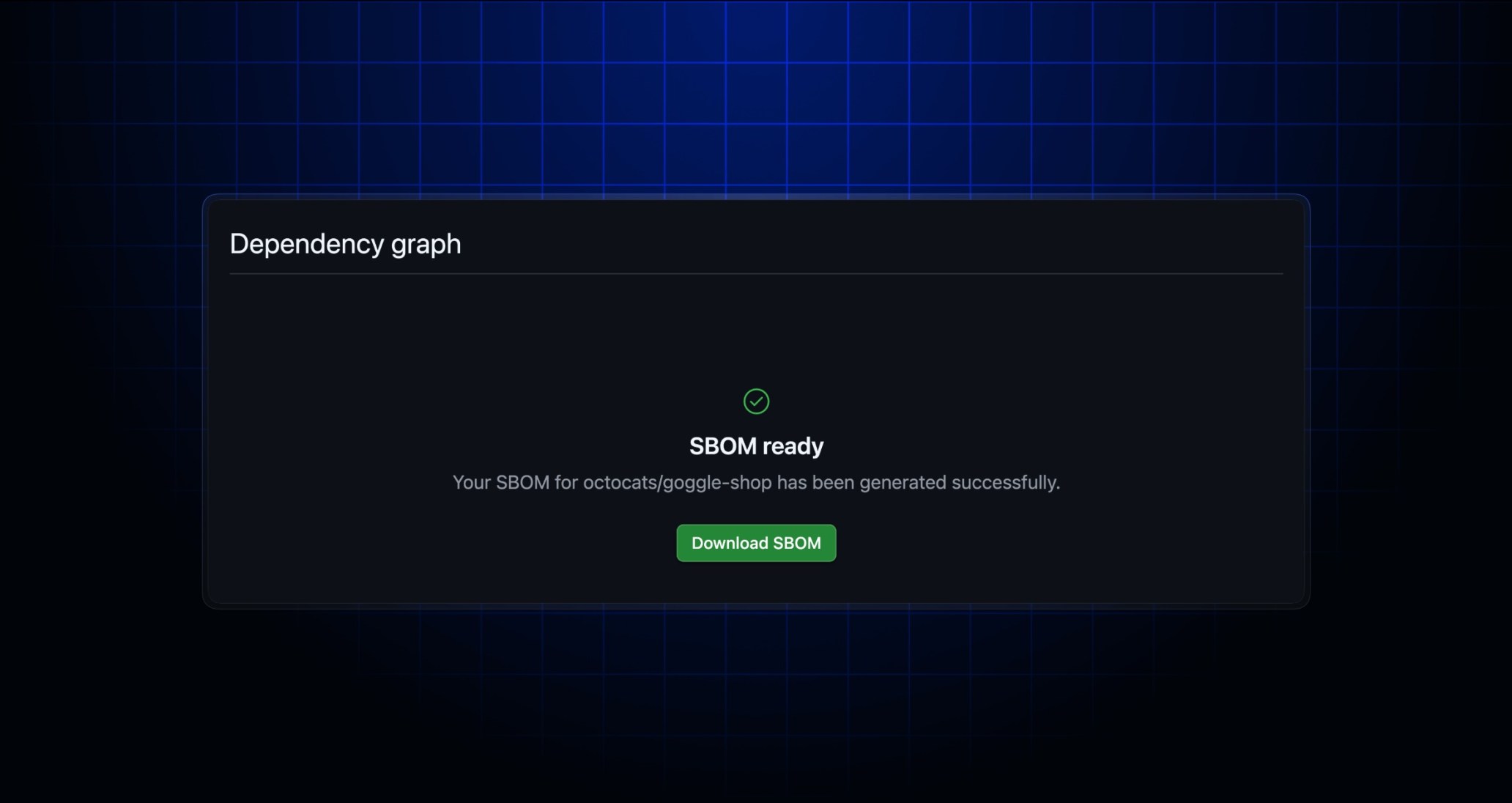
Software Bill of Materials (SBOM) exports from repository pages and new API endpoints are now asynchronous operations. Previously, navigating to a repository’s dependency graph page and clicking the Export SBOM button, or requesting an SBOM from the /repos/{owner}/{repo}/dependency-graph/sbom REST API had a hard-coded timeout value of ten seconds. This worked for most cases, but large repositories with complex dependency trees could often take longer to process. Further, multiple requests would spawn multiple independent back-end workers, with no guarantee that any would complete.
Download SBOMs in your browser
Now, there’s a new web experience which polls for job completion and new API endpoints to match. These work asynchronously, eliminating timeouts. To use the new UI, navigate to a repository’s Insights tab, click Dependency Graph, then click Export SBOM. Once the file is ready, you’ll be able to download it from this page.
API access to SBOMs
For API access, there are two new endpoints which work together to provide asynchronous access to SBOMs:
GET /repos/{owner}/{repo}/dependency-graph/sbom/generate-report: This returns a URL containing a unique identifier,{sbom-uuid}, indicating the service has started working on the request.-
GET /repos/{owner}/{repo}/dependency-graph/sbom/fetch-report/{sbom-uuid}: This returns a 201 until the report is ready for download, at which point it will perform a 302 redirect to the actual contents of the SBOM.
Limitations and caveats
-
Similar to the previous behavior, the SBOM export represents the state of the repository at the time you initiate the request. SBOMs are not available for refs other than HEAD.
-
Anonymous users are restricted to one concurrent SBOM request per repository. Logged-in users are not subject to this restriction.
Join the discussion within GitHub Community.