Improvement
More visibility into Copilot coding agent sessions
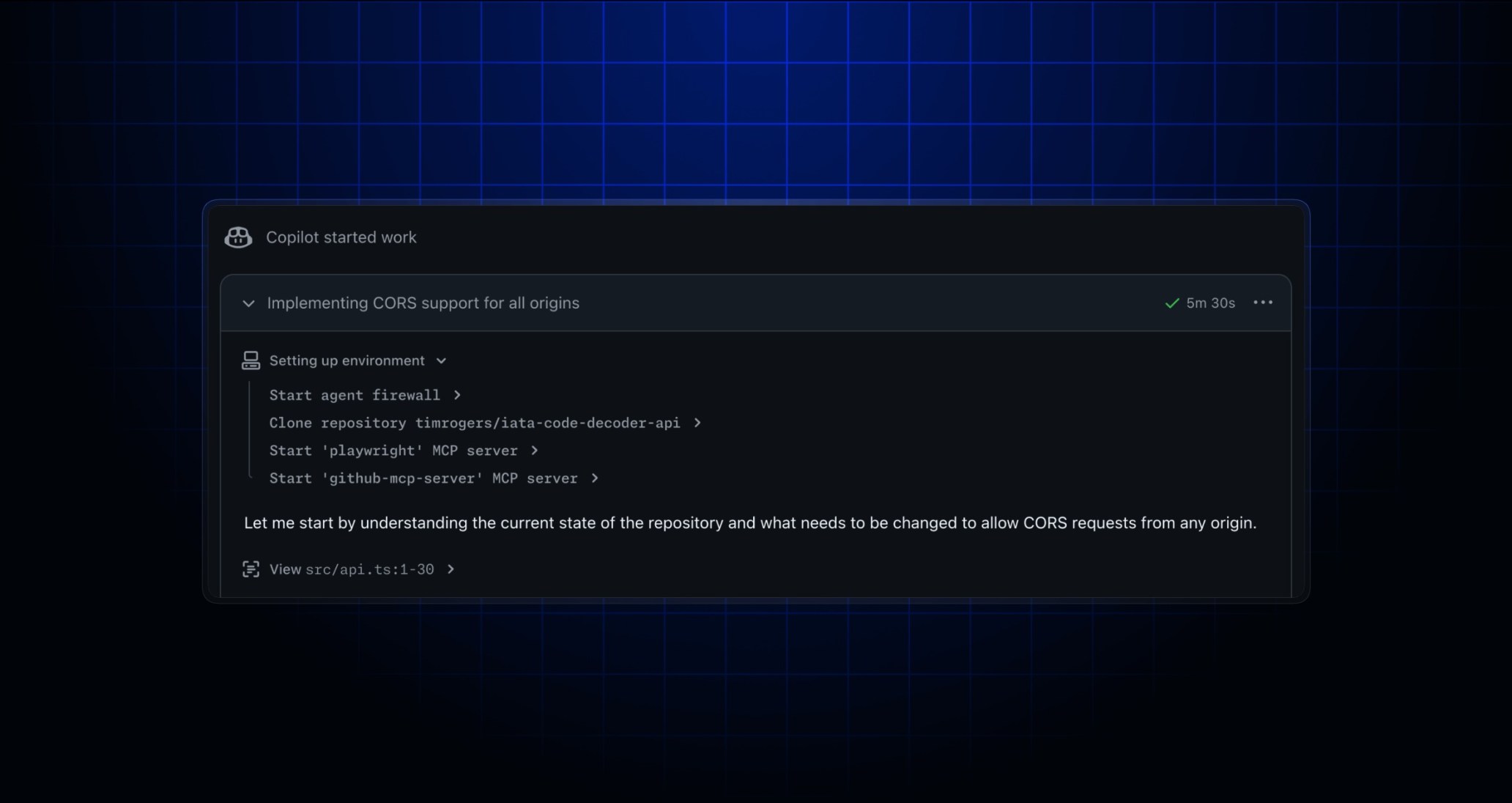
When you delegate a task to Copilot coding agent, it works in the background, then requests your review. You can view the agent session logs to understand what Copilot did while working on your task.
We’ve made a number of improvements to Copilot coding agent’s session logs to give you better visibility of what Copilot is up to:
- Better visibility of built-in setup steps: Before Copilot starts working on your task, it needs to get ready by cloning your repository and starting the agent firewall (if enabled). You’ll now see updates in the logs when these steps start and finish, so you can understand what’s happening while you wait for Copilot to start work.
- Better visibility of your custom setup steps: You can customize Copilot’s development environment with a
copilot-setup-steps.ymlfile in your repository. If you’ve defined setup steps for Copilot to run, the output from those steps now shows in the session logs, so you can verify the environment is configured correctly and debug any issues without jumping to the verbose logs in GitHub Actions.
- Better visibility when Copilot delegates work to subagents: Copilot can delegate tasks to subagents. For example, it will often spin up a subagent to research and understand the current state of your code before making changes. When Copilot delegates work to a subagent, the subagent’s activity is now collapsed by default, with a heads-up display showing what it’s working on right now. Expand the details at any time to see the full output.
To learn more, head to our documentation about Copilot coding agent.