Secret scanning in AI coding agents via the GitHub MCP Server
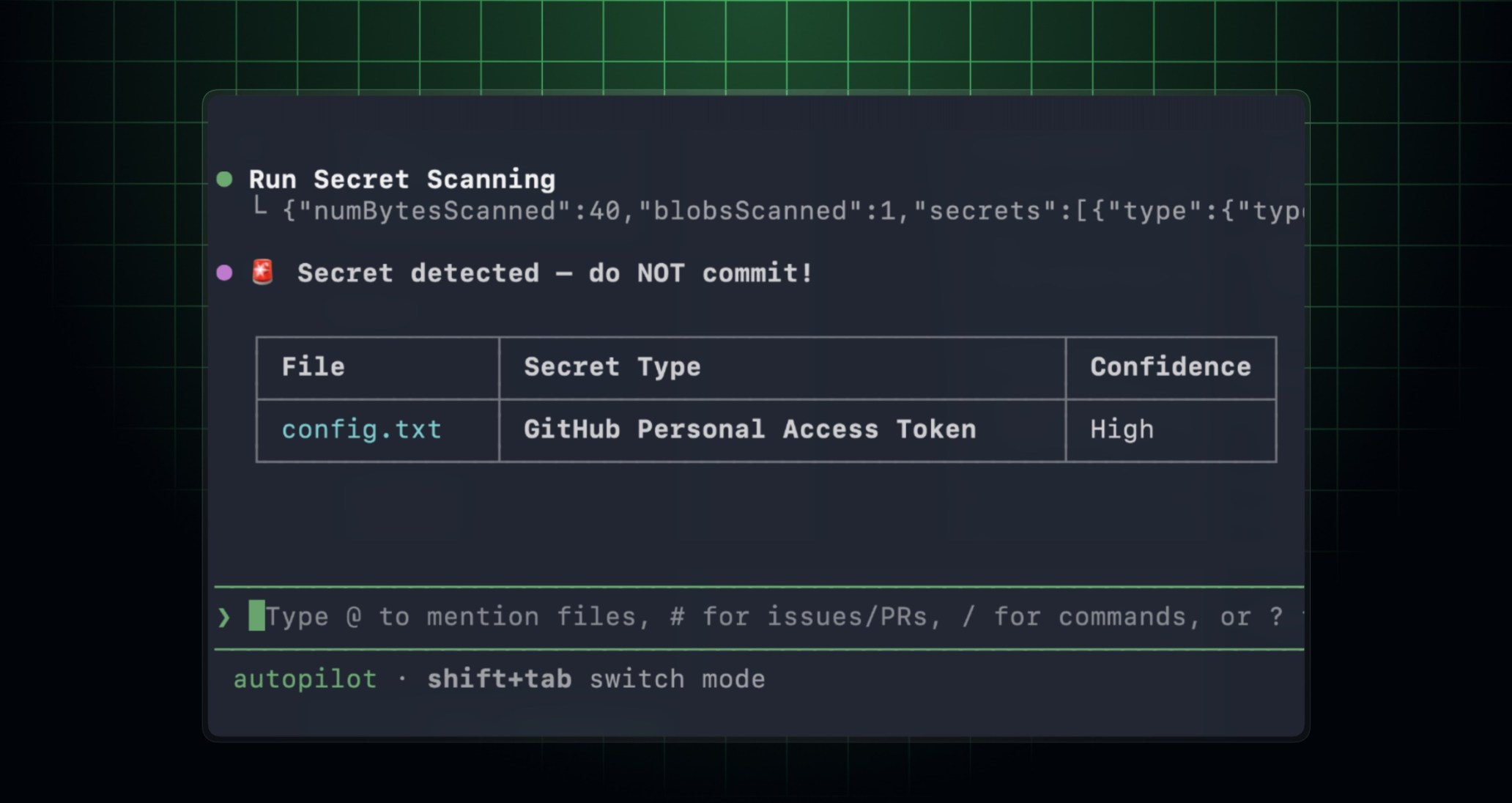
The GitHub MCP Server can now scan your code changes for exposed secrets before you commit or open a pull request. This helps you prevent credential leaks by detecting secrets while you write code with MCP-compatible IDEs and AI coding agents. This feature is now in public preview for repositories with GitHub Secret Protection enabled.
How it works
In MCP-enabled environments, your AI coding agent can run secret scanning based on your prompts and instructions. When you ask your AI coding agent to check for secrets, it invokes the secret scanning tools on the GitHub MCP Server. Your AI coding agents send the code to the GitHub secret scanning engine, and the response includes structured results with the locations of and details on any secrets found.
Get started
- Set up the GitHub MCP Server in your developer environment.
- (Optional) Install the GitHub Advanced Security plugin for a more tailored secret scanning experience. For example:
- In GitHub Copilot CLI, run
/plugin install advanced-security@copilot-plugins. - In Visual Studio Code, install the
advanced-securityagent plugin, then use/secret-scanningin Copilot Chat to start your prompt.
- In GitHub Copilot CLI, run
- Ask your agent to scan your current changes for exposed secrets before you commit. Note the following:
- In GitHub Copilot CLI, use
copilot --add-github-mcp-tool run_secret_scanningto enable the new tool. - In Visual Studio Code, you can use
/secret-scanningfollowed by your prompt in Copilot Chat to start your prompt.
- In GitHub Copilot CLI, use
Here’s an example prompt you can use: Scan my current changes for exposed secrets and show me the files and lines I should update before I commit.