Improvement
Showing tool calls and other improvements to Copilot chat on the web
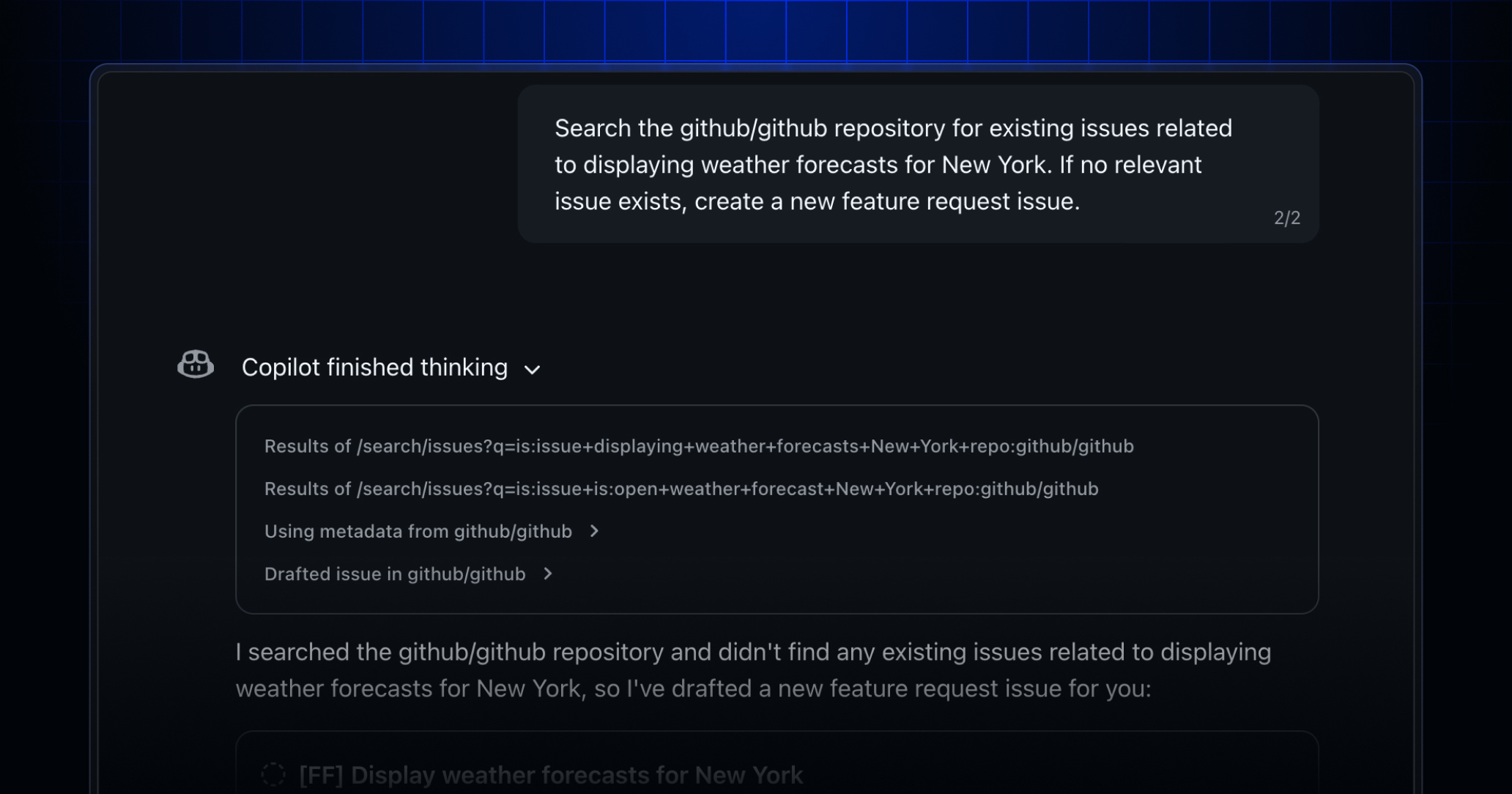
We’ve added enhancements to make your GitHub Copilot Chat experience on github.com feel smoother and faster.
Tool calls in your chat response
You’ll now see clear tool call details so you can track what’s happening in real time when you send Copilot a message. This update helps you:
- Understand the steps Copilot is taking to fulfill your request.
- Course-correct if something fails.
- See references generated by each tool call.
Easily export a chat to JSON or Markdown
You can now export a chat to reference it later. To export a conversation:
- Select the chat you want to download.
- Press the more menu (“Manage chat”) and choose Export.
- Choose whether you want to export your conversation as a JSON or Markdown file.
Improvements to repository attachments
We’ve also improved how you attach repositories to chat so you can find the right repository faster. You’ll now see better repository recommendations when you search.
We’d love to hear from you
Join the discussion within GitHub Community to share your thoughts on these improvements, or to share what else you’d like to see in Copilot Chat on the web.