Building an emoji list generator with the GitHub Copilot CLI
See how we created an emoji list generator during the Rubber Duck Thursday stream.
Every week, the GitHub team runs a stream called Rubber Duck Thursdays, where we build projects live, cowork with our community, and answer questions!
This week, we built a very fun project together using the GitHub Copilot CLI! Let me tell you about it.
💡 New to GitHub Copilot CLI? Here’s how to get started.
What is it?
In a lot of social media tweets and launches, you often see accounts post things like:
We shipped the most amazing emoji list generator ever. It:

💻 Works in the CLI
🤖 Uses the Copilot SDK to intelligently convert your bullet points to relevent emoji
📋 Copies the result to the clipboard
It’s beautiful. But coming up with the perfect emoji is far too slow for me in this “move fast and break things” world. I have projects to build! Repos to vibe! Pull requests to merge! I can’t be thinking about emojis!
And thus, on the stream, we build an emoji list generator (very descriptively called Emoji List Generator) that:
🖥️ Runs in the terminal
📋 You paste or write a list
⌨️ You hit Ctrl + S
📎 You get the list on your clipboard
(Can you tell I’m dogfooding the product here?)
How we built it
We used a few cool technologies for this project:
🖥️ @opentui/corefor the terminal UI
🤖 @github/copilot-sdkfor the AI brain
📋 clipboardyfor clipboard access
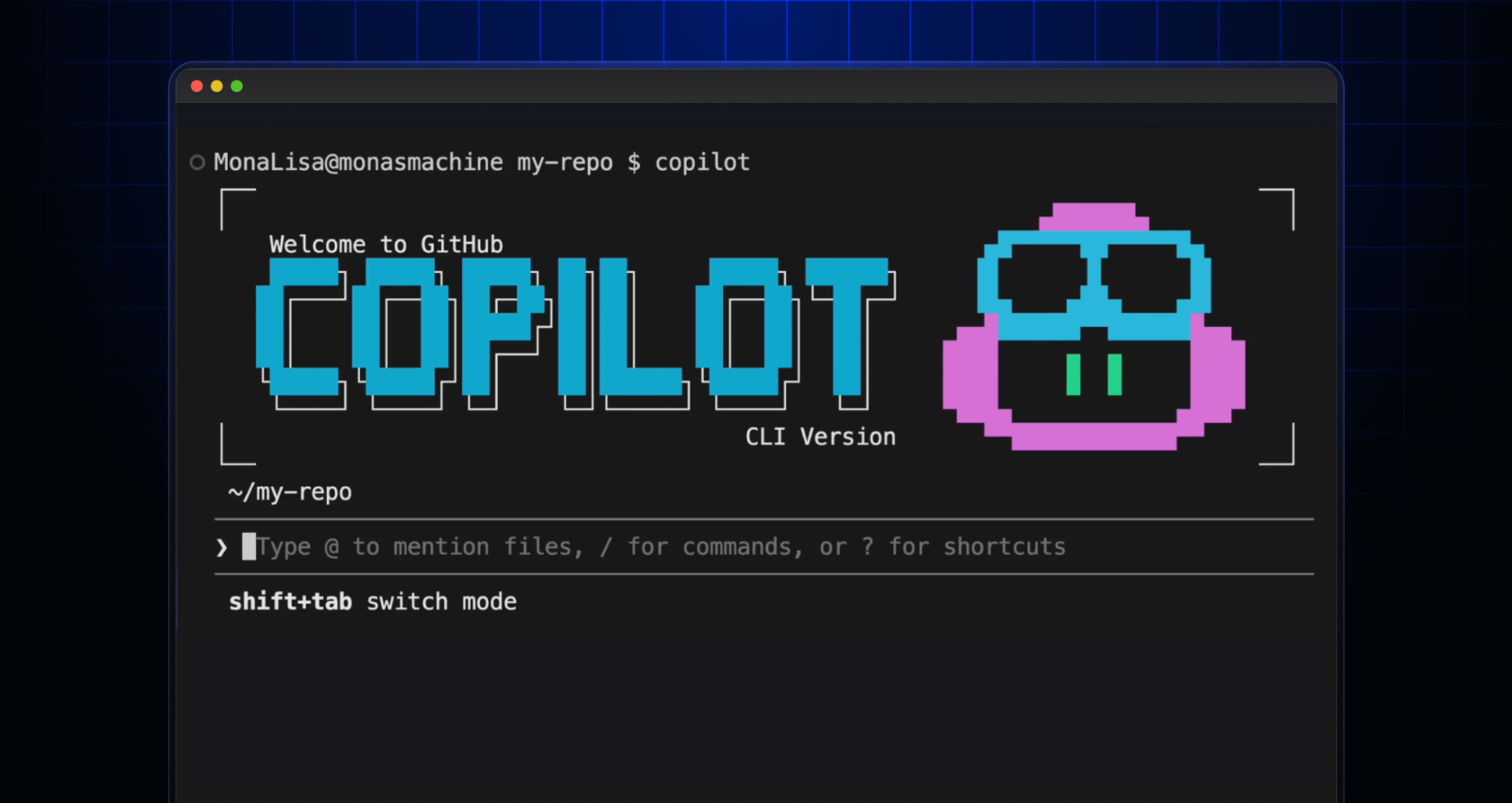
To start the project off, we opened up the GitHub Copilot CLI.
In plan mode using Claude Sonnet 4.6, we wrote:
I want to create an AI-powered markdown emoji list generator. Where, in this CLI app, if I paste in or write in some bullet points, it will replace those bullet points with relevant emojis to the given point in that list, and copies it to my clipboard. I'd like it to use GitHub Copilot SDK for the AI juiciness.Copilot asked me a bunch of clarifying questions, for example around the tech stack and what libraries we should use (shoutout to Gabor in the chat for suggesting OpenTUI), and from there, we had a fully thought-out plan.mdfile for me to review and use!
We implemented the plan using Claude Opus 4.7 (which was recently released!) and a few minutes later, voilà, we had a fun little terminal UI to work with!
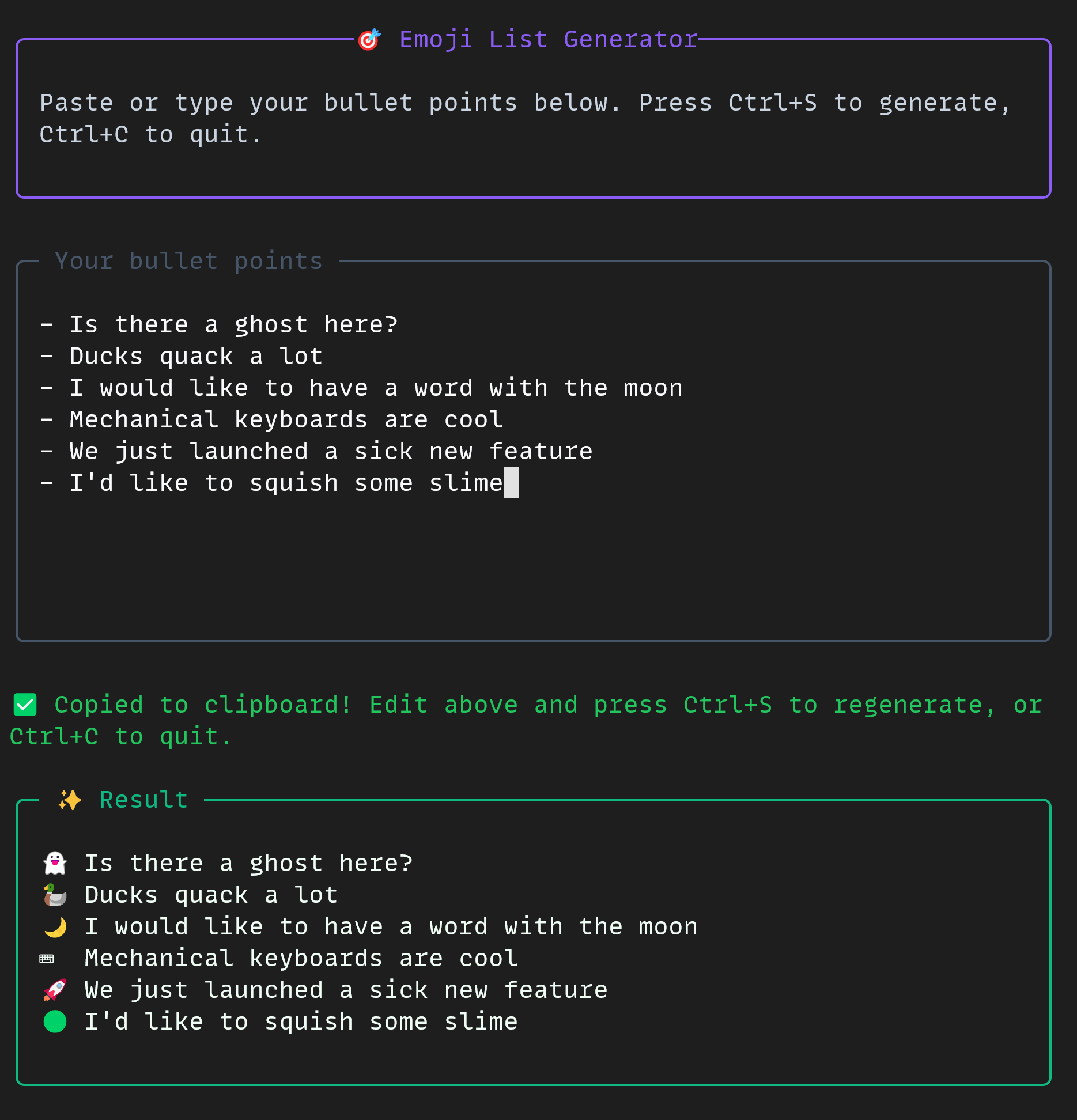
The project was small but mighty. In the CLI, we used some really cool tools all together:
📋 Plan mode
🤖 Autopilot mode
🔀 Multi-model workflow
🚩 The allow-alltools flag
🐙 The GitHub MCP server
If you’d like to build a project like this yourself, you can check out the docs for the GitHub Copilot CLI and the GitHub Copilot SDK today!
The emoji list generator is free and open source, just for you.
Happy building!
Tags:
Written by

Related posts

GitHub’s model for secret detection: Finding more secrets with less noise
GitHub’s context-aware secret classifier improves detection quality, raises weighted acceptance by 11.5%, and reduces median scan execution time by 86%.

GitHub Copilot app for Beginners: How to teach Copilot about your codebase
Learn how to add custom instructions and skills to your repository, use custom agents, and connect MCP servers like Playwright.

Secret protection must scale with software
Developers aren’t becoming more careless; they’re being outpaced. The tools that let developers create more software should also take on more of the work of protecting it.