Download all of your GitHub data
Now you can request an archive of your data from your account settings page.
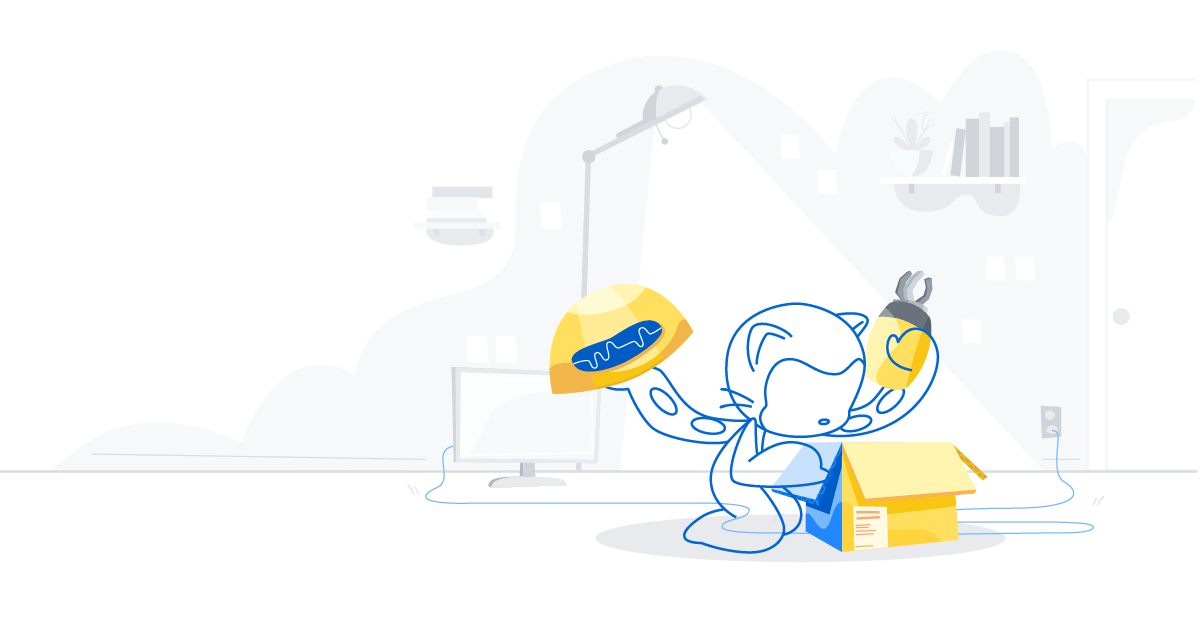
Your trust is our first priority. That’s why we’re making it easy to get all of the data connected to your profile, whenever you need it. Now you can better understand what information we store, so you can make informed choices about how you use GitHub.
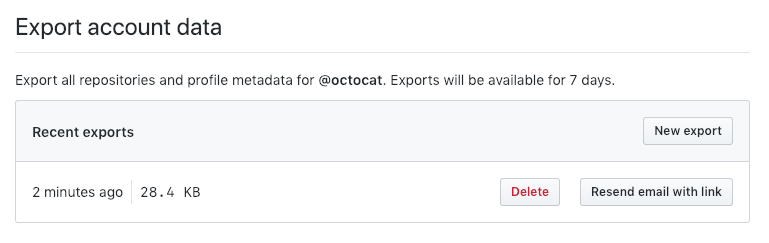
How it works
Follow these steps to request an archive of your data:
- Visit your account settings page.
- Click “Start export” in the “Export account data” section. You will receive an email when the export is ready.
- Click the link in the email to download the archive.
The archive will contain your profile data, plan, and any email addresses connected with your account in addition to the issues, pull requests, comments, reviews, releases, projects, events, attachments, milestones, and settings for each of your repositories—along with basic information about the users who have interacted with them.
Since the information is exported in a machine-readable format (Git and JSON), the archive allows you to back up your data offline, or move it to another service altogether. After all, it’s your data.
Archives remain available for seven days or until you choose to delete them. If you want more control over what information is exported, or if you want to export an organization’s information, use the Migration API.
Learn more about archiving your data
Written by

Related posts
Hack the World: Why hackathons are still the best place to learn to build
The barriers to building software have collapsed. Today, anyone can build. Hackathons are a great place to start learning.

AI is changing developer work. Here are three skills to strengthen.
Learn to direct AI agents, critically review their output, and keep technical judgment at the center of your workflow.

From coder to orchestrator: How agents shift the role of a developer
Developers are owning more of the delivery system around code, not just code itself. Join us during GitHub Universe to meet other devs, learn something new, and explore what’s next.