Get to know your collaborators with hovercards
Hovercards make it easy to see who you’re working with in GitHub.
Whether you’re working on open source projects or collaborating with new developers on your team, it’s not always clear who you’re working with and how they’re connected to the project you’re working on.
With hovercards, you can hover your mouse over a contributor’s avatar—or most places you see their username—to get more information about who you’re collaborating with. On every hovercard, you’ll see a larger avatar image and profile information, so be sure to check if your profile is up to date with what you want others to see on your hovercard.
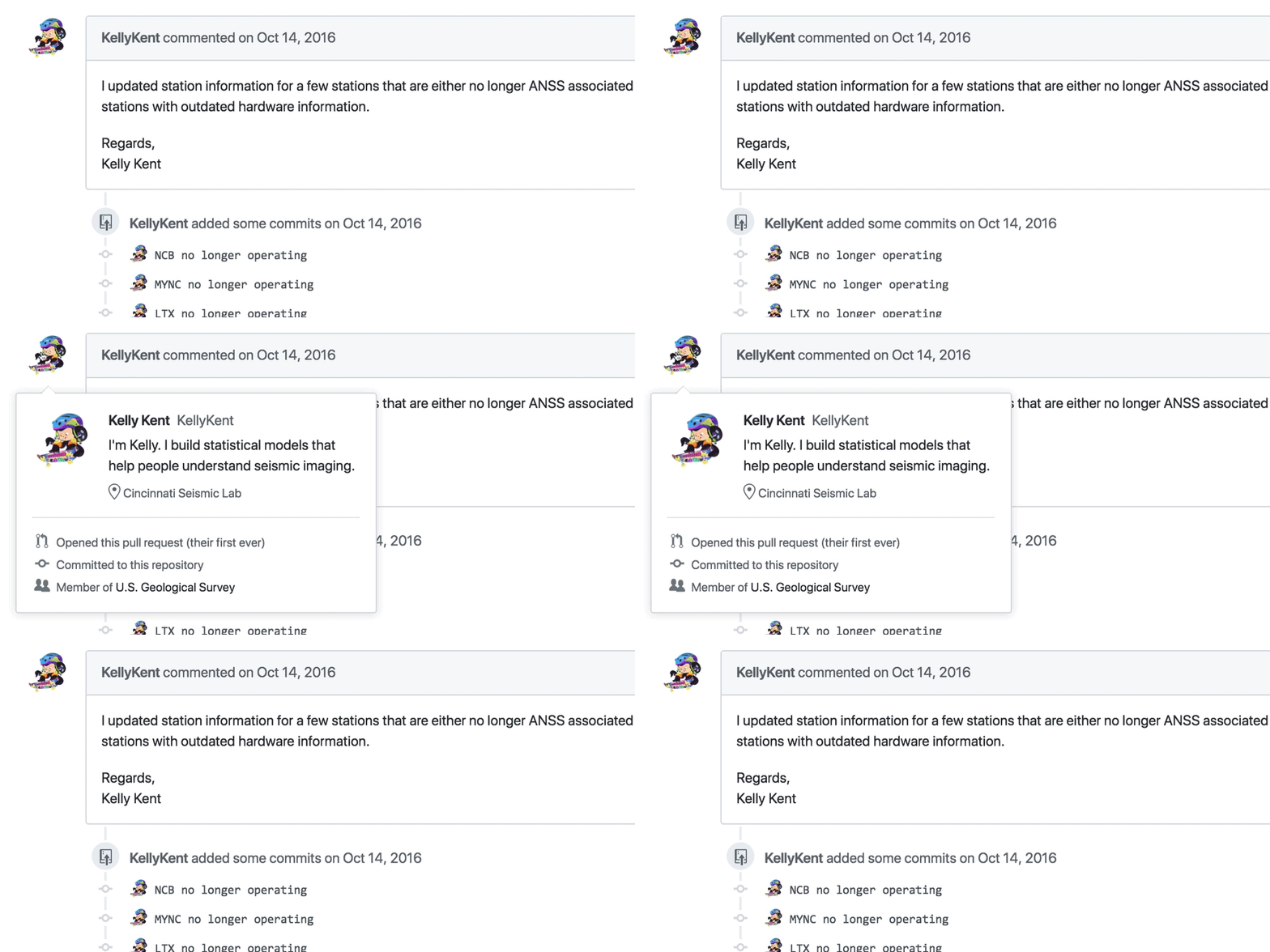
You’ll also see information about the individual that’s specific to your interaction with them, like which teams they belong to in your organization, if they are a code owner, if they’re contributing to their very first pull request, and more.
REST API and GraphQL API support are currently in preview—and stay tuned for hovercards in a GitHub Enterprise release soon.
Learn more about the hovercard REST API
Learn more about the hovercard GraphQL API
Written by

Related posts

GitHub availability report: January 2026
In January, we experienced two incidents that resulted in degraded performance across GitHub services.

Pick your agent: Use Claude and Codex on Agent HQ
Claude by Anthropic and OpenAI Codex are now available in public preview on GitHub and VS Code with a Copilot Pro+ or Copilot Enterprise subscription. Here’s what you need to know and how to get started today.

What the fastest-growing tools reveal about how software is being built
What languages are growing fastest, and why? What about the projects that people are interested in the most? Where are new developers cutting their teeth? Let’s take a look at Octoverse data to find out.