Navigate file history faster with improved blame view
Whether you’re debugging a regression or trying to understand how some code came to have its current shape, you’ll often want to see what a file looked like before a…
Whether you’re debugging a regression or trying to understand how some code came to have its current shape, you’ll often want to see what a file looked like before a particular change. With improved blame view, you can easily see how any portion of your file has evolved over time without viewing the file’s full history.
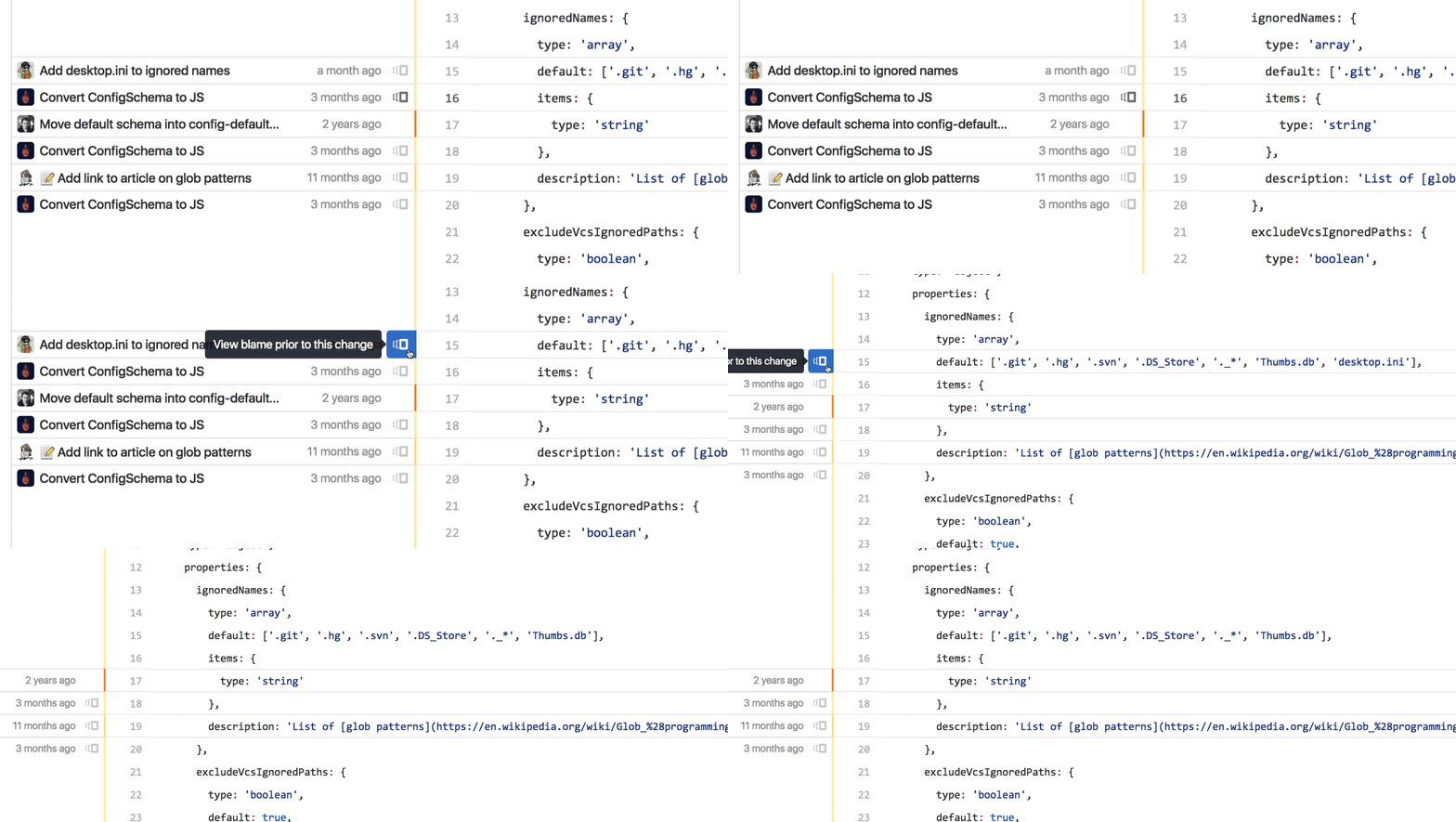
Check out the GitHub Help documentation for more information on using git blame to trace the changes in a file.
Written by

Related posts

The next developer interface is ambient intelligence
AI, agents, voice, and physical controls are shifting software development from operating tools to expressing intent—and helping developers stay focused on building.

GitHub availability report: September 2026
In September, we experienced two incidents that resulted in degraded performance across GitHub services.
10 technical talks I’m excited about at GitHub Universe 2026
From verifying AI-written code to securing npm dependencies, these are the sessions I’m building my Universe agenda around.