See the users you’ve blocked on your settings page
You’ve been able to block users for a while now, but you can now see who you’ve blocked from your account settings page. You can also search and add new…
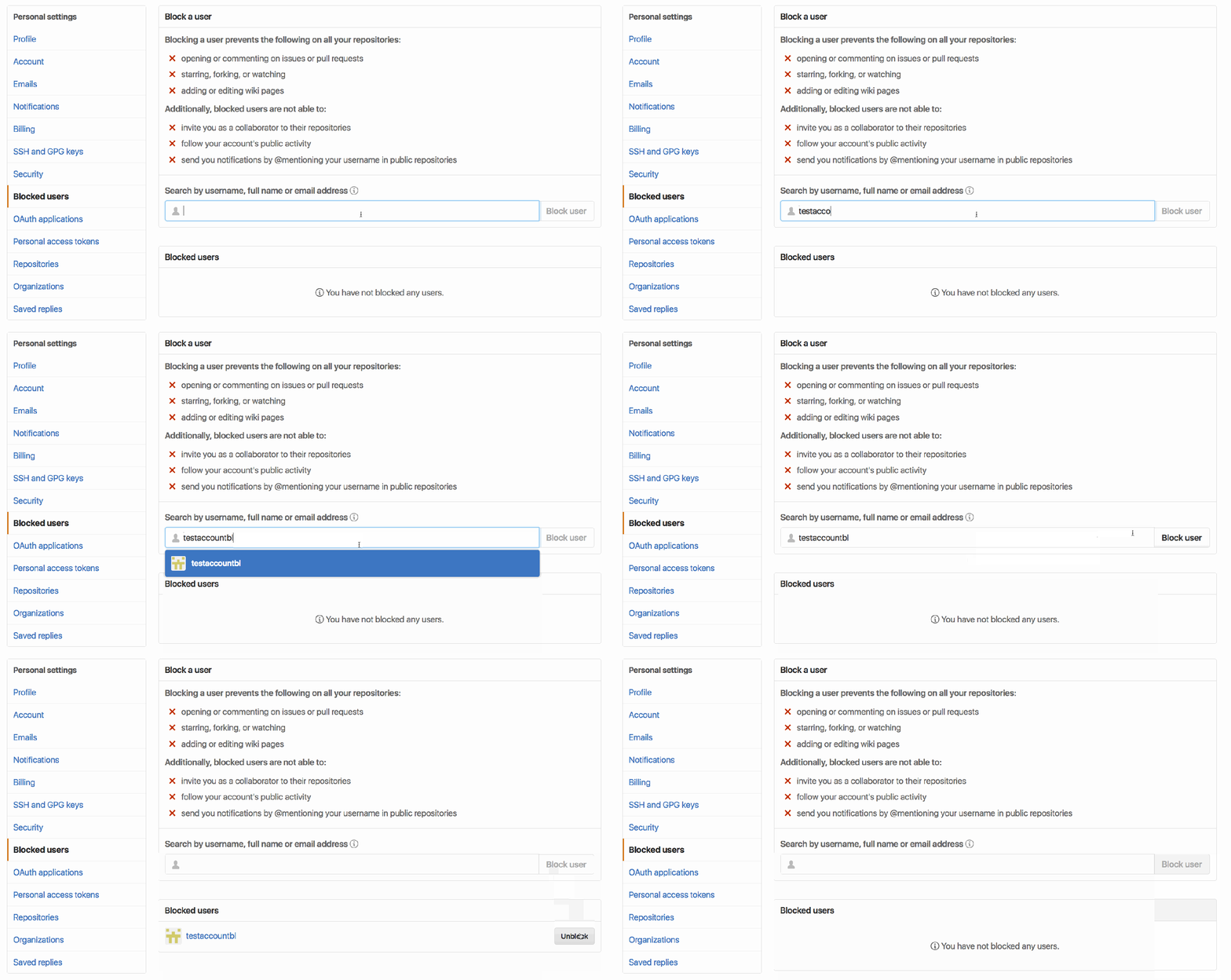
You’ve been able to block users for a while now, but you can now see who you’ve blocked from your account settings page. You can also search and add new users to your blocked list, as well as unblock any user that you’ve blocked by accident.
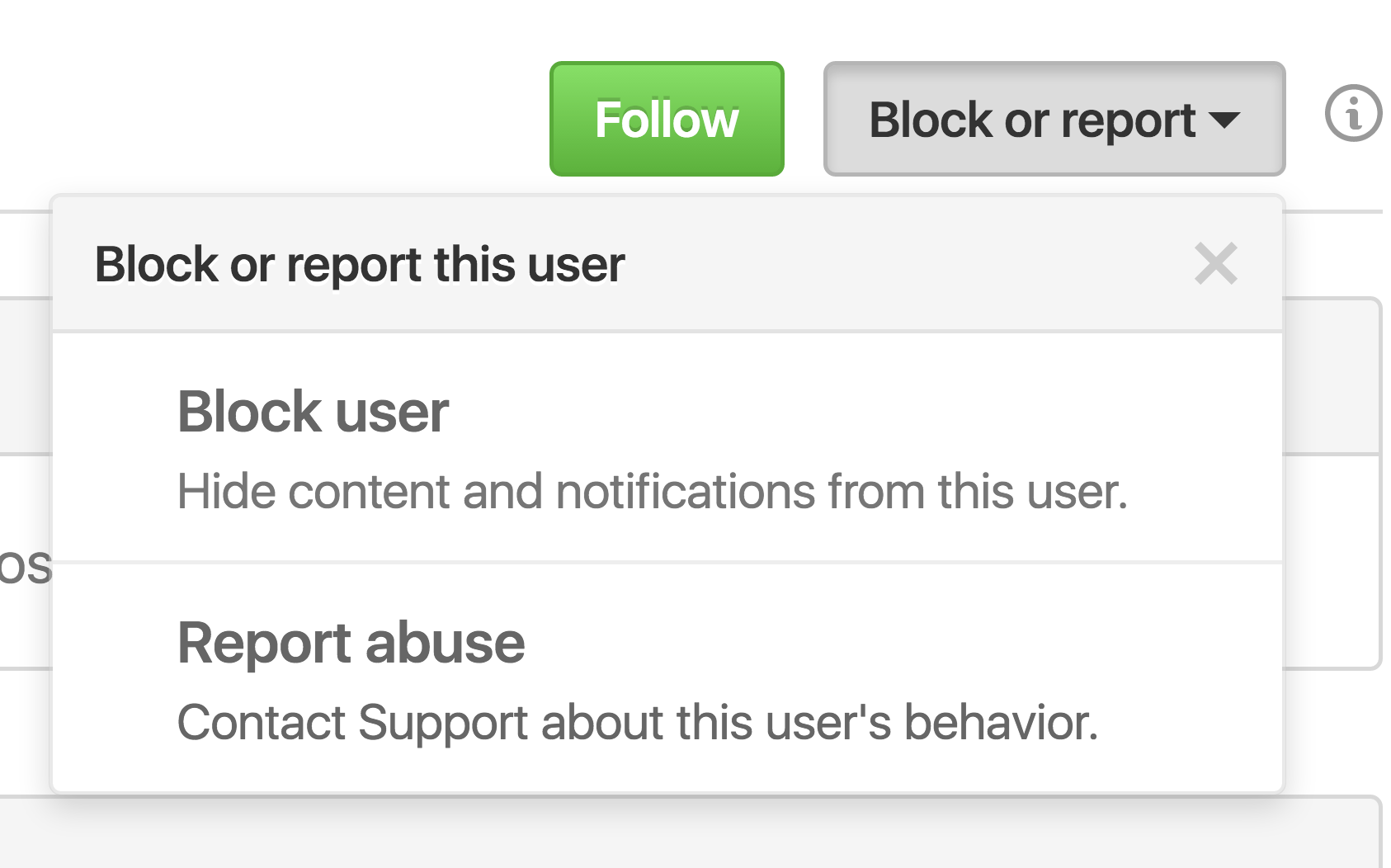
Of course, if a user is bothering you, you can always block them from their profile page directly.
Check out the GitHub Help documentation for more information about blocking a user from your personal account or how to block a user from your organization.
Written by

Related posts

GitHub availability report: May 2026
In May, we experienced nine incidents that resulted in degraded performance across GitHub services.

GitHub Universe is back: All together now, in the agentic era
GitHub Universe is back: returning to the historic Fort Mason Center in San Francisco on October 28–29, 2026.

GitHub Copilot app: The agent-native desktop experience
At Microsoft Build 2026, GitHub introduced new tools, updates, and surfaces so agents can work the way you already work.