Migrate your code with the GitHub Importer
If you have source code in Subversion, Mercurial, Team Foundation Server, or another Git repository, you can now quickly and easily move that code to GitHub with the GitHub Importer.…
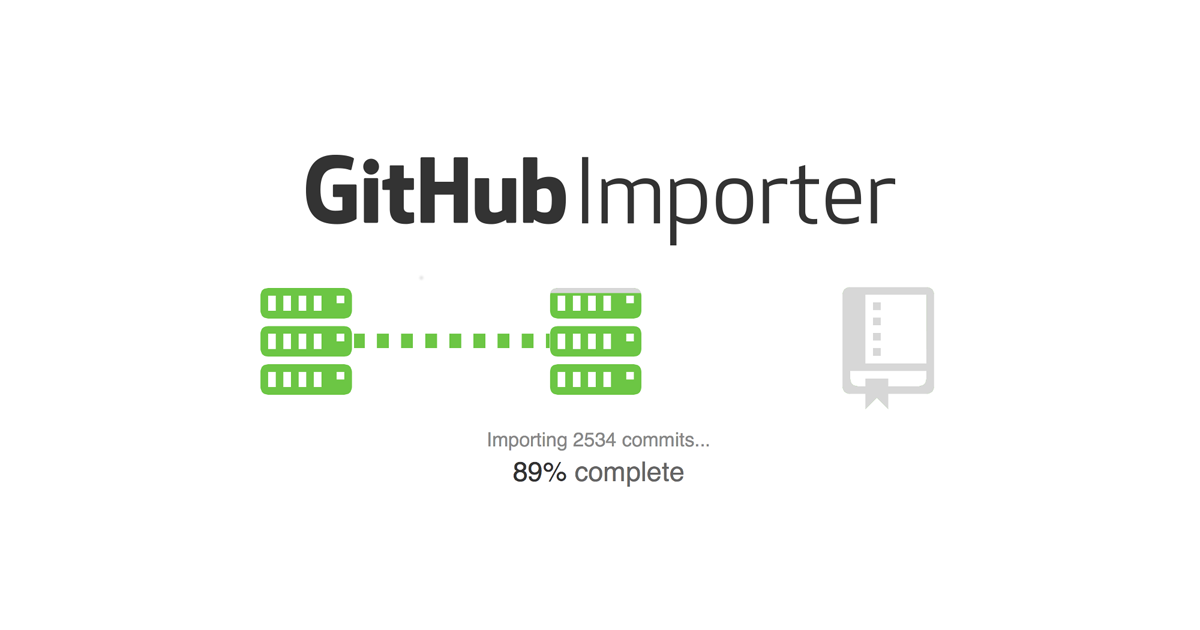
If you have source code in Subversion, Mercurial, Team Foundation Server, or another Git repository, you can now quickly and easily move that code to GitHub with the GitHub Importer. It will move your code and then notify you (via email or in your browser) when your newly populated GitHub repository is ready for action.
Access the GitHub Importer directly from https://import.github.com, or use the import feature to migrate your code when you create a new repository on GitHub.com. Your repository will join over 400,000 that have used this feature to move to GitHub!
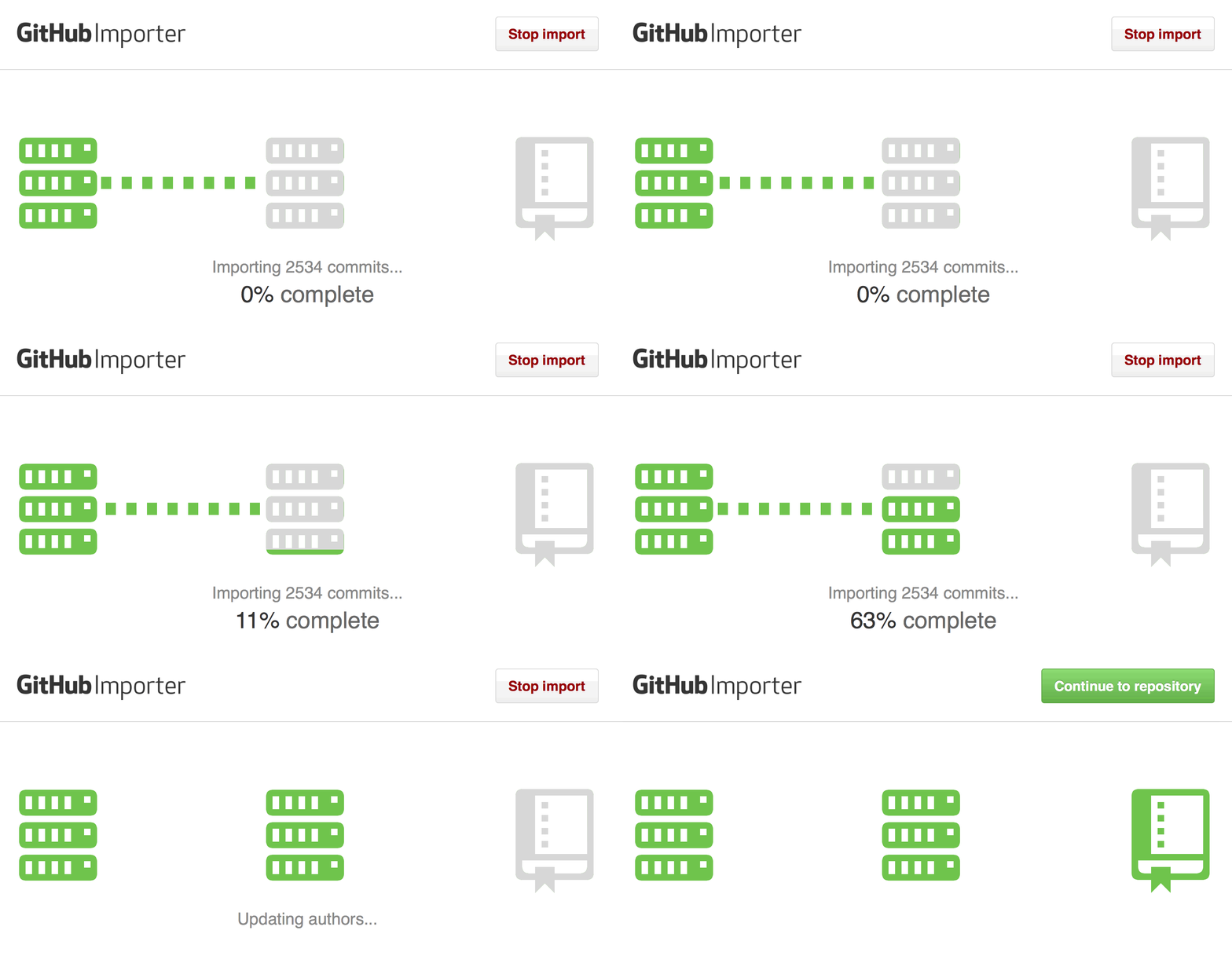
For more on migrating your source code, see “Importing your project to GitHub” in GitHub Help.
Written by

Related posts

GitHub availability report: September 2026
In September, we experienced two incidents that resulted in degraded performance across GitHub services.

10 technical talks I’m excited about at GitHub Universe 2026
From verifying AI-written code to securing npm dependencies, these are the sessions I’m building my Universe agenda around.
Developer policy update: Transparency, state policy, and what’s ahead
Explore GitHub’s latest transparency data and learn more about policy updates affecting developers and open source.