Partial commits in GitHub for Mac
Sometimes when you’re in the zone, you get a ton of work done before you have a chance to pause and commit. You want to break the commit down to…
Sometimes when you’re in the zone, you get a ton of work done before you have a chance to pause and commit. You want to break the commit down to describe the logical changes you’ve made, and it doesn’t always break down cleanly file by file. You want to select some parts of your changes to commit at a time. That’s easy in GitHub for Mac.
Select one or more lines to commit by clicking on the line numbers in the gutter. In the latest release, you can select a block of changes at a time. Hover over the right hand side of the line numbers to get a preview of what will be selected, and click to select.
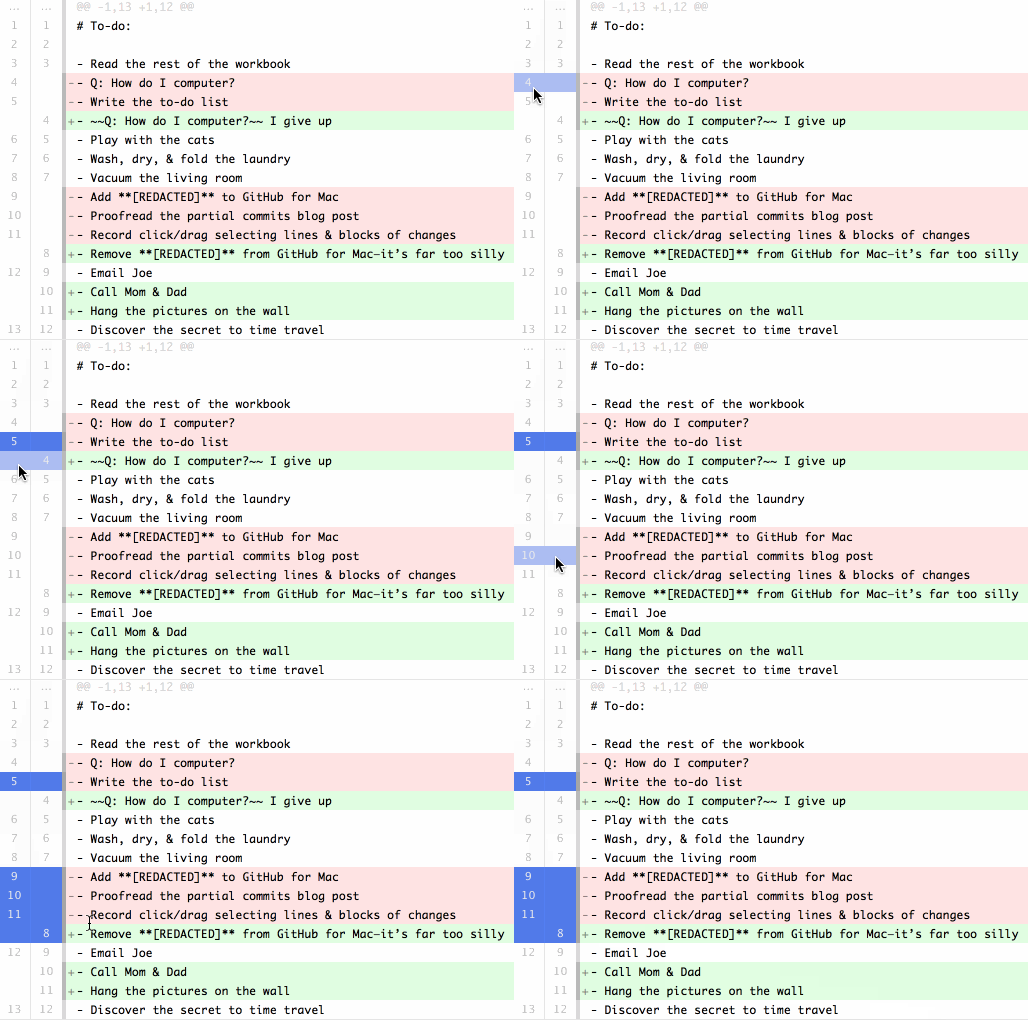
You can select multiple lines or blocks of changes by clicking and dragging. The left of the line numbers will select line by line, and the right will select block by block.
Now you can commit your selected changes, leaving the rest for a later commit.
Written by

Related posts

GitHub availability report: April 2026
In April, we experienced 10 incidents that resulted in degraded performance across GitHub services.

GitHub Copilot individual plans: Introducing flex allotments in Pro and Pro+, and a new Max plan
Starting June 1, our lineup of individual plans will update based on your feedback.

Why age assurance laws matter for developers
Youth safety requirements are moving down the tech stack to operating systems and app stores—raising new questions for open source developers.