Installing Git from GitHub for Mac
In today’s release of GitHub for Mac, you can now easily install Git for use on the command line, without needing to download any separate packages. And whenever we update…
In today’s release of GitHub for Mac, you can now
easily install Git for use on the command line, without
needing to download any separate packages. And whenever we update the version of
Git included with GitHub for Mac, you’ll get the changes automatically – no
work required on your part!
After updating the app, you may notice some changes to the
Preferences window. On the newly renamed “Advanced” tab, simply click “Install
Command Line Tools”:
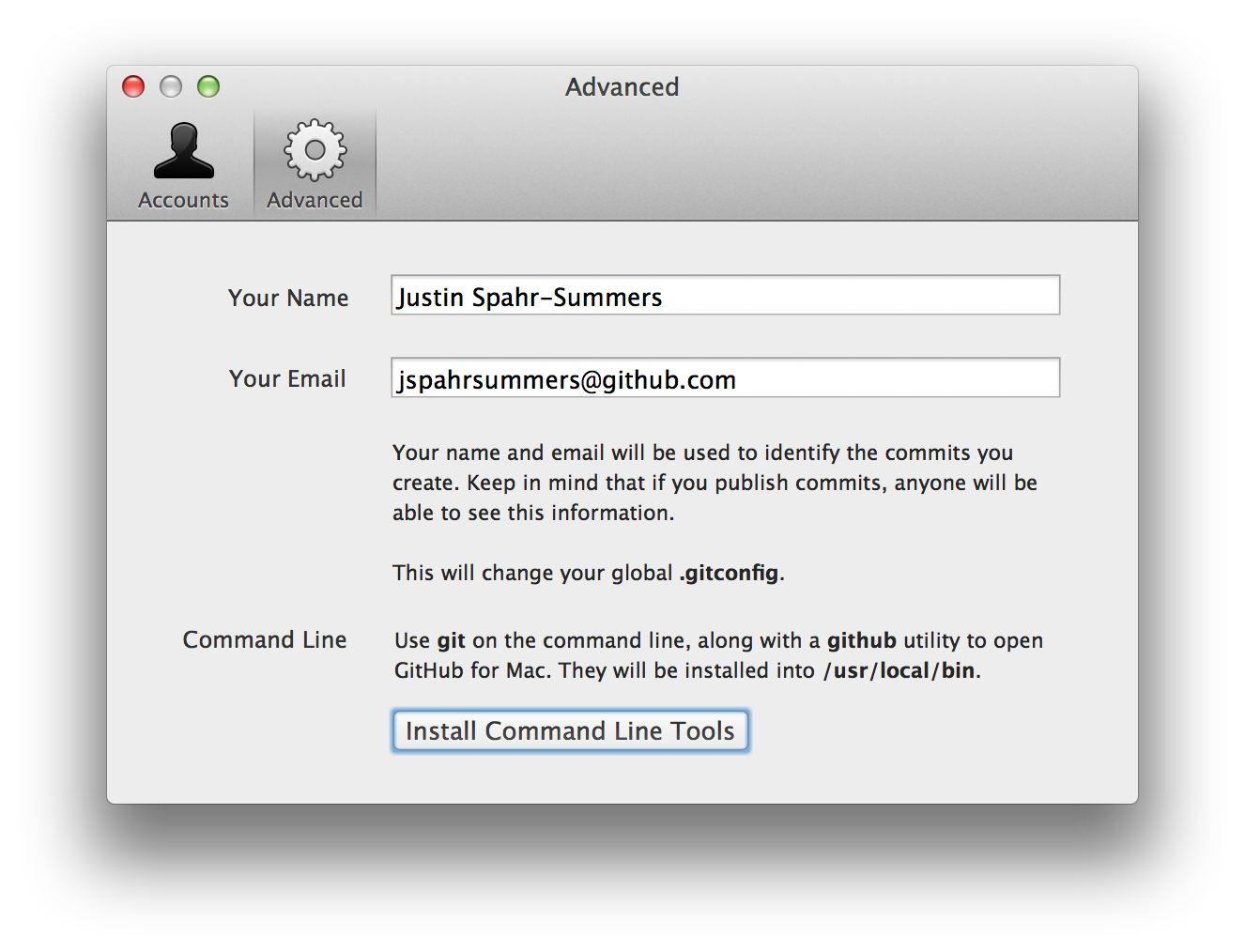
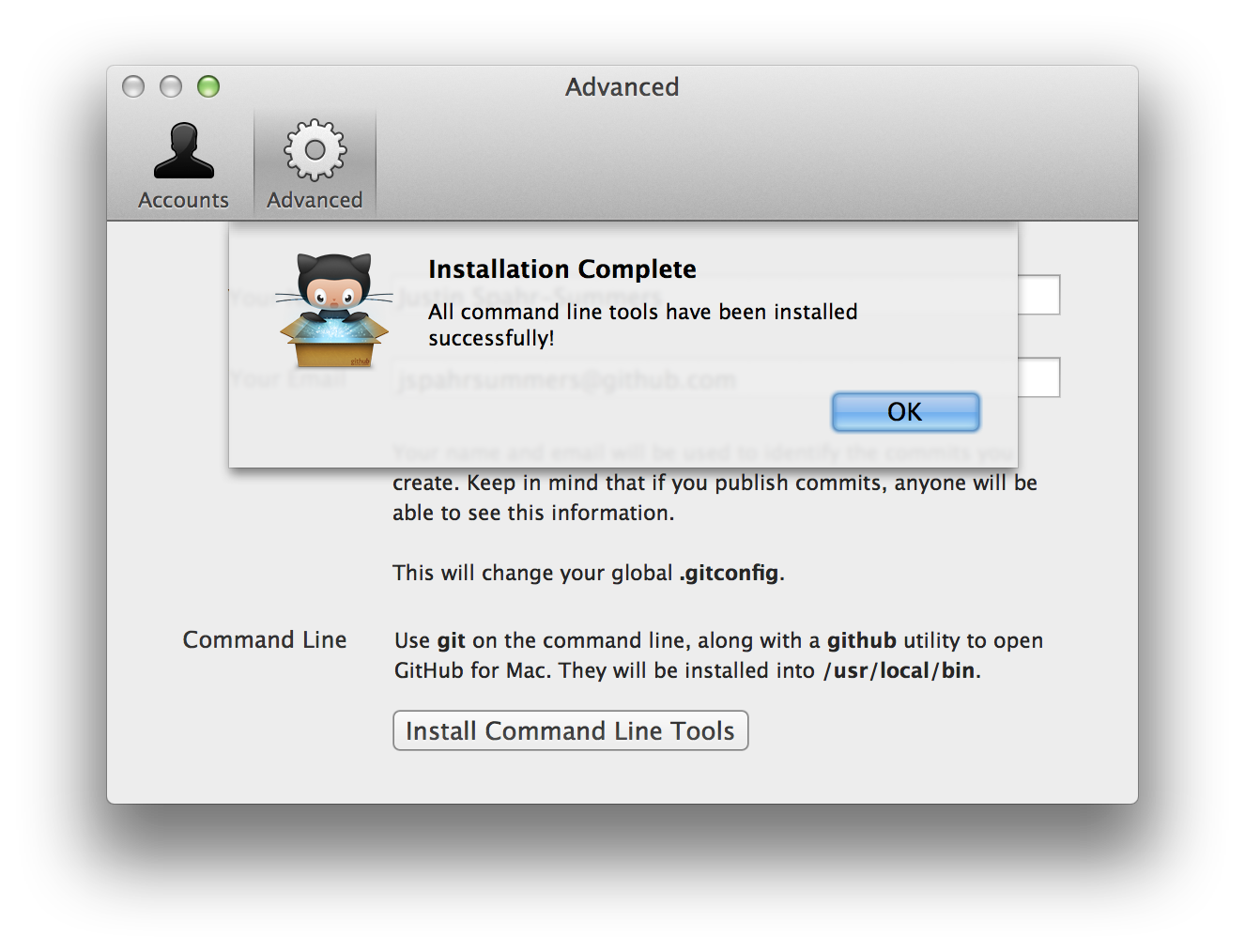
You’ll be prompted for an administrator password so that Git can be installed
into /usr/local/bin, and then you should very shortly see that it succeeded:
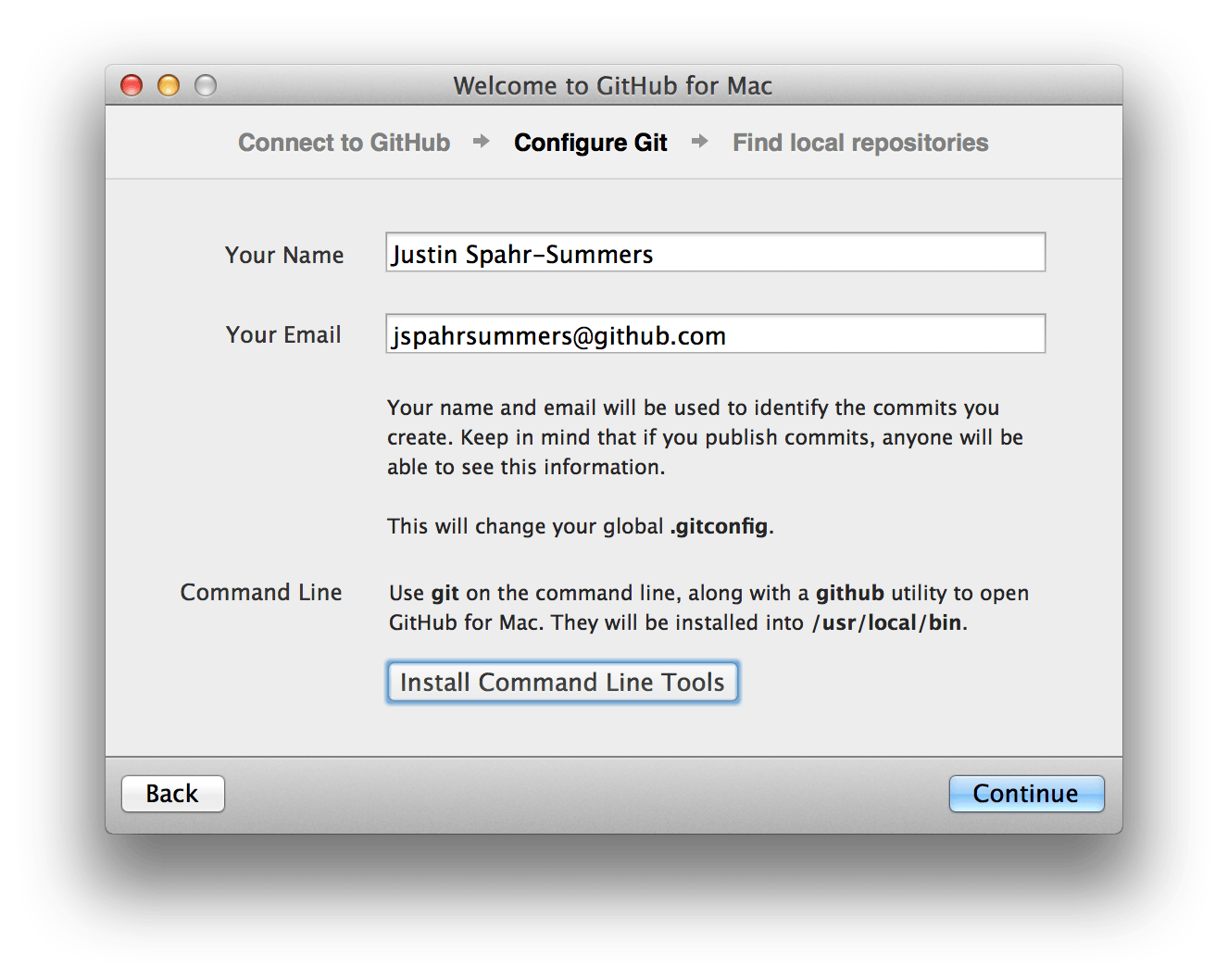
If you’re using GitHub for Mac for the first time, and want to install Git, you
can also set it up from the welcome screen:
Once installed, you can open up Terminal.app and run git commands to your
heart’s content. Command line aficionados, rejoice!
Update: We’ve since removed the ability to install Git from GitHub for Mac, because OS X Mavericks and later includes a version of Git already.
Written by

Related posts
From coder to orchestrator: How agents shift the role of a developer
Developers are owning more of the delivery system around code, not just code itself. Join us during GitHub Universe to meet other devs, learn something new, and explore what’s next.

Stacked sessions and pull requests in the GitHub Copilot app
Learn how I modernized an old codebase of mine using stacked sessions and pull requests in the GitHub Copilot app.

The cost of saying yes has changed
The cost of writing code dropped; the cost of owning it didn’t. A framework for deciding which changes are actually cheap in the AI era.