Repository Search on all Repositories
1/9/2018: Whoops! This post is out of date. For more information on searching repositories on GitHub, check out our documentation. Today we are allowing you to search your own public…
1/9/2018: Whoops! This post is out of date. For more information on searching repositories on GitHub, check out our documentation.
Today we are allowing you to search your own public repositories and any private repositories you have access to.
In an effort to simplify our search, we’ve consolidated our search boxes into one. There’s no need to look around anymore for the search box: it’s always at the top.
When you’re on a repository page, you’ll see an indication that you’re searching that repository by default:

To search globally, all you need to do is select the All repositories option:

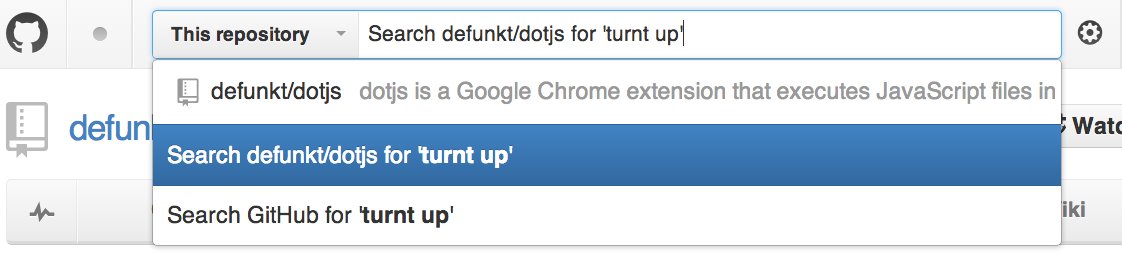
You may have already noticed that the command bar will also give you these options:
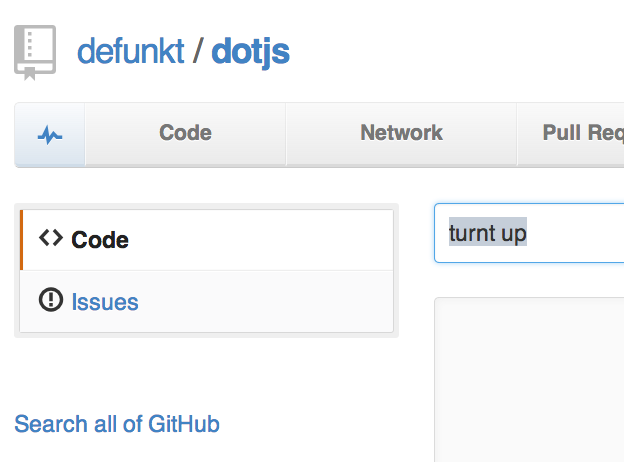
Finally, if you didn’t find what you were looking for in your repository, you can turn a repository search into a global search by clicking Search all of GitHub.
For any search related questions, take a look at a our search guides.
Good luck, gumshoes!
Written by

Related posts

GitHub availability report: May 2026
In May, we experienced nine incidents that resulted in degraded performance across GitHub services.

GitHub Universe is back: All together now, in the agentic era
GitHub Universe is back: returning to the historic Fort Mason Center in San Francisco on October 28–29, 2026.

GitHub Copilot app: The agent-native desktop experience
At Microsoft Build 2026, GitHub introduced new tools, updates, and surfaces so agents can work the way you already work.