Zen Writing Mode
At GitHub, we love finding new ways to help people get in the zone. Today we’re excited to announce a feature that we hope will do just that. You’ll now…
At GitHub, we love finding new ways to help people get in the zone.
Today we’re excited to announce a feature that we hope will do just that.
You’ll now find a Zen Mode button on every new comment, issue, and pull
request form across the site.

This will immediately launch you into Zen Writing Mode, removing all
distractions so you can focus completely on writing.
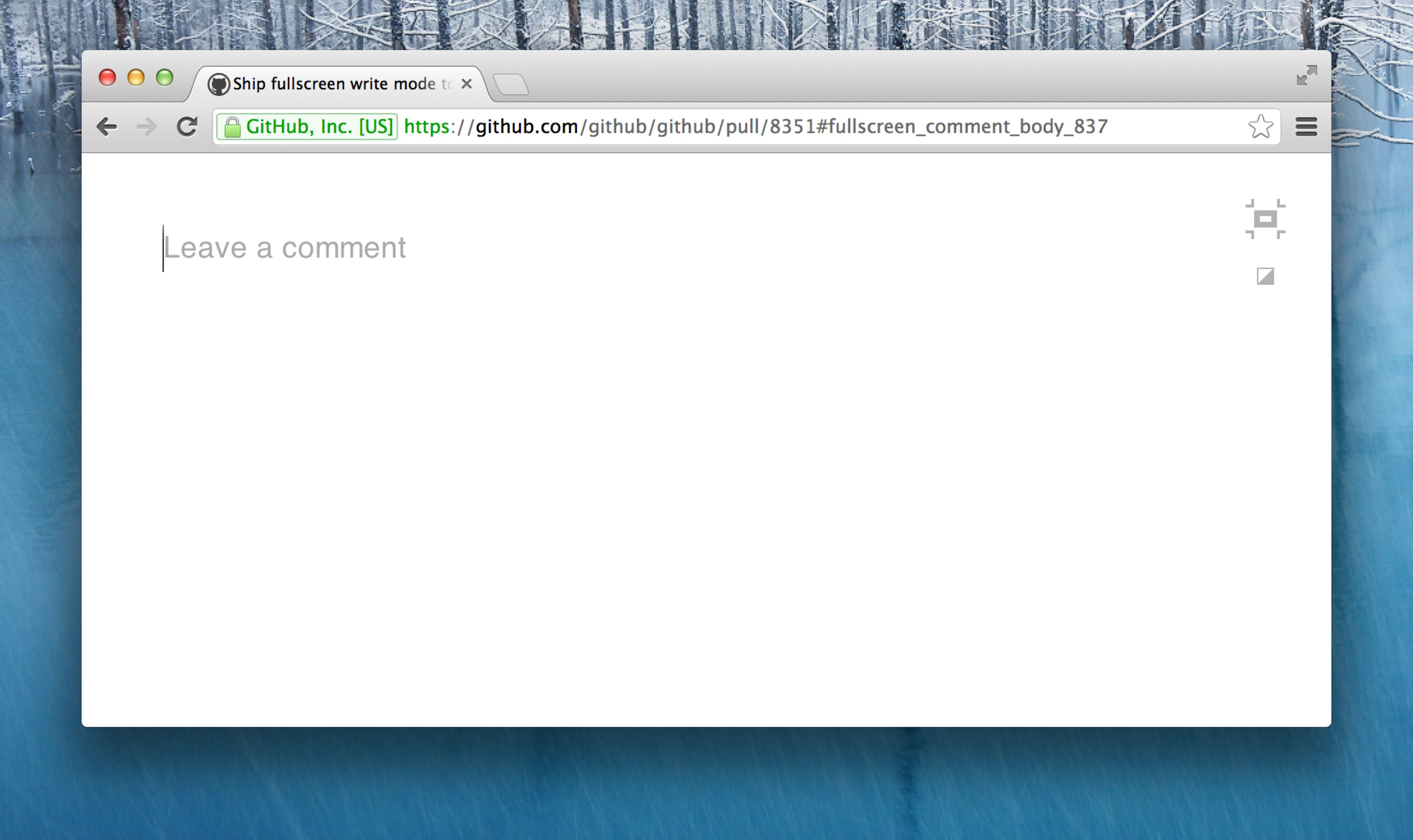
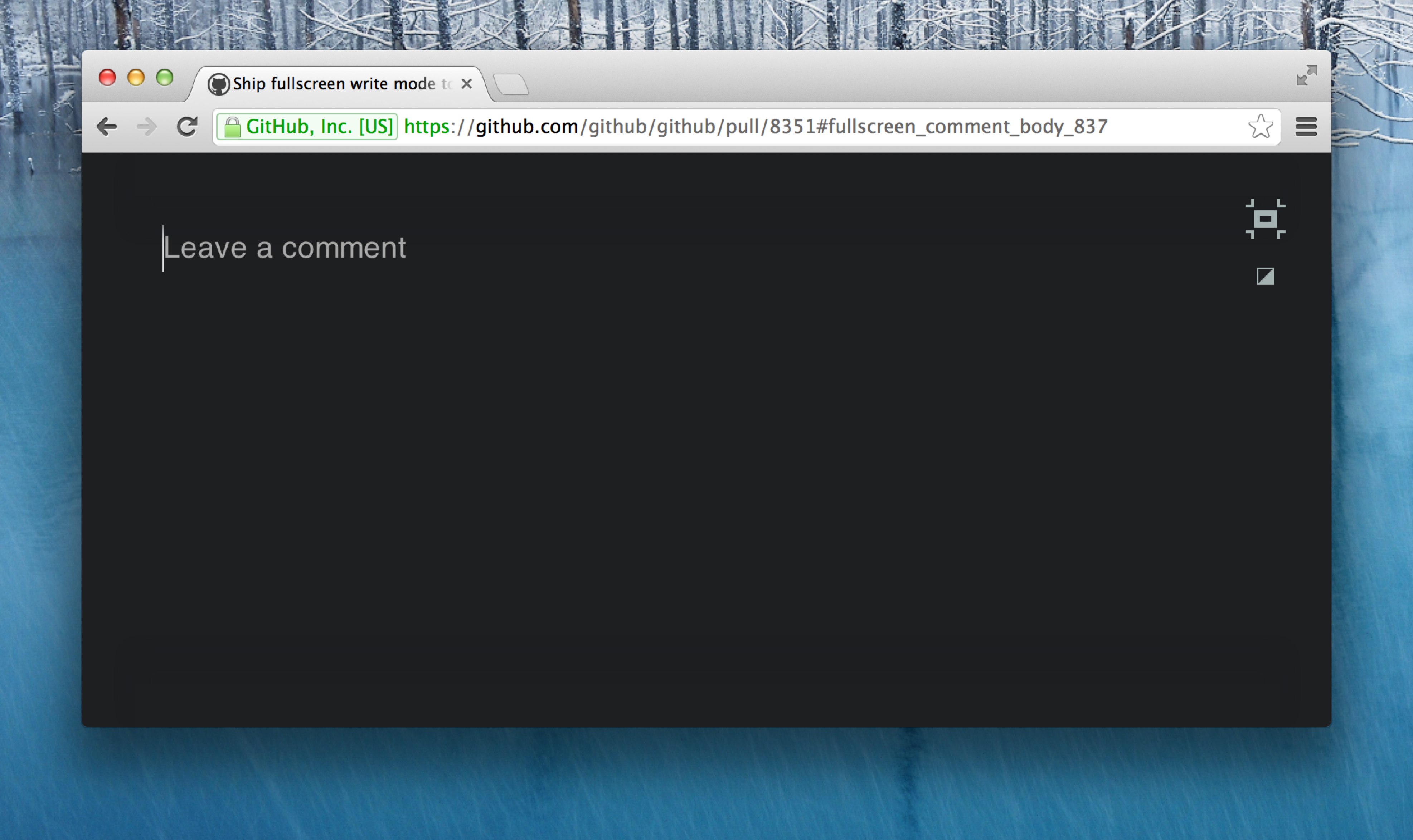
You can choose between two themes—light (above), or dark (below).
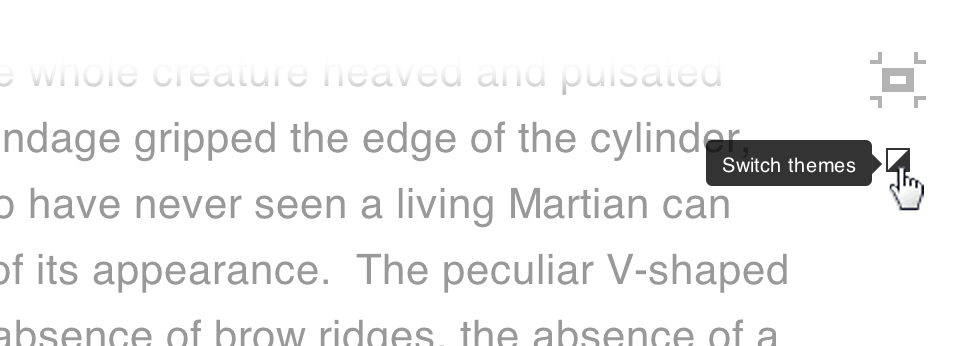
To change your theme, use the switcher at the top right of your window:
Zen Mode file editing
Zen Writing Mode is designed to work best when composing regular content
rather than code, so it’s also a perfect solution for writing documentation
within your projects. For this reason, we’ve made it available when
creating and editing
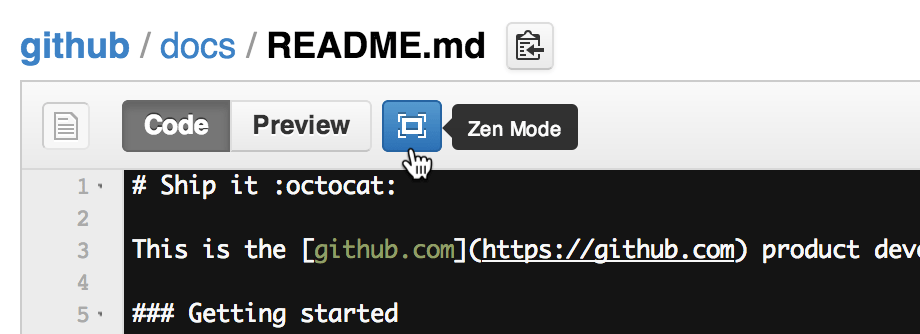
files. Simply use the Zen Mode button above the file box:
Autocomplete
We all love emoji,
@mentions, and issue
autocompletion, so you’ll be
glad to know that they’ve all been invited to the party.

Written by

Related posts

10 technical talks I’m excited about at GitHub Universe 2026
From verifying AI-written code to securing npm dependencies, these are the sessions I’m building my Universe agenda around.

Developer policy update: Transparency, state policy, and what’s ahead
Explore GitHub’s latest transparency data and learn more about policy updates affecting developers and open source.

Developers want more efficient software. Here’s what over 1,000 GitHub users told us they need.
New research from GitHub and Yale Program on Climate Change Communication finds strong demand for tools, measurement, and practical guidance that can help developers reduce wasted compute.